60
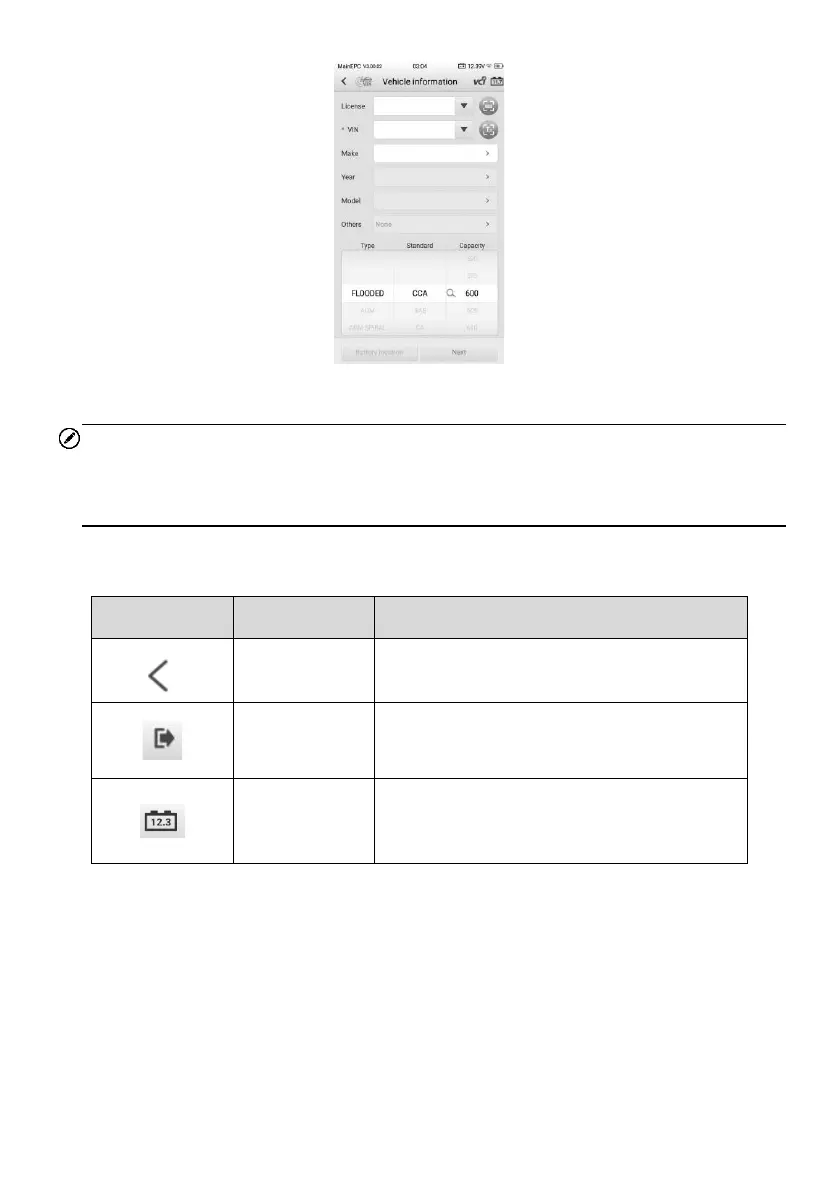
Figure 6-6 Vehicle Information Screen
NOTE
In the Settings application, the VIN option allows you to change the requirement for
entering the VIN information. If the setting is enabled, supplying the VIN is no longer
mandatory.
Table 6-3 Upper Toolbar Buttons
5. Tap Next and access to the Battery screen. Perform required operations before
the battery test based on the on-screen instructions. And tap the Start testing
button.
6. Wait for the battery test to complete and view the test results and suggestions.
Displays the battery connection status. The
number on the icon indicates the real-time
voltage of the tested battery.















 To Next Page