59
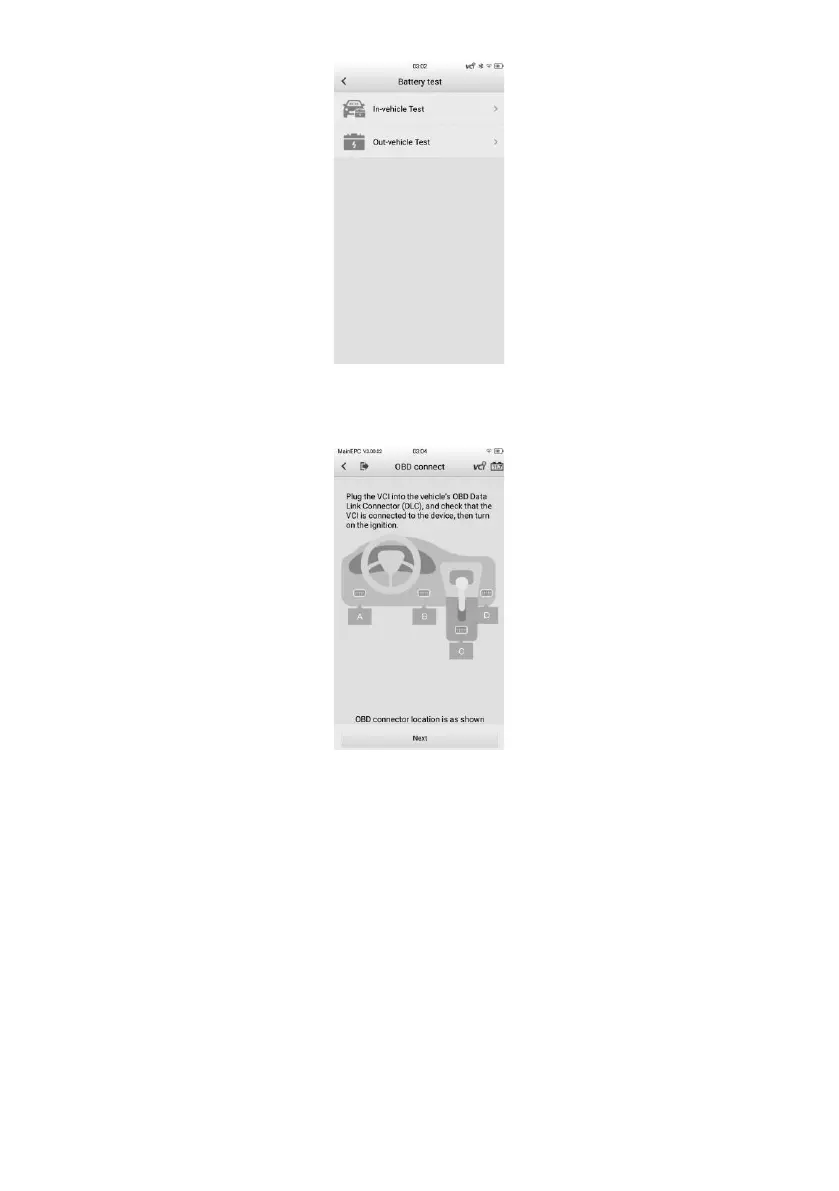
Figure 6-4 Battery Test Screen
3. Perform OBD connection by following the on-screen instructions.
Figure 6-5 OBD Connect Screen
4. Confirm the vehicle information. The vehicle information will be automatically
populated when vehicle communication is established. A Battery Information tab
will pop up from the bottom of the screen.


 To Next Page
 Loading...











