112
14.3 Image
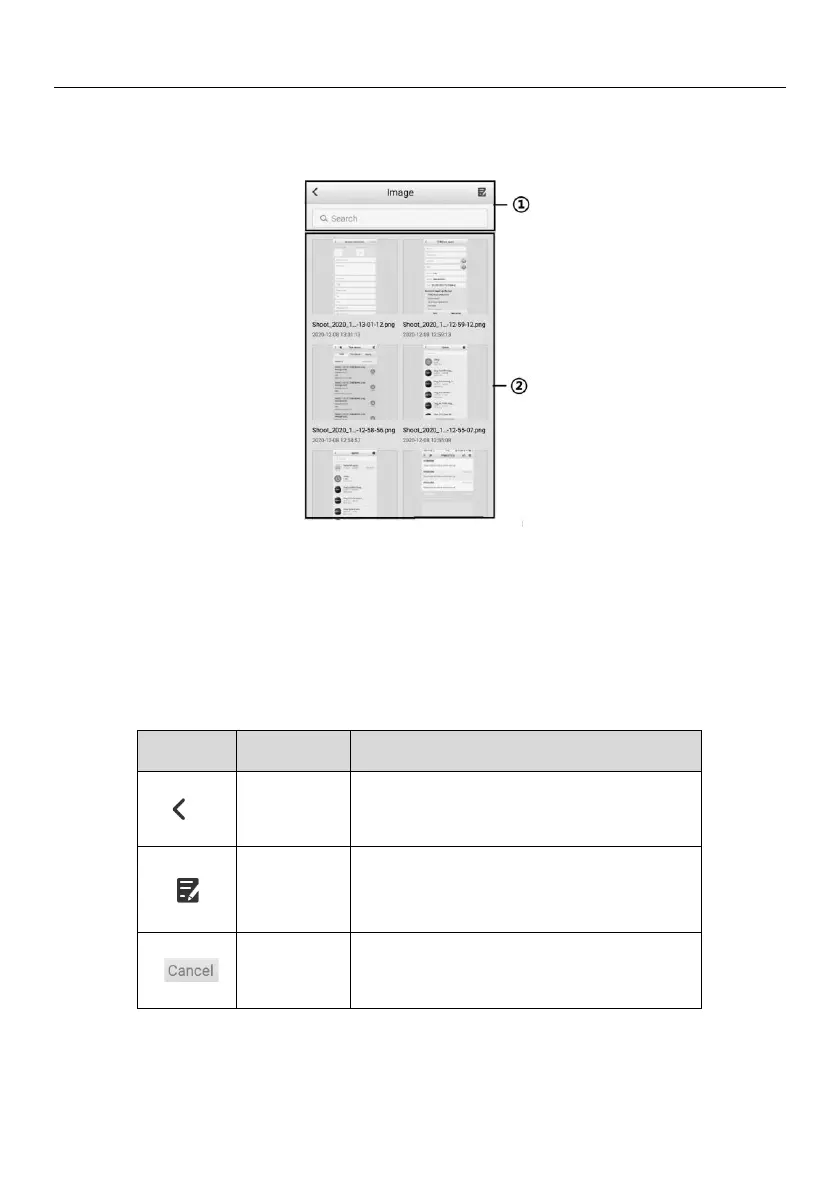
The Image section contains all captured screenshot images and images taken by the
high-resolution camera.
Figure 14-4 Image Screen
1. Toolbar Buttons — used to delete the image files and go back to the previous screen.
For details, see Table 14-3 Toolbar Buttons on Image Screen.
2. Main Section — displays the stored images.
Table 14-3 Toolbar Buttons on Image Screen
Tap this button to display the editing
options. Select, delete, or view image
information.















 To Next Page