44
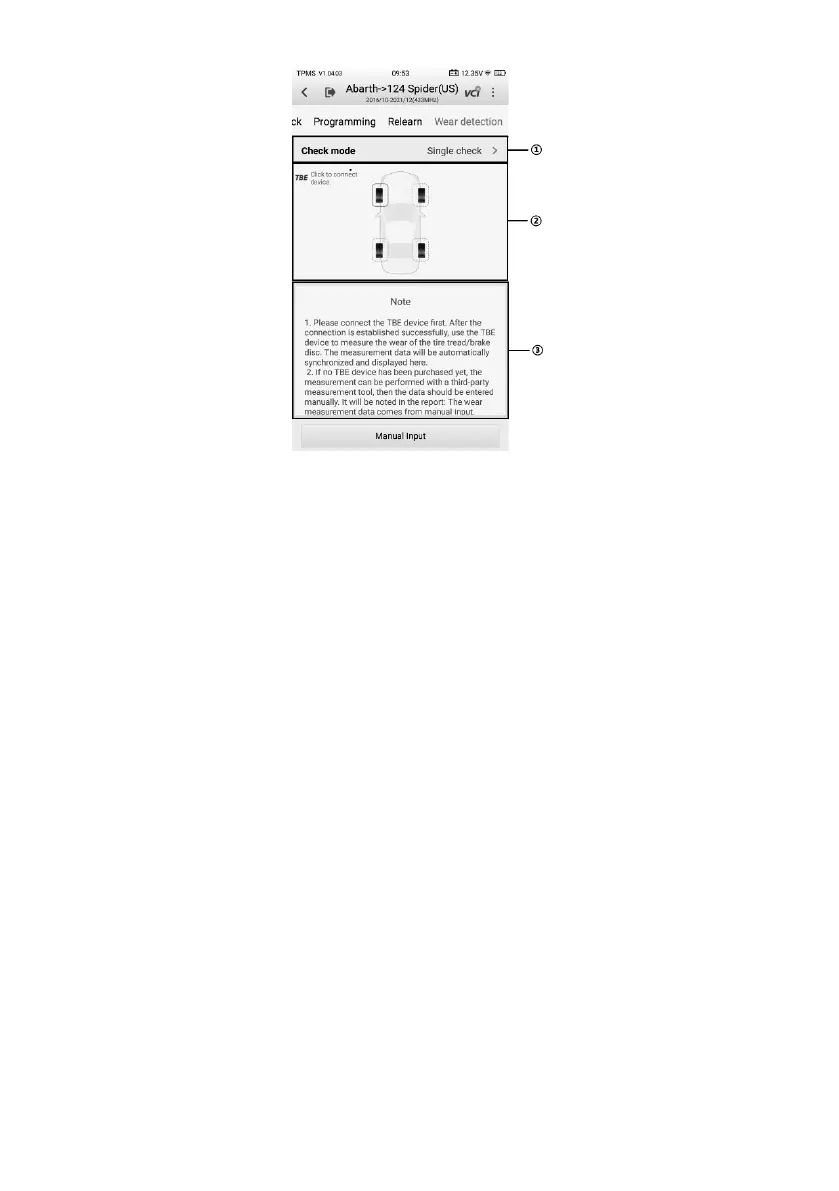
Figure 4-29 Wear Detection Screen
1. Check Settings
2. Main Section — shows the vehicle TBE connection icon.
3. Note Section — displays instructions of TBE device pairing.
4.9.1.1 Check Settings
Check settings contains a series of settings that allow you to perform check operations
as you desired, such as the check mode, tire type, limit settings, and data unit.
⚫ Tread Check Mode — four modes are available, including All tread check, Quick
check, Single check, and Brake disc check.
⚫ Tire Type — displays three tire types, including Summer, Winter, and All-season tires.
⚫ Tire Tread or Brake Disc Wear Limit Settings — shows the default settings of tire
tread & brake disc wear parameters.
⚫ Data Unit — adjusts the measurement unit.















 To Next Page