28
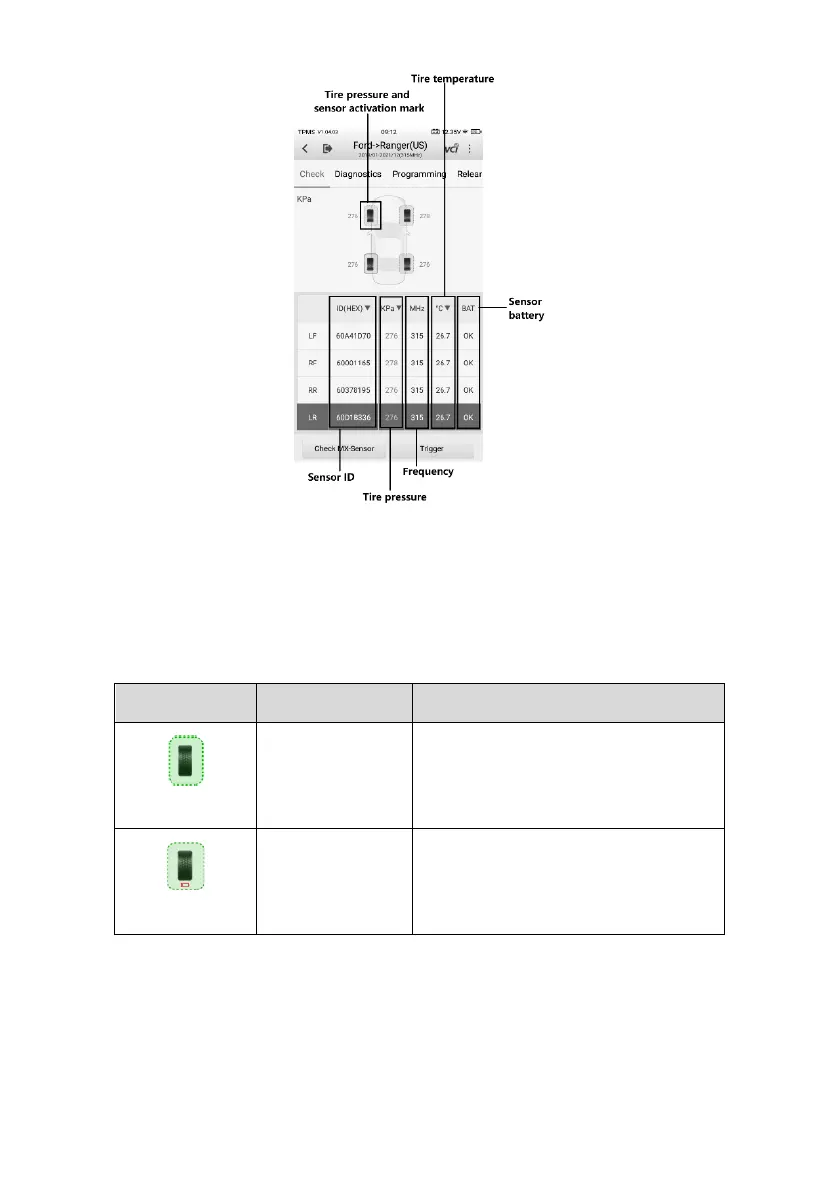
Figure 4-10 Check Screen
The sensor position, sensor ID, tire pressure, tire temperature, sensor frequency, and
sensor battery information of the triggered sensor will display on the table.
Table 4-3 Possible Results for Triggering
TPMS sensor is successfully
activated and decoded. The table
displays the sensor information.
Successful
Sensor Read &
Low Battery
TPMS sensor is successfully
activated and decoded, but the
battery level of the sensor is low.















 To Next Page