37
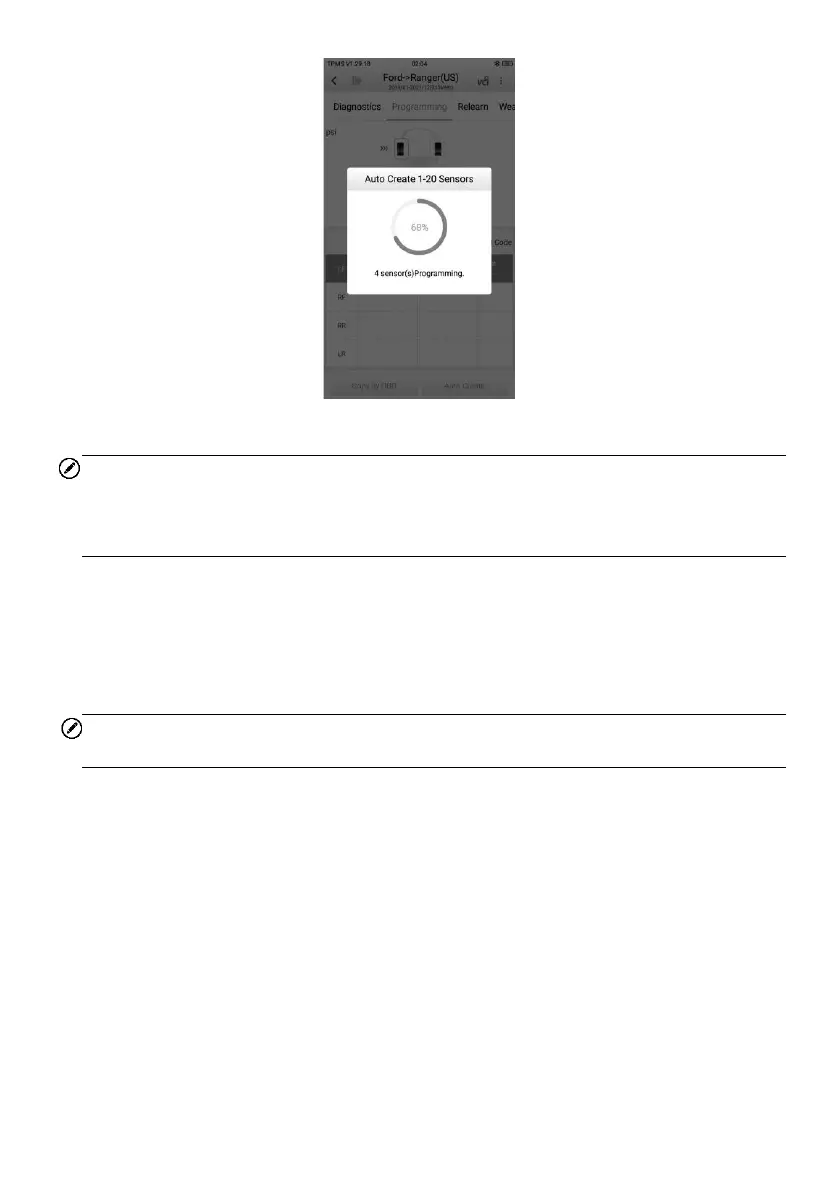
Figure 4-20 Auto Create Screen
NOTE
Maximum of 20 MX-Sensors can be programmed at once and without unboxing. It is
suggested to place the tablet in front of the longer side of the packaging box for best
programming result. See Figure 4-21 Auto Create Diagram below for more information.
➢ To program 20 MX-Sensors without unboxing
1. Tap Auto Create.
2. The tablet will create and display the new IDs.
3. Place the new MX-Sensors in front of the tablet.
4. Tap OK to program the sensors with the new IDs.
NOTE
Since new IDs have been created, a relearn process is essential.















 To Next Page