69
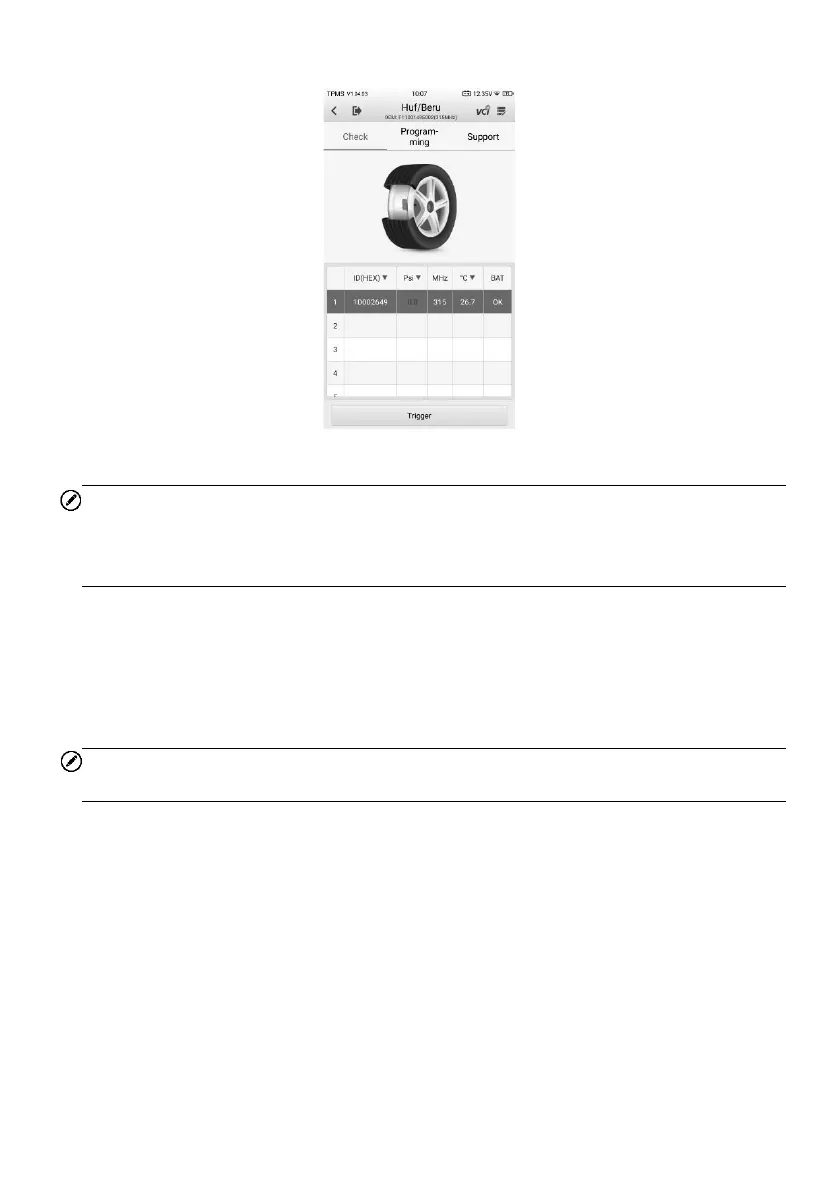
3. When a specific OEM part No. is selected, the screen will display as pictured below.
Figure 7-3 OEM Part No. Service Menu
NOTE
Only sensor Check and Programming functions are available. The Diagnostics and
Relearn functions can only be accessed by selecting a vehicle on the TPMS service
menu.
7.1.2.1 Check
The Check tab is the default selection on this menu. Tap Trigger on the bottom-left of
the screen to activate the original sensors and retrieve the sensor information. The
original sensor ID, tire pressure, tire temperature, sensor battery, and sensor frequency
will populate the displayed table.
NOTE
You can change the unit on the table header according to your preference.















 To Next Page