57
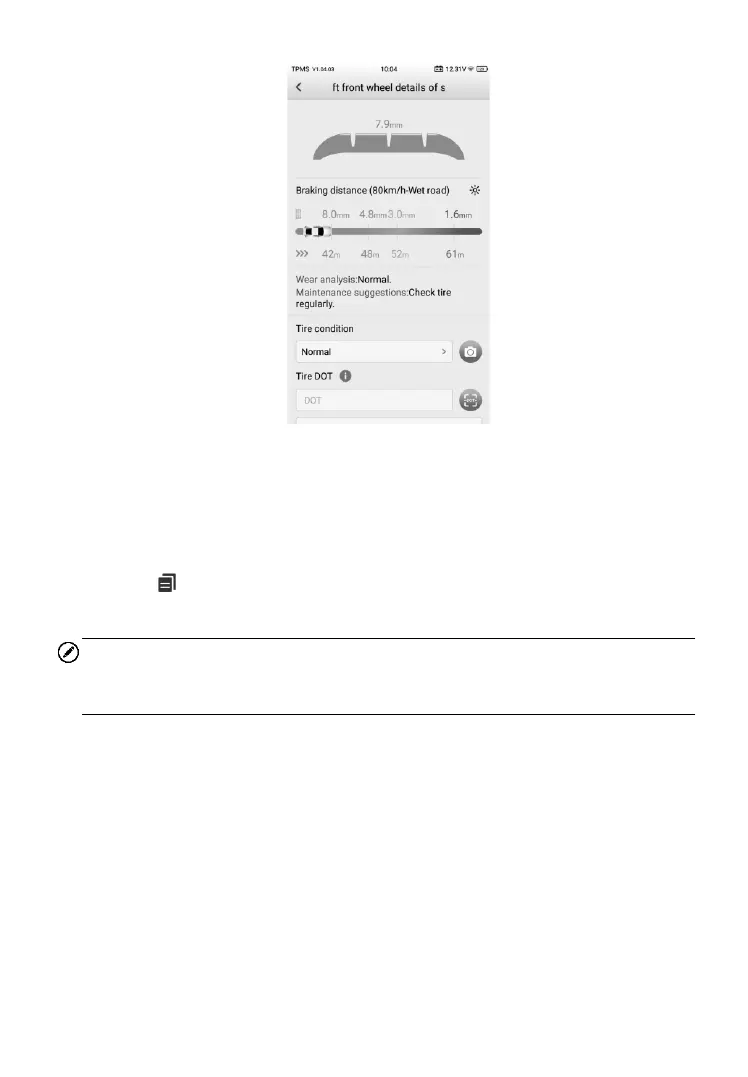
Figure 4-35 Sample Details Screen
On the Wear detection screen, measurements and the tire/brake disc icon
will display green, yellow or red indicating wear status. Refer to Table 4-2 Top
Toolbar Buttons on Service Menu on page 27 for details.
Tap the icon on the top right corner of the screen to access the TPMS
test report generated.
NOTE
The TPMS test report supports third party measurements as well. Refer to
TPMS TEST Report on page 138 for more details.
Tire and brake disc icons are highlighted with colors that described in the
table below.













 To Next Page