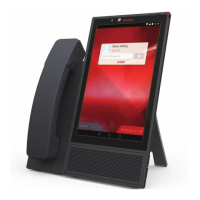
The parameters in the following table are for environments with Avaya Vantage
™
Basic or Avaya
Equinox
®
as the Avaya Breeze
™
Client Software Development Kit application. When using Avaya
Vantage
™
Open, the following parameters are not required: SIP_CONTROLLER_LIST,
SIPDOMAIN, and ACTIVE_CSDK_BASED_PHONE_APP.
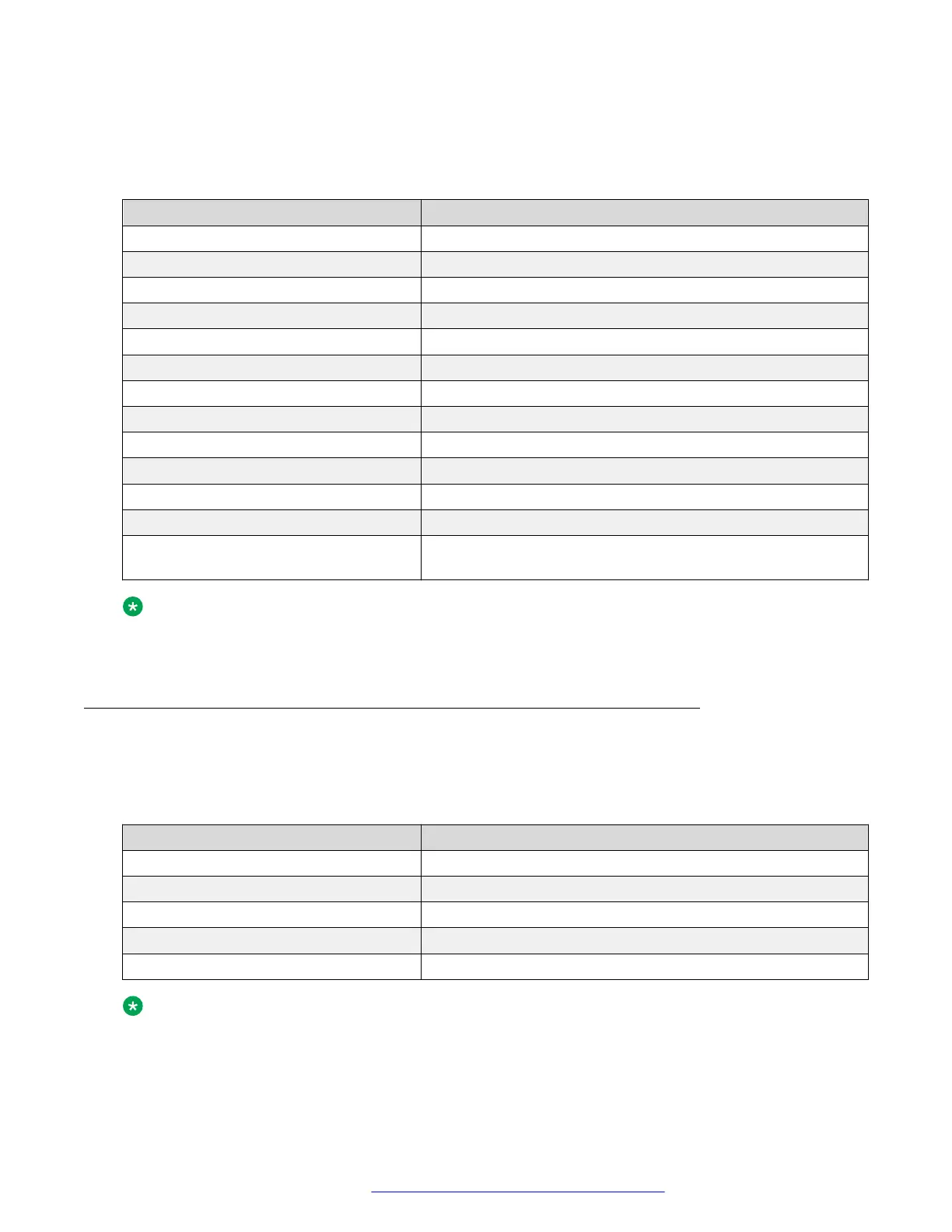
Parameter Your value
SIP_CONTROLLER_LIST
SIPDOMAIN
SNTPSRVR
FILE_SERVER_URL
TRUSTCERTS
ADMIN_PASSWORD or PROCPSWD
ISO_SYSTEM_LANGUAGE
ADMINTIMEFORMAT
TIMEZONE
COUNTRY
PUSH_APPLICATION
ACTIVE_CSDK_BASED_PHONE_APP
USER_INSTALL_APPS_GOOGLE_PLA
Y_STORE
Note:
IP Office Release 11.0 only supports Avaya Vantage
™
Basic. The current IP Office release
does not support Avaya Equinox
®
on Avaya Vantage
™
.
DHCP settings worksheet
You need the following information for dynamically assigning IP addresses to Avaya Vantage
™
devices and for initial configuration that is performed through DHCP options. In the following table,
populate the following values for your deployment:
Option or parameter
Your value
Range of IP addresses
DHCP options
FILE_SERVER_URL
HTTPSRVR
TLSSRVR
Note:
If the FILE_SERVER_URL parameter is defined, Avaya Vantage
™
ignores HTTPSRVR and
TLSSRVR.
Preinstallation data
May 2018 Installing and Administering Avaya Vantage
™
25
Comments on this document? infodev@avaya.com



 To Next Page