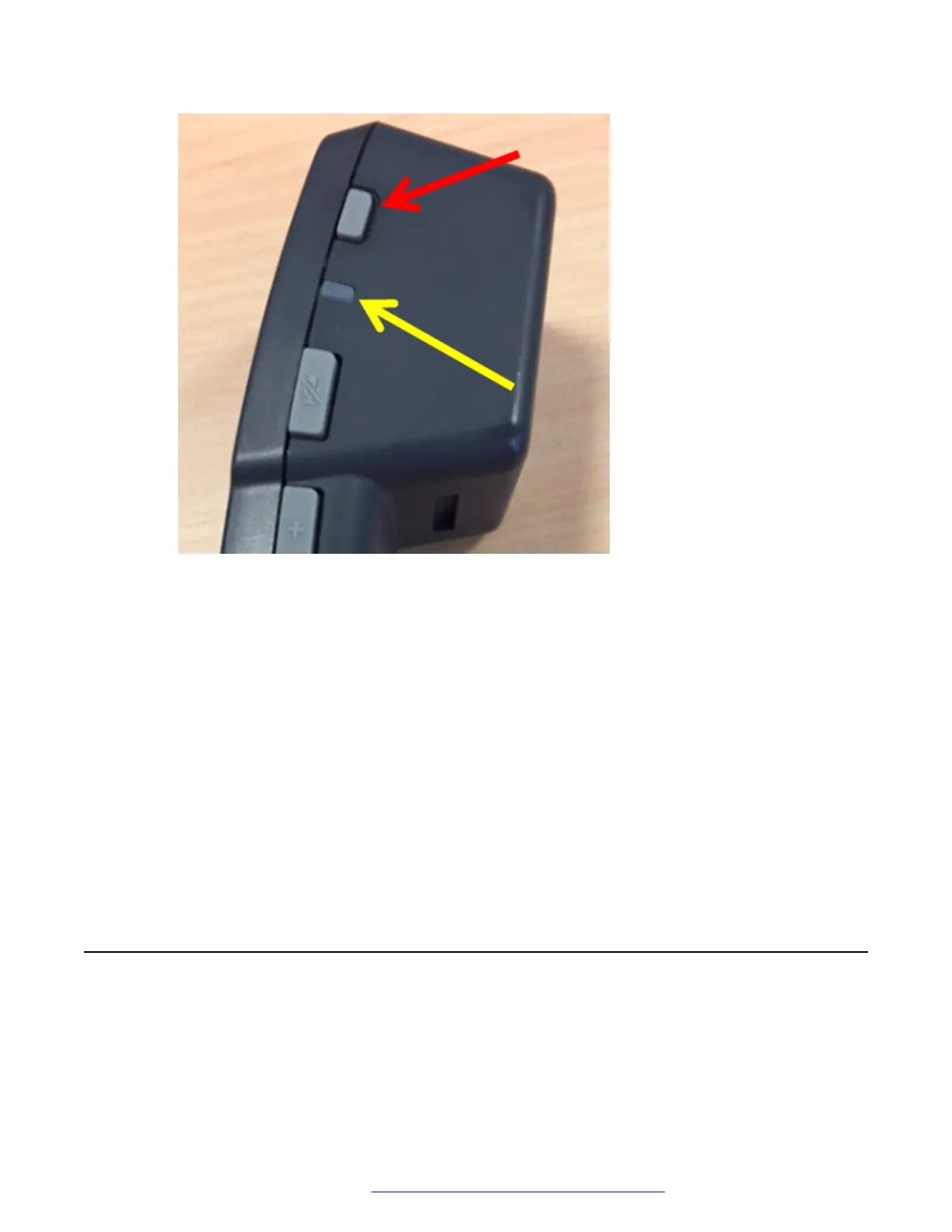
To indicate that the handset is in the pairing mode, the handset LED starts flashing.
2. On the Home screen, tap Applications.
3. Tap Settings.
4. Tap Bluetooth.
5. Turn Bluetooth on.
6. In the list of available devices, tap the entry that matches the ID on the handset label.
When pairing is successful, Avaya Vantage
™
displays the wireless handset in the list of
paired devices as connected.
Result
You can now use your wireless handset for calls as long as the handset is turned on. When the
handset is turned off, you cannot use it for calls, but it is still paired with Avaya Vantage
™
. When
you turn on the handset the next time, you do not need to repeat the pairing procedure.
Power management
Avaya Vantage
™
can receive power from the following sources:
• 802.3af PoE (Class 3)
Initial setup and connectivity
May 2018 Installing and Administering Avaya Vantage
™
28
Comments on this document? infodev@avaya.com



 To Next Page