Chapter 4: Server configuration
To install Avaya Vantage
™
in your telephony environment, you must configure the following servers:
• DHCP server: To dynamically assign IP addresses to the devices and provide device
configuration parameters. The DHCP server also provides the device with the address of the
SIP controller and file server it should use.
• HTTP or HTTPS file server: To download and save the software distribution package and the
46xxsettings.txt and K1xxSupgrade.txt files that include most of the device
configuration. Therefore, the file server address is the most important configuration for the
device installation.
In networks controlled by Avaya Session Border Controller for Enterprise, you can configure Avaya
Session Border Controller for Enterprise to use Avaya Vantage
™
devices. You can manually
configure Avaya Session Border Controller for Enterprise only when the file server can be
configured by end users.
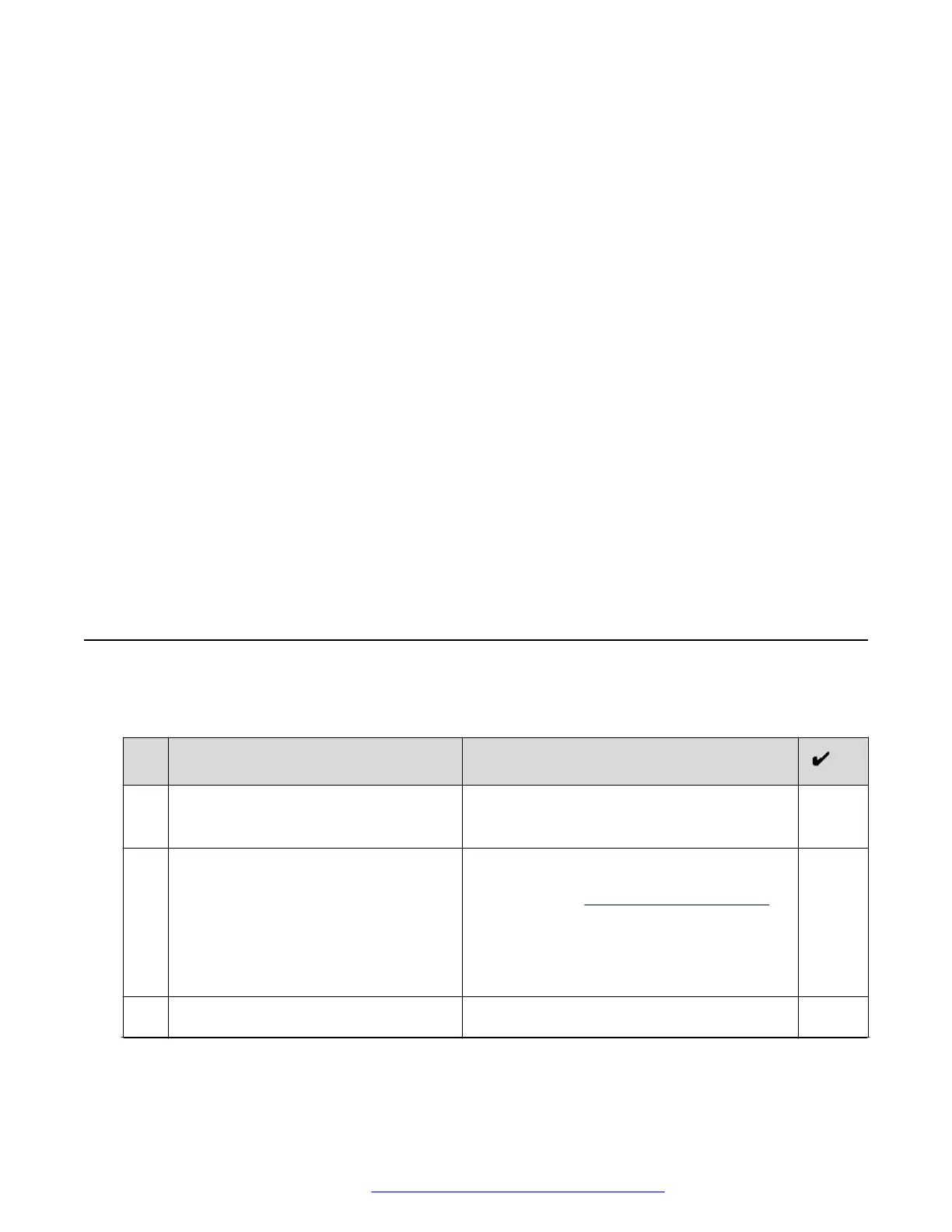
DHCP and file server configuration checklist
The following checklist describes tasks that you must perform to configure Avaya Vantage
™
service settings.
No.
Task Notes
1. Ensure that you have all required
licenses for the DHCP and file server
software.
Contact your server software vendors to
obtain information about server licensing.
2. Ensure that a DHCP server is installed
and configured.
Contact your DHCP server vendor to obtain
installation documentation. For configuration
information, see DHCP server configuration on
page 32.
In the IP Office environment, you can choose
to use the IP Office system as the DHCP
server.
3. Ensure that a file server is installed and
configured.
Contact your file server vendor to receive
installation documentation. For configuration
Table continues…
May 2018 Installing and Administering Avaya Vantage
™
31
Comments on this document? infodev@avaya.com



 To Next Page