b. Plug the other end of the Ethernet cable into an available LAN port in your network.
3. To use a Wi-Fi connection:
a. From the Home screen, tap Applications.
b. Tap Settings.
c. Tap Network > Network mode.
d. Select Wi-Fi.
e. In the Network screen, tap Wi-Fi and choose a required network.
f. (Optional) Enter network credentials, if prompted.
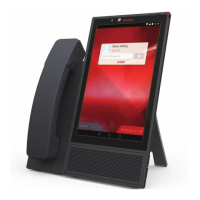
If you are using a wireless connection, you must connect Avaya Vantage
™
to a power
source.
Initial setup and connectivity
May 2018 Installing and Administering Avaya Vantage
™
30
Comments on this document? infodev@avaya.com


 To Next Page