16
UNPACKING AND INSPECTION | INSTRUCCIONES IMPORTANTES DE
UNPACKING
AND
INSPECTION
Your equipment was packed carefully at the factory in a container designed to protect the unit during
shipment. Nevertheless, we recommend making a careful inspection of the shipping carton and the contents
for any signs of physical damage.
Damage & Claims
If the damage is evident, do not discard the container or packing material. Contact your carrier immediately
to file a claim for damages. Customarily, the carrier requires you, the consignee, to make all damage claims.
It will be helpful to retain the shipping documents and the waybill number.
Save all packing materials! If You should ever have to ship the unit (e.g. for servicing), it is best to ship it in
the original carton with its packing materials because both the carton and packing material have been
carefully designed to protect the unit.
Under normal conditions, no user maintenance or calibration is required. Internal links and preset controls
may be set to configure the unit during installation. Any service work required should be carried out by
qualified service personnel only.
We can offer further product support through our worldwide network of approved dealers and service
agents.
To help us provide the most efficient service please would you keep a record of the unit serial number and
date and place of purchase to be quoted in any communication regarding this product.
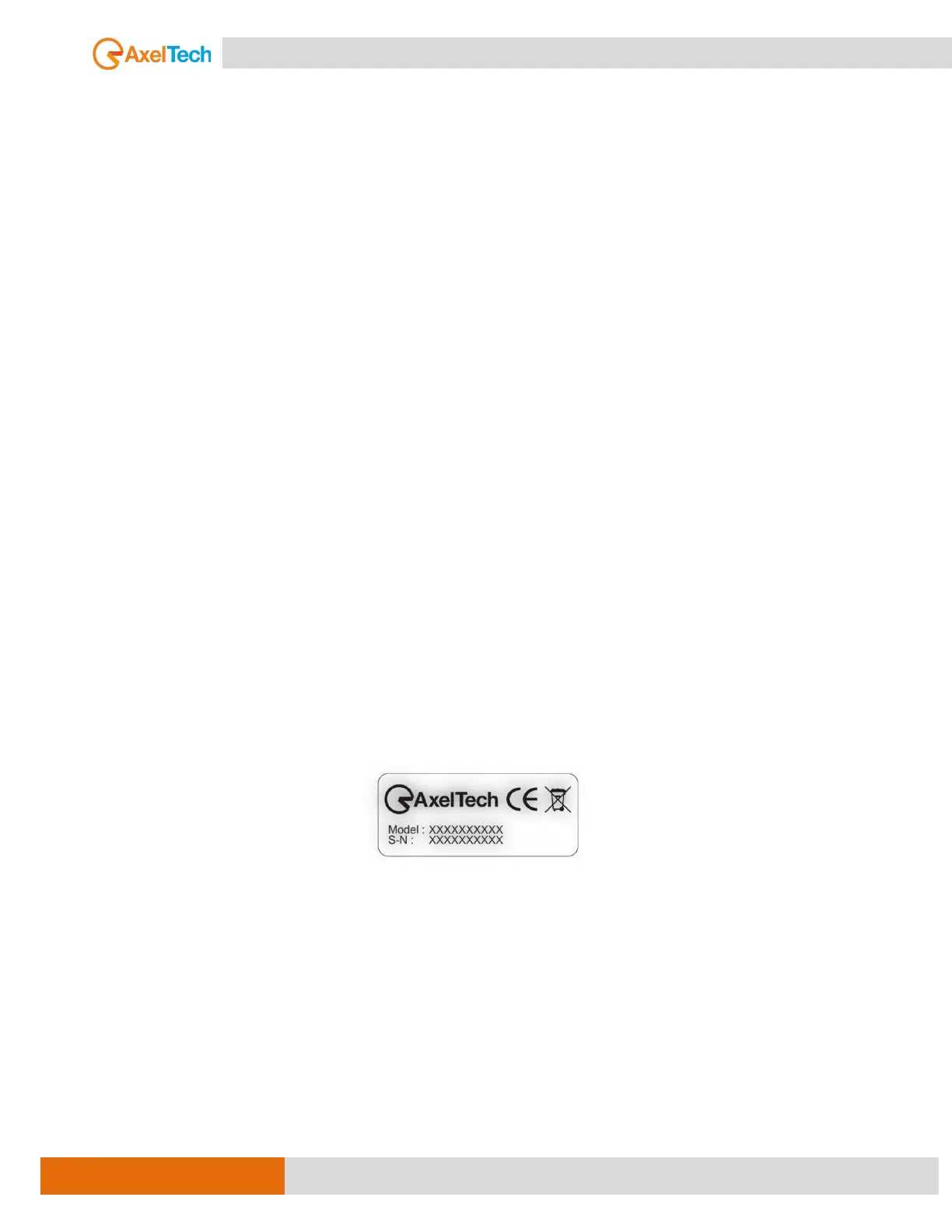
The actual equipment Serial Number is indicated on the silver label stuck on the rear panel of the equipment
closure.
Tools and Equipment Needed:
Only standard technician tools are required to install this equipment.



 To Next Page