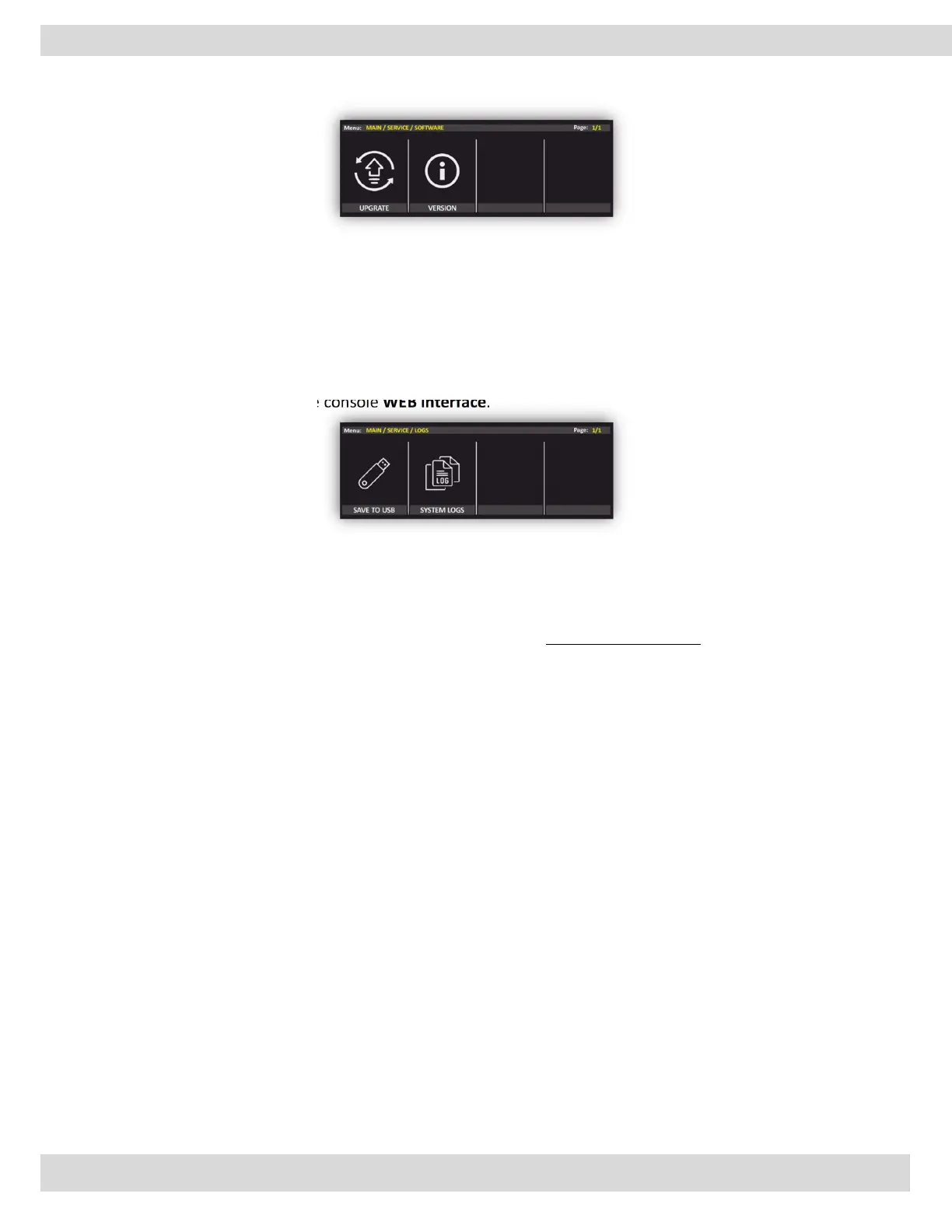
MENU | SERVICE
VERSION
FIRMWARE
From the following section, you can read the parameters related to the firmware version.
4.4.3. LOGS
the log file is a file that records events that occur in an operating system or other software runs.
It is possible to access the LOG file from here and save it to the USB memory. it is also accessible from
the REMOTER software and the console WEB interface.
4.4.4. WEB LOGIN
From this part of the menu can set a new password for the web interface. The default WEB interface
password is root. By rotating and pushing the knobs you can change the password of the WEB login. to
cancel a character, scroll down and use <<.
4.4.5. DIAGNOSTIC
Diagnostic logs in OXYGEN digital audio mixer can provide valuable information to sound engineers and
technicians about the performance of the mixer and any issues that may be affecting the sound quality or
functionality of the device.
Some examples of the types of information that may be logged in a digital audio mixer's diagnostic logs
include:
Error messages: If the mixer encounters an error or issue, it may log an error message detailing the
problem and any relevant information.
Performance metrics: The mixer may log information about its performance, such as CPU usage,
memory usage, and latency.
System events: The mixer may log system events such as power on/off, software updates, and
firmware upgrades.
By analyzing the diagnostic logs, sound engineers and technicians can identify any issues or anomalies that
may be affecting the performance of the mixer and take appropriate action to address them. This can help
to ensure that the audio being produced is of the highest quality and free from any technical issues.



 To Next Page