58
MENU | AUDIO
PHONE / TELCO / BT (Bluetooth)
Each of the aforementioned sources possesses the capability to function as a TELCO source for the N-1
function. In the event that there is a requirement to establish connections with more than one TELCO, it is
possible to easily convert LINE 2 and LINE 3 to accommodate two TELCOs per line, and in addition to this, it
is feasible to configure the 8 Dante sources as TELCO inputs. This will yield additional TELCO inputs.
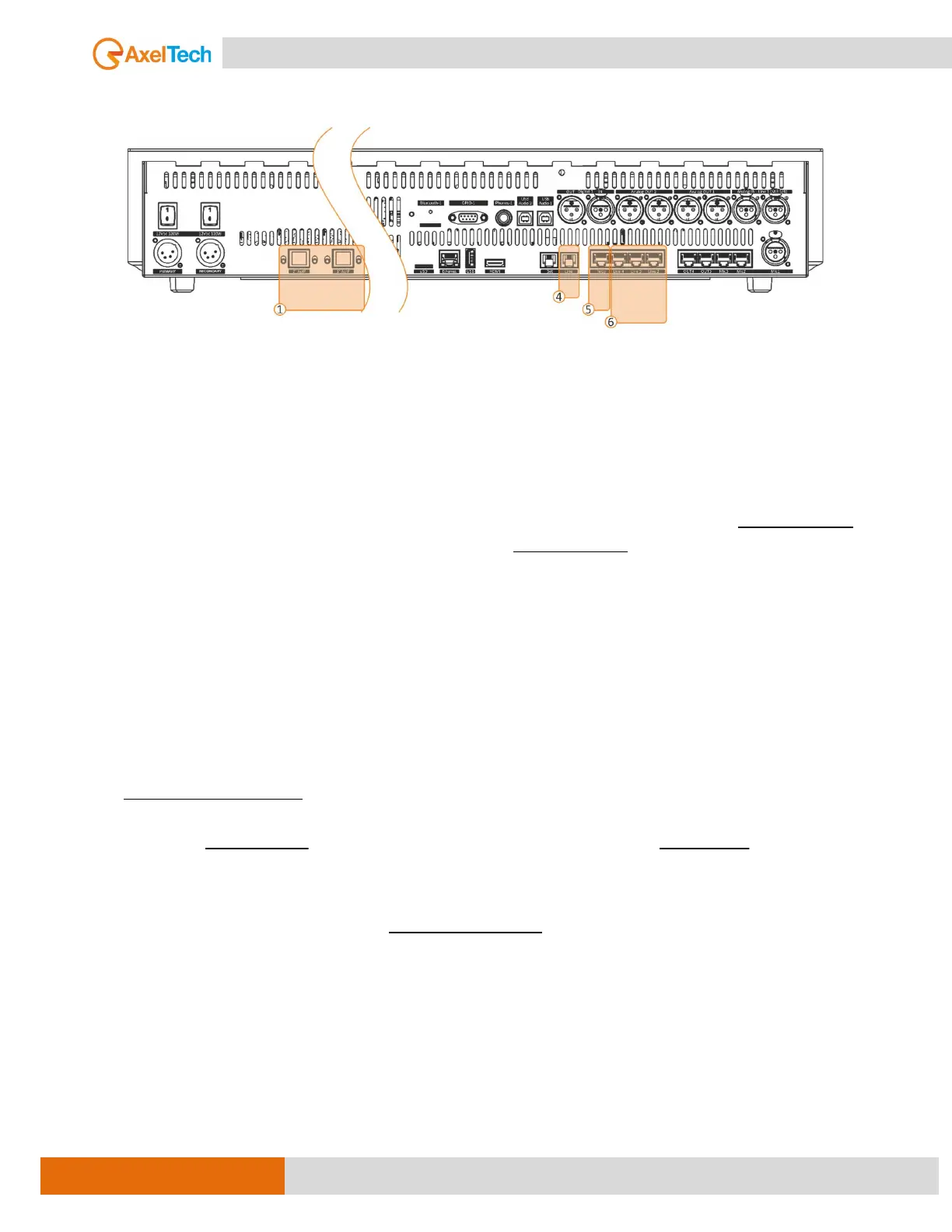
To use the internal hybrid in OXYGEN, connect the telephone line to the console RJ11 LINE port and the
telephone set to the RJ11 SET port in the console.
If you want to connect the TELCO MODULE with one of the Axel telephone hybrids (BOXTEL MKII,
MACROTEL X1 X2, PHONEX D1 D2) it is very easy to do the TELCO commands via standard DB9P connector.
It is also possible to communicate with the external hybrid via GPIO over IP.
These three different kinds of implementations were been grouped all together. In fact, they have
similarities on the source side.
3 kind of telephone connection is available on the full version of the OXYGEN 3000 Plus Digital console:
- 2x TELEPHONE (internal telephone hybrids)
- Up to 12 TELCO (external telephone hybrids)
- 2x BLUETOOTH (smartphone call & player)
The built-in telephone hybrid allows direct connection of a telephone line POTS/PSTN on RJ-11C. The audio
is processed via DSP which delivers state-of-the-art audio processing. TLC commands are available on a SubD
connector with Hook and Ring interface for an external telephone hybrid or via GPIO over IP.
If the line is well connected, you have to associate the TELEPHONE IN source to a Mixer Channel. When you
will receive a phone call press the F button of the selected Channel to hook the line.
In the presence of an incoming call, the F button starts blinking.
By pressing F it will hook the call.
- F LED off – the line is not hooked.
- F LED blinks – RING – there is an incoming call.
- F LED on – the line is hooked.
By pressing F again you drop the line.
NOTE: The behavior of (RING/HOOK) is the same for the three interfaces (TELCO, HYBRID, and
BLUETOOTH).



 To Next Page