MENU | AUDIO
Bluetooth
Oxygen has a Bluetooth connection. This allows airing the calls made via Skype, Teams, Whatsapp, or
normal phone calls by a Smartphone and Tablet.
Oxygen has two modes of Bluetooth connection:
- Mono Bidirectional to support phone calls.
- Stereo monodirectional for streaming high-quality stereo audio (A2DP). This feature allows airing
music from smartphones and tablets.
he device is in pairing mode
after a fast press (< 1 sec) of the Bluetooth button. It starts to blink in
blue color.
and connect with it. Once the device is connected
the blue light stops blinking.
channel).
Press the desired BUS on the channel (for example PGM).
start the audio streaming (music, audio from YouTube
or the phone call (Call, Skype,
WhatsApp,) from the Bluetooth device.
If you turn on again the Bluetooth in the device and if the device is still associated with the console, it will
be automatically paired. You will see a fixed blue light. The console is included RN52 Bluetooth Audio
Module.
Note: For the module certifications, check this website please:
HTTPS://WWW.MICROCHIP.COM/WWWPRODUCTS/EN/RN52
STREAMER
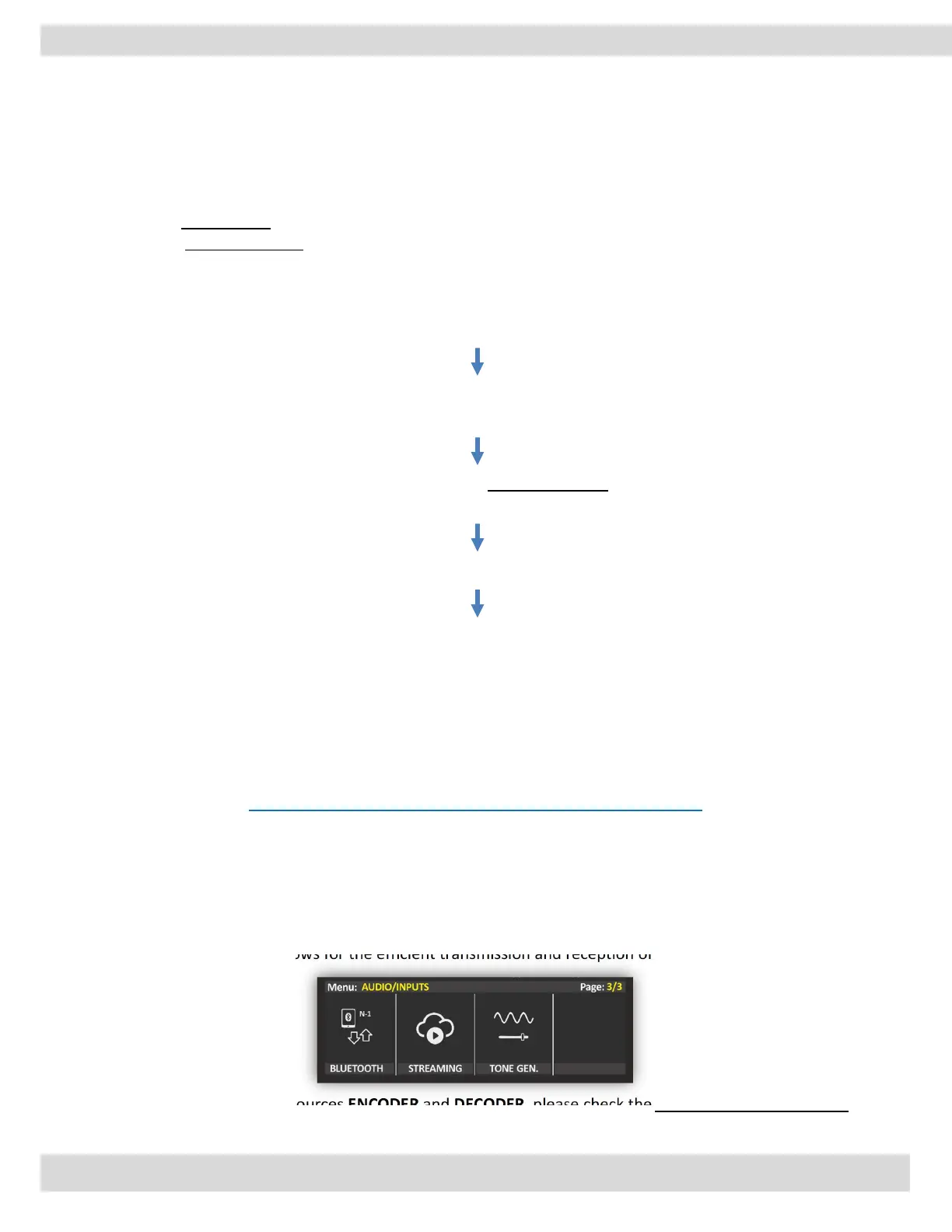
OXYGEN combines the capabilities of an audio encoder and decoder, which are used to compress and
decompress audio signals respectively, with the ability to stream audio data over a network or the
internet. This integration allows for the efficient transmission and reception of high-quality audio data in
real time.
To configure the streaming sources ENCODER and DECODER, please check the WEB interface user manual.



 To Next Page