18
First Installation Recommendations | INSTALLATION NOTE AND FIRST STEP
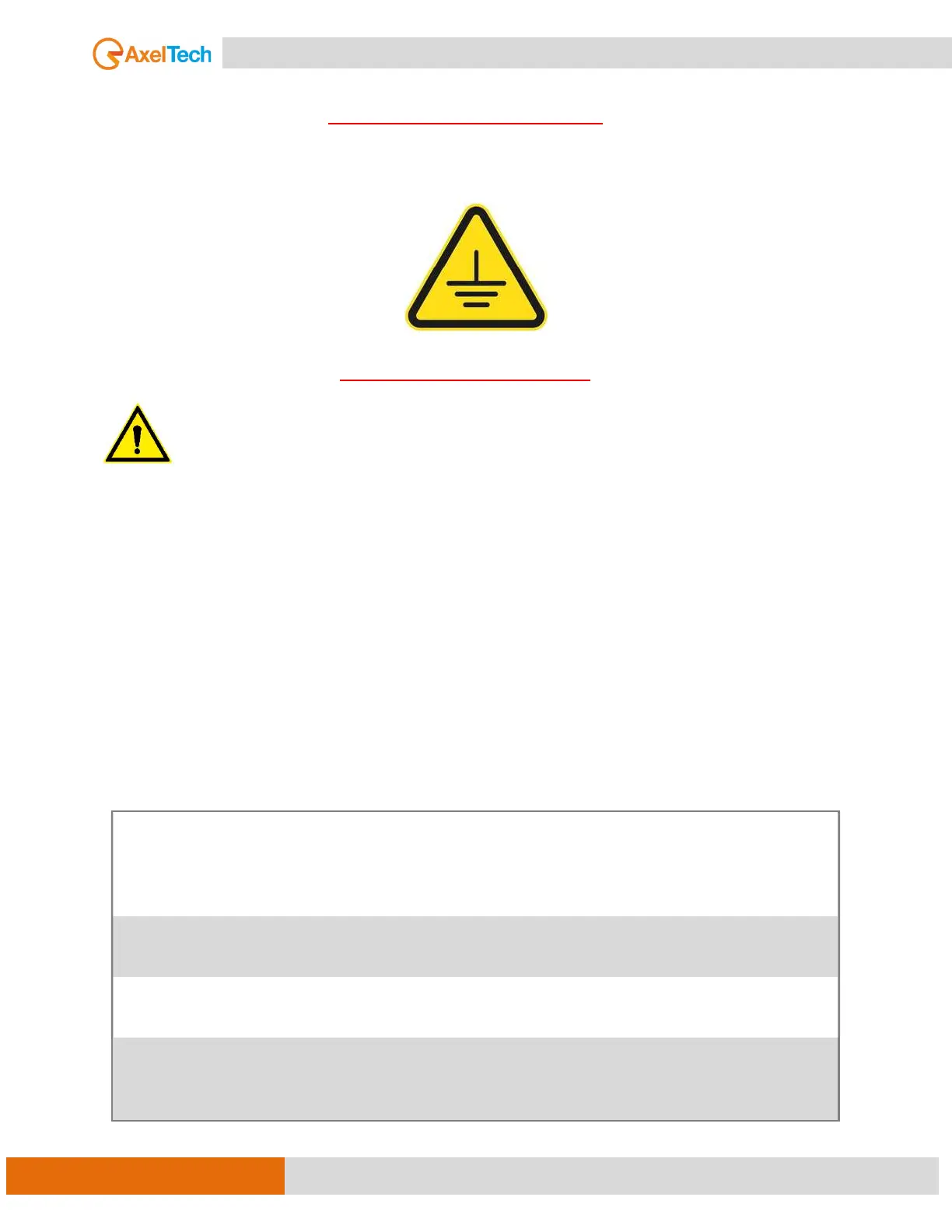
THIS EQUIPMENT MUST BE EARTHED.
The chassis is always connected to the mains earth to ensure your safety and the audio quality: check
your mains wiring and earthing before switching it on.
PROTECTION AGAINST LIGHTNING
Should the device be put out of action due to being struck by lightning or excess voltage,
disconnect it from the power supply without delay. Do not reconnect until the device has been
checked. If in doubt contact the technical support service.
Make sure there is suitable lightning protection to protect the device.
Alternatively, you should disconnect all connectors from the device during a storm or when
the device is going to be unsupervised or not used for a longer period.
These measures will protect against damage by lightning or excess voltage.
INSTALLATION NOTE AND FIRST STEP
Best setup location
OXYGEN 3000 PLUS should be installed avoiding direct sunlight, close proximity to radiators and air
conditioning, dust, water, and chemicals. Choose a console location that permits a clear view of the
indicators on the device and ensures sufficient heat dissipation of the device.
Power Supply
Please make sure that the device and the contained fuse(s) (please see p. 17) are
compatible with the domestic line voltage and frequency. If the device is
compatible, connect the power supply cord fully to the 4-pin XLR power
connector at the rear side of the device and a main power outlet.
Network
configuration
OXYGEN has a display, so you can configure the IP settings directly:
See step. [MORE INFO ]
Connect to
network
Connect a network patch cable to the “10/100-Base-T” connector on the rear
side of the device and your existing IP network.
Ready!
These first steps are only intended for a quick first start and do not cover all
device functions. Please read carefully the entire manual to be able to use all
functions of the device.



 To Next Page