76
MENU | SERVICE
4.4.6. SURFACE LOCK
This refers to a mode of operation in OXYGEN digital audio mixers where the surface of the mixer is
locked, preventing any accidental or unauthorized changes to the mix settings.
When the Surface Lock mode is enabled, the physical controls on the mixer's surface, such as faders,
knobs, and buttons, are disabled, and the user cannot make any adjustments to the mix. This feature is
useful in live sound situations where multiple engineers or performers may be working on the same
mixer, and it is important to prevent accidental changes to the mix.
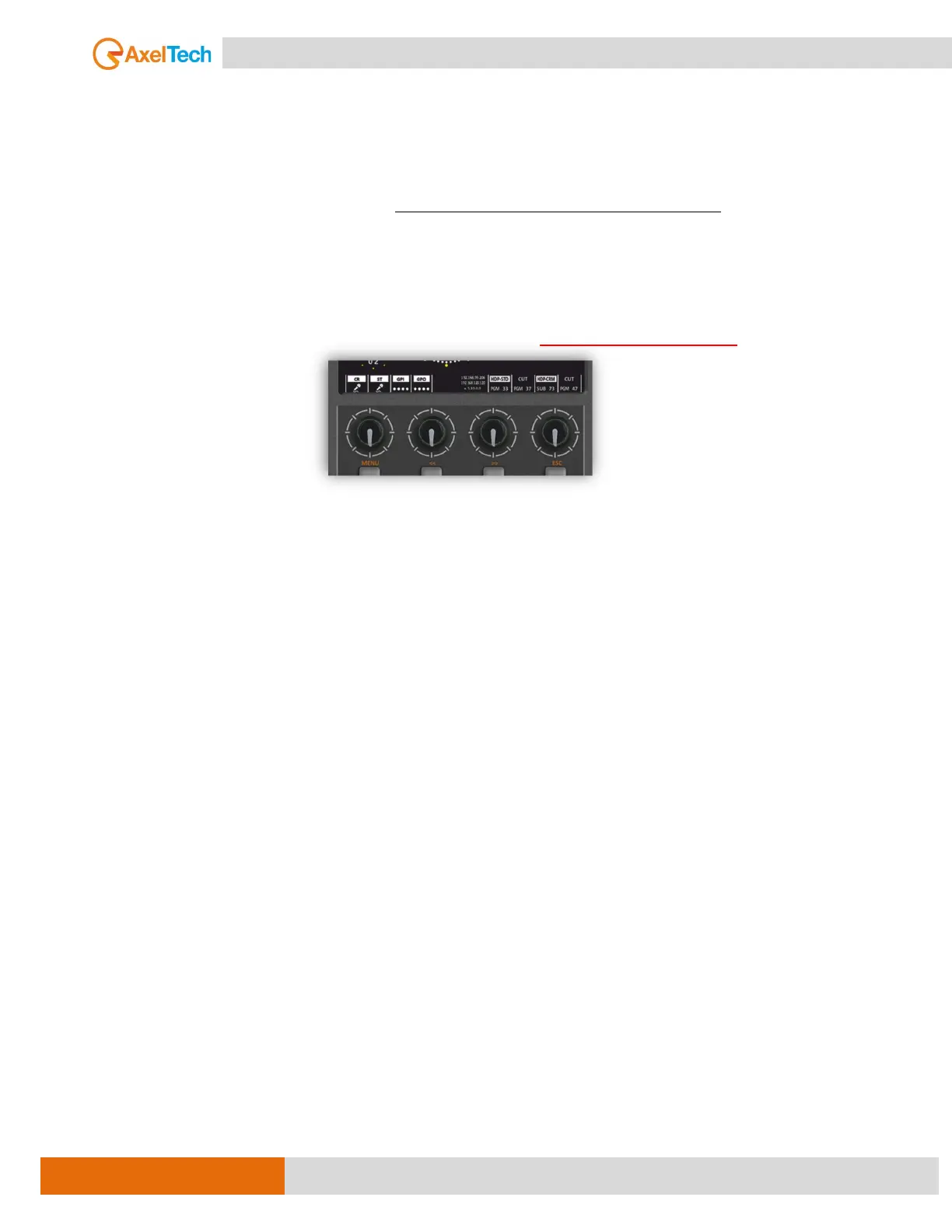
To make changes to the mix settings, the user must first disable the Surface Lock mode,
PRESS, AND HOLD THE 4 KNOBS OFF THE MENU TOGETHER FOR 5 SECONDS.
This ensures that only authorized personnel can make changes to the mix, improving the overall quality
and consistency of the sound.
4.4.7. KICK REMOTE CLIENT
From here may disconnect the audio engineer by terminating their remote session or revoking their access
privileges. To can disconnect the client who controls the audio mixer remotely from the REMOTER
(software interface).



 To Next Page