72
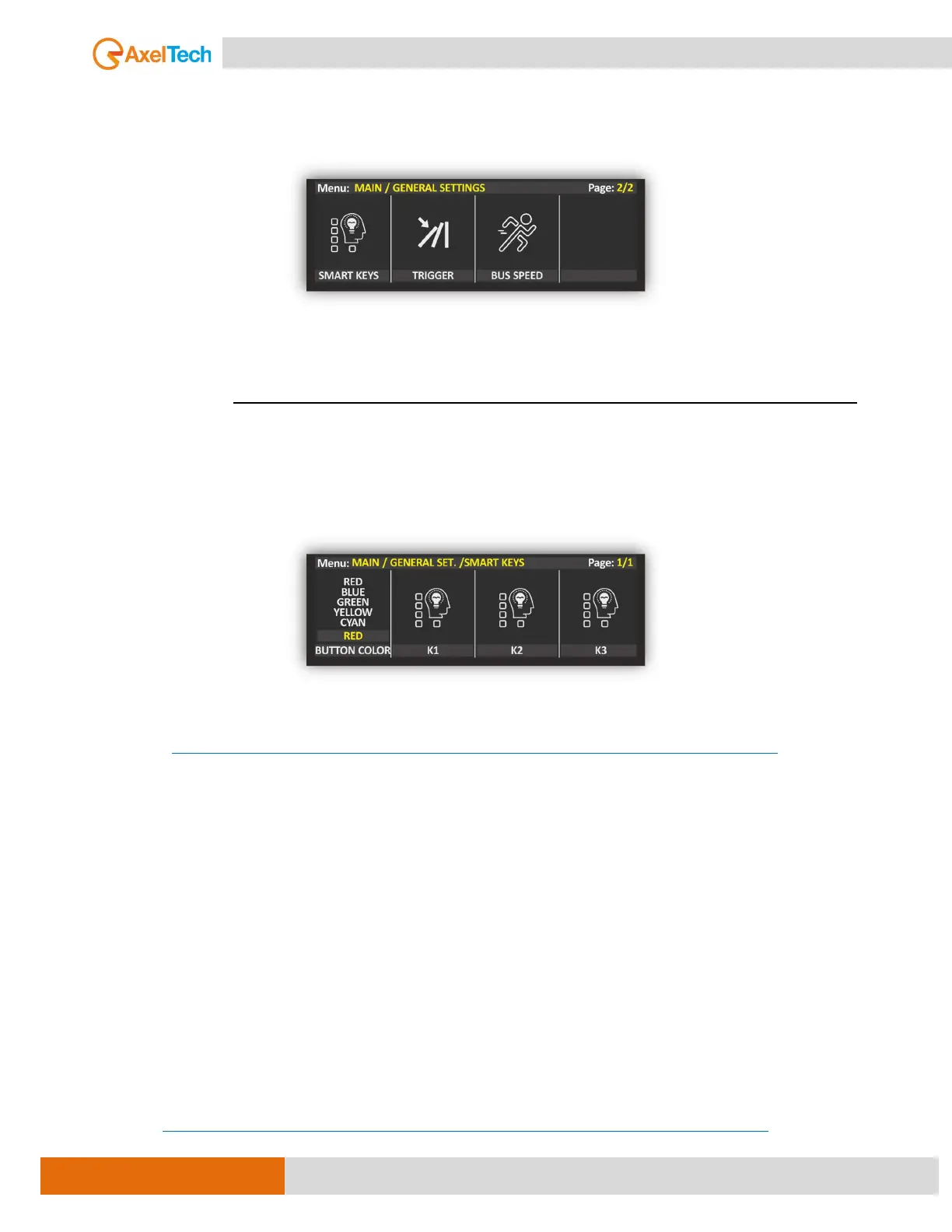
MENU | GENERAL SET.
The Oxygen console allows you to set and manage 2 different kinds of outcoming IP commands:
The first SMART KEY kind could be managed by Oxygen FUNCTIONS buttons.
the second TRIGGER kind could be managed by OXYGEN channel sliders and related
ON/OFF buttons.
4.3.5. SMART KEYS
By clicking one of the FUNCTIONS buttons (from K1 to K8) you can automatically send a TCP, UDP, or a Rest
API Command to a remote application/device compatible with these 3 different communication protocols
(For example, your Automation Software).
Each Smart Key could control the remote software by IMPULSIVE or TOGGLE.
IMPULSIVE: One Button Pressure (click).
TOGGLE: Two Button Pressure (first pressure for ON and second pressure for OFF). when clicked remains
"down" (appearing to be pressed) until it is clicked again.
For more information about how to configure the SMART KEYS, please check the OXYGEN REMOTER
MANUAL.
HTTPS://WWW.AXELTECHNOLOGY.COM/PUBLIC/OXYGEN3000D/MAN-OXYGEN%20REMOTER-EN.PDF
4.3.6. ONAIR TRIGGERS
TRIGGER commands associated with the channel slider (fader) and/or ON/START button press.
It can decide the command to be sent to the Remote APP / Device (for example, your Automation
Software).
at the slider rise-up or at the ON/START (ON mode) pressure (MACRO ON).
at the slider rise-down or ON/START (OFF mode) pressure (MACRO OFF).
To learn more about this function, please consult the related ONAIR TRIGGERS chapter of this OXYGEN
REMOTER User Manual.
HTTPS://WWW.AXELTECHNOLOGY.COM/PUBLIC/OXYGEN3000D/MAN-OXYGEN%20REMOTER-EN.PDF



 To Next Page