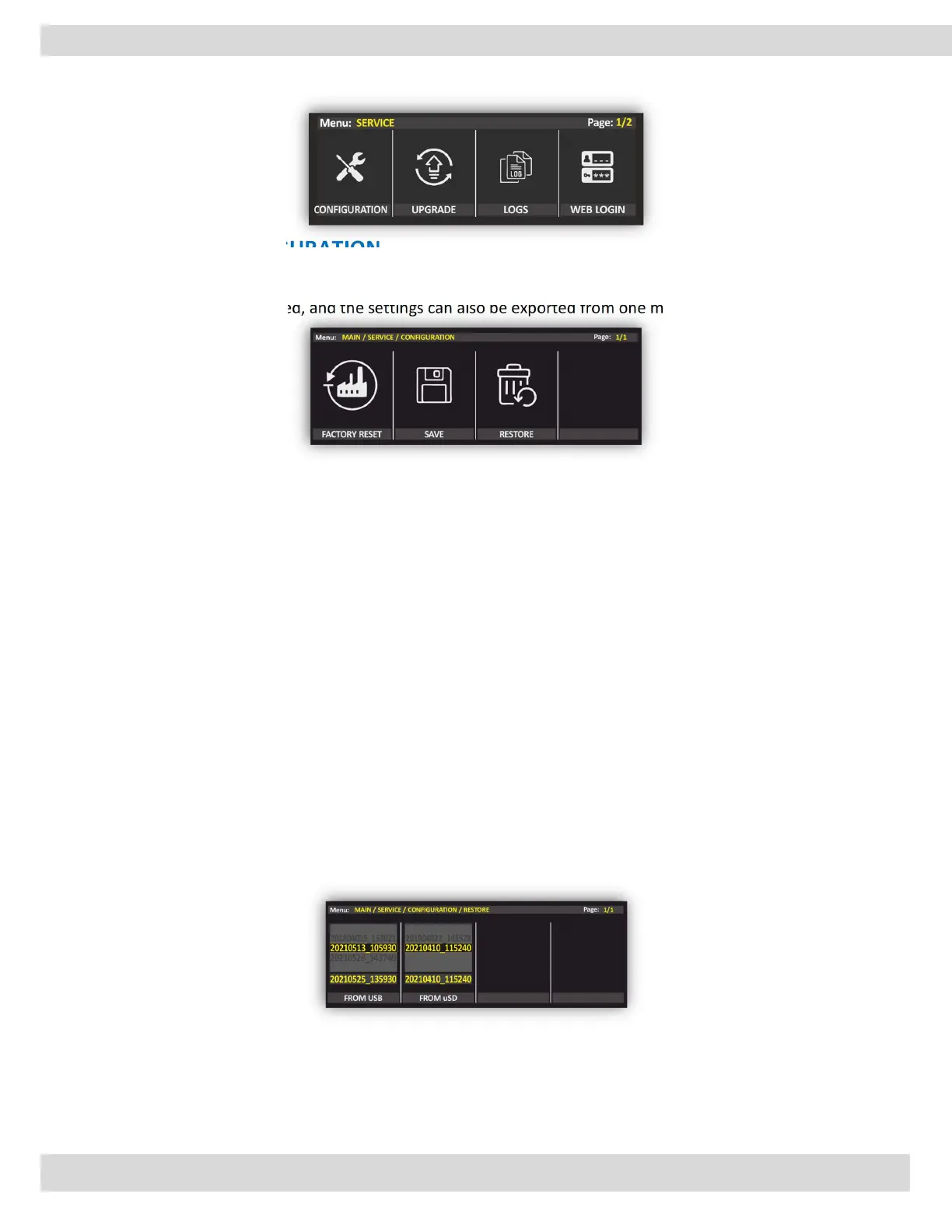
MENU | SERVICE
4.4. SERVICE
4.4.1. CONFIGURATION
One of the characteristics of OXYGEN is that all settings can be saved on an external memory stick and can
be called again when needed, and the settings can also be exported from one mixer to another.
Factory reset
is a software restoration of the mixer to its original system state by erasing all of the information stored on
the mixer. The factory reset is used to restore the device to its original manufacturer settings. Doing so will
effectively erase all of the data, and settings that were previously on the device. This is often done to fix an
issue with a device, but it could also be done to restore the device to its original settings.
The mixer will ask the confirmation if you select the factory reset to be sure that you like to delete all settings
to go back to the original manufacturer settings.
SAVE
To save the configurations, the mixer will ask if you like to save them in the internal memory SD or
export them to the external memory stick.
RESTORE
Restore the previously saved system state. when you enter this section, you find all of the saved
configurations divided according to the date and time.
When you save the system state of the console, you are essentially saving a snapshot of all the settings,
configurations, and files at a particular point in time. This can be useful in case something goes wrong with
the system or if you want to revert back to a previous state for any reason.
This can be helpful if you've made changes to your system that you want to undo, or if you're
experiencing issues that you believe were caused by recent changes.
When you enter the section to restore the system state, you will typically see a list of all the saved
configurations that are available to restore. These configurations are typically organized by date and
time, so you can easily identify which one you want to use.



 To Next Page