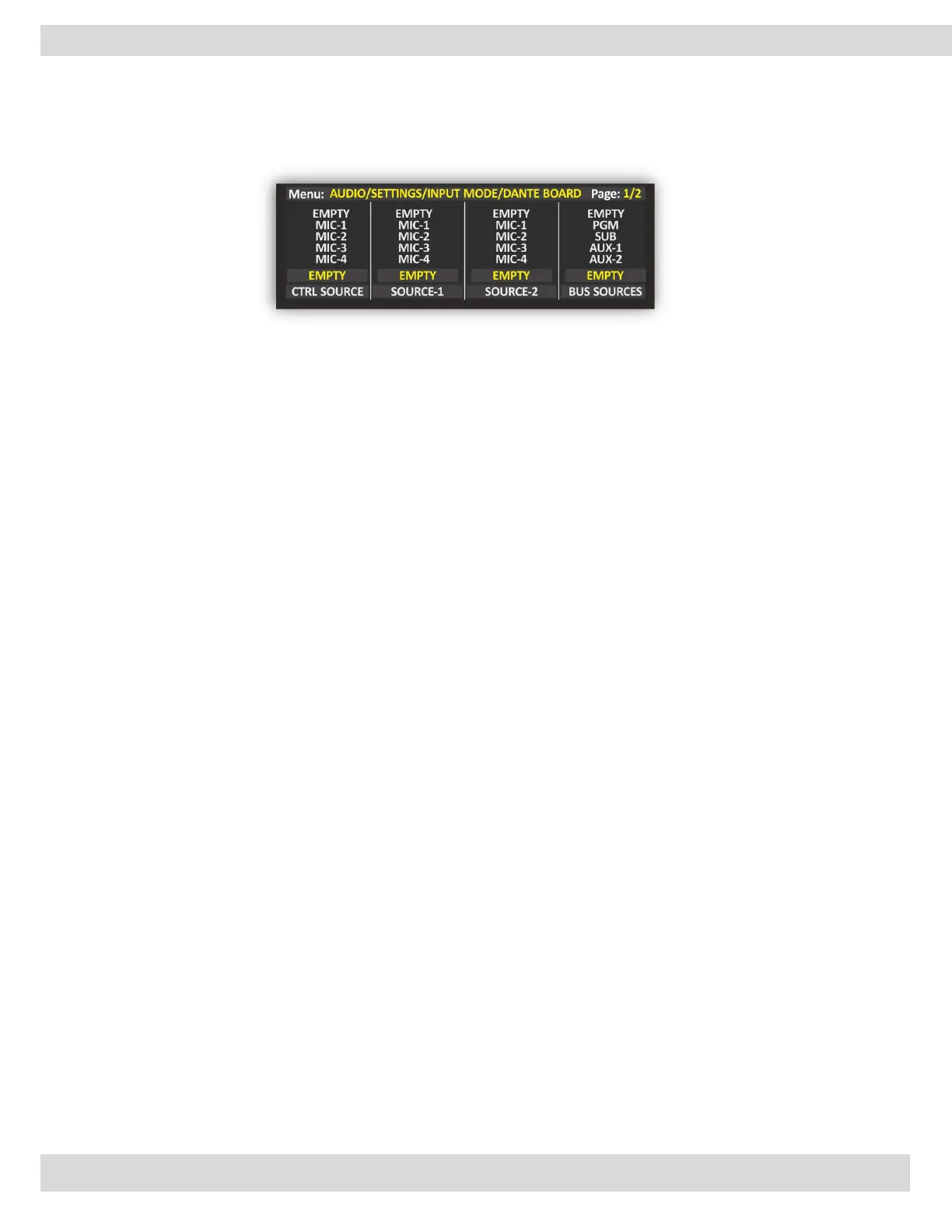
MENU | AUDIO
VJ PRO MODE
If you have the Axel Technology VJPRO Console software this will be the console Channel controllers of
VJPRO.
CTRL-SOURCE: The DJPro (Radio side) audio source is rooted automatically in the PGM. We suggest you
select USB AUDIO-1.
SOURCE-1: First VjPro Console (TV side) audio source, in this channel you have a clip related to the DjPro
song. The Audio rooting is specified by the last BUS-SOURCE parameter. We suggest you select
LINE-4.
SOURCE-2: Second VjPro Console (TV side) audio source, in this channel you have a preloaded clip of the
LINE-4 next clip. Useful source if the radio song length is shorter than the TV clip length. The
Audio rooting is specified by the last BUS-SOURCE parameter. We suggest you select LINE-5.
BUS-SOURCE: General TV audio BUS for SOURCE-1(LINE-4) and for SOURCE-2(LINE-5). We suggest you
select AUX-1.



 To Next Page