SURFACE | CHANNEL CONTROLS
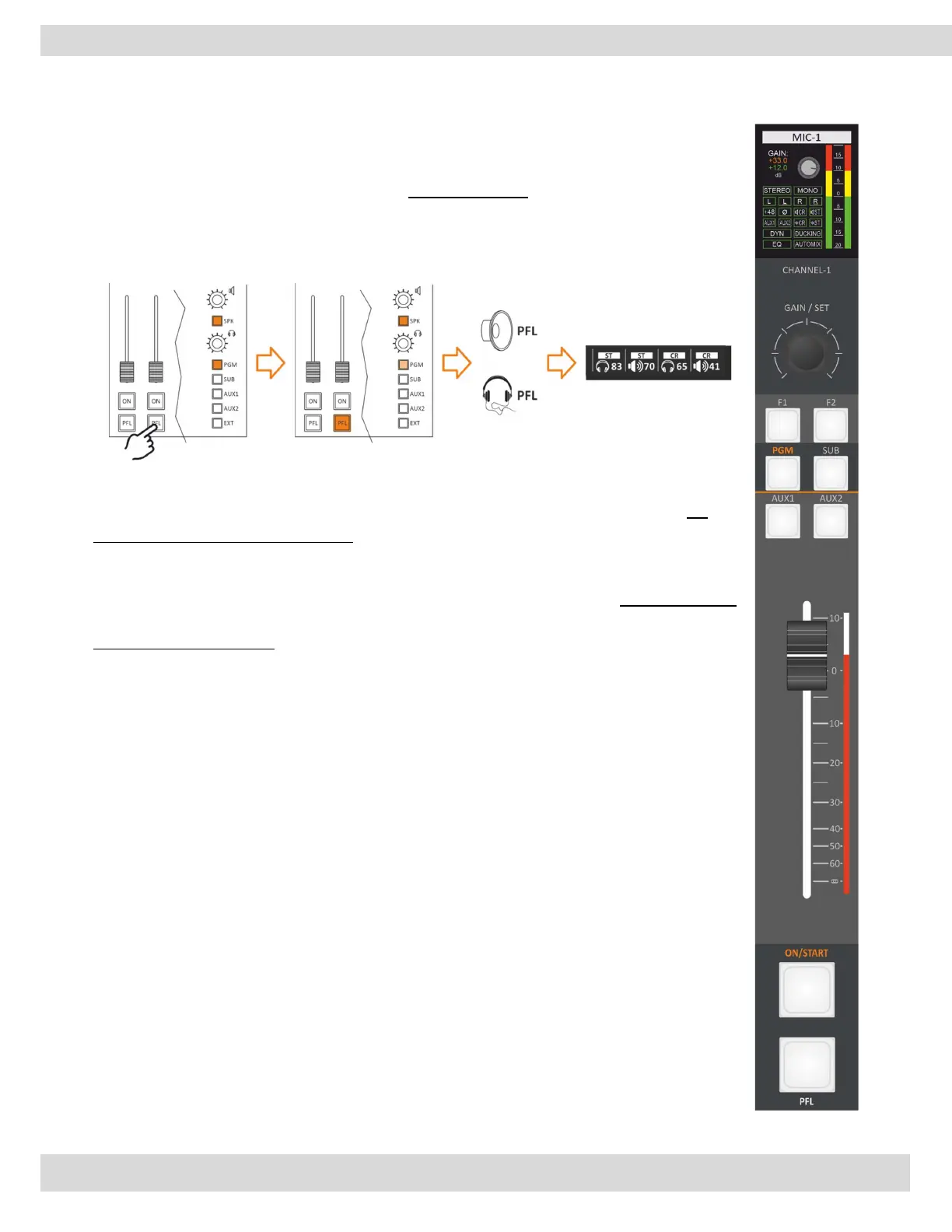
Going to MENU / AUDIO / OUTPUTS / MONITOR / SETTINGS can change the PFL
MODE between SINGLE PFL and SUM PFL and with the SUM PFL you can listen to more
than one PFL at the same time. [MORE INFO ]
SINGLE PFL: Allowed to select/listen to only one PFL per time.
SUM PFL: Allowed to select many PFLs and listen to them all at the same time.
Differently, from the EQ and GAIN the PFL status is not associated with the source, it’s
associated with the physical channel. Changing the source, the PFL status will not change.
PRIVATE MIC
if you press the PFL (Pre-Fader Listen) button on the telephone channel, any microphone
that is set as a private microphone will be able to communicate with the caller in private,
even if the fader is closed. This can be useful in situations where you need to have a private
conversation with the caller without it being heard ON-AIR audio feed.



 To Next Page