Procedure
To verify the configuration and preferences before you create an experiment:
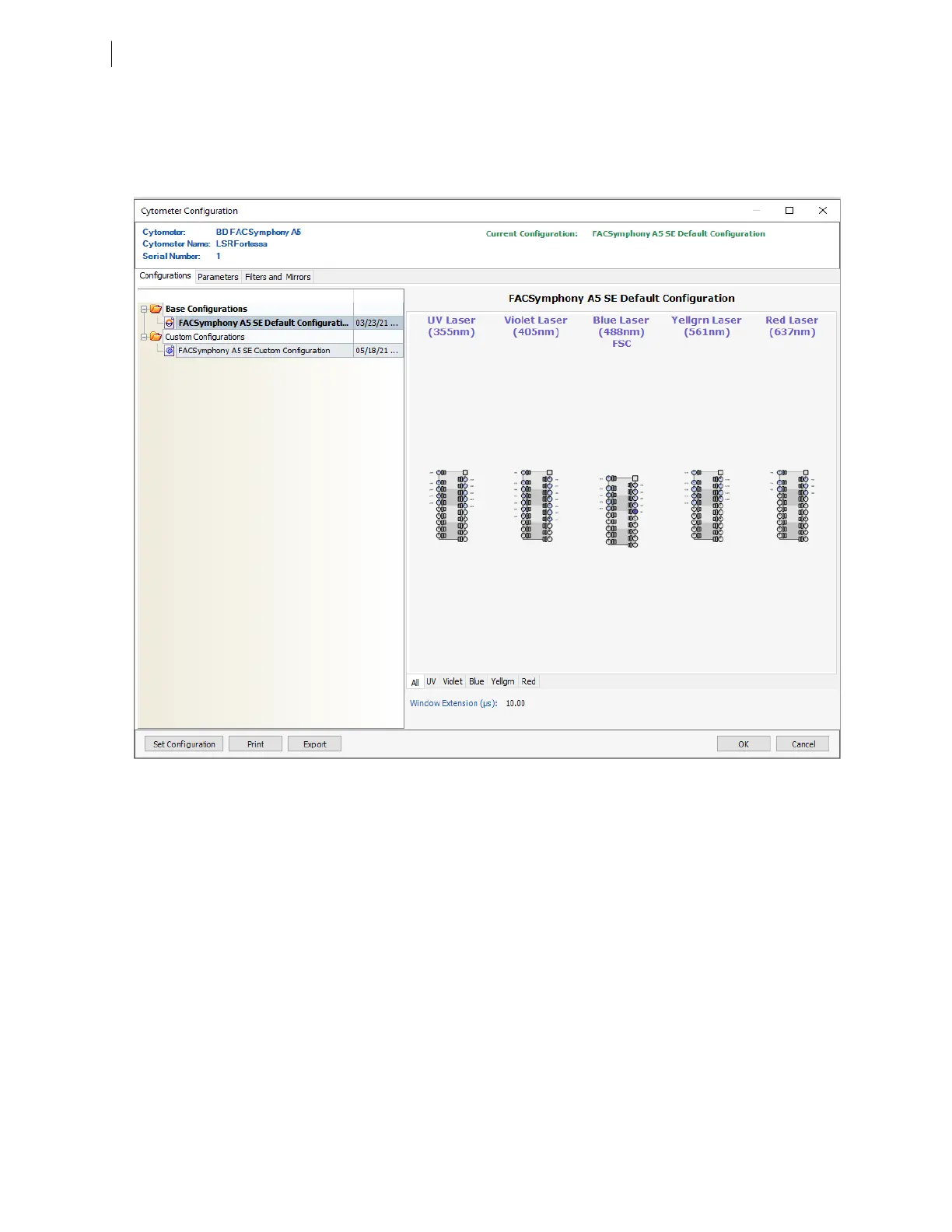
1. Select Cytometer > View Configurations and verify the current configuration.
Your cytometer might include only the base configuration when your cytometer is installed. This
configuration must always be used for spectral cytometery workflows. For compensation cytometry
workflows, you can create custom configurations later as needed.
The illustrated configuration shows a UV laser of 355nm. An alternative laser is available with an emission
frequency of 349nm.
2. If you need to select a configuration other than the current configuration:
a. In the Configurations tab, select a configuration.
b. Click Set Configuration.
c. Click OK.
d. Verify that the configuration you just set matches your flow cytometer optics.
3. Click OK to close the Cytometer Configuration window.
4. Select File > Exit to close CS&T.
70 BD FACSymphony™ A5 SE User's Guide











 To Next Page