Spectral unmixing software considerations
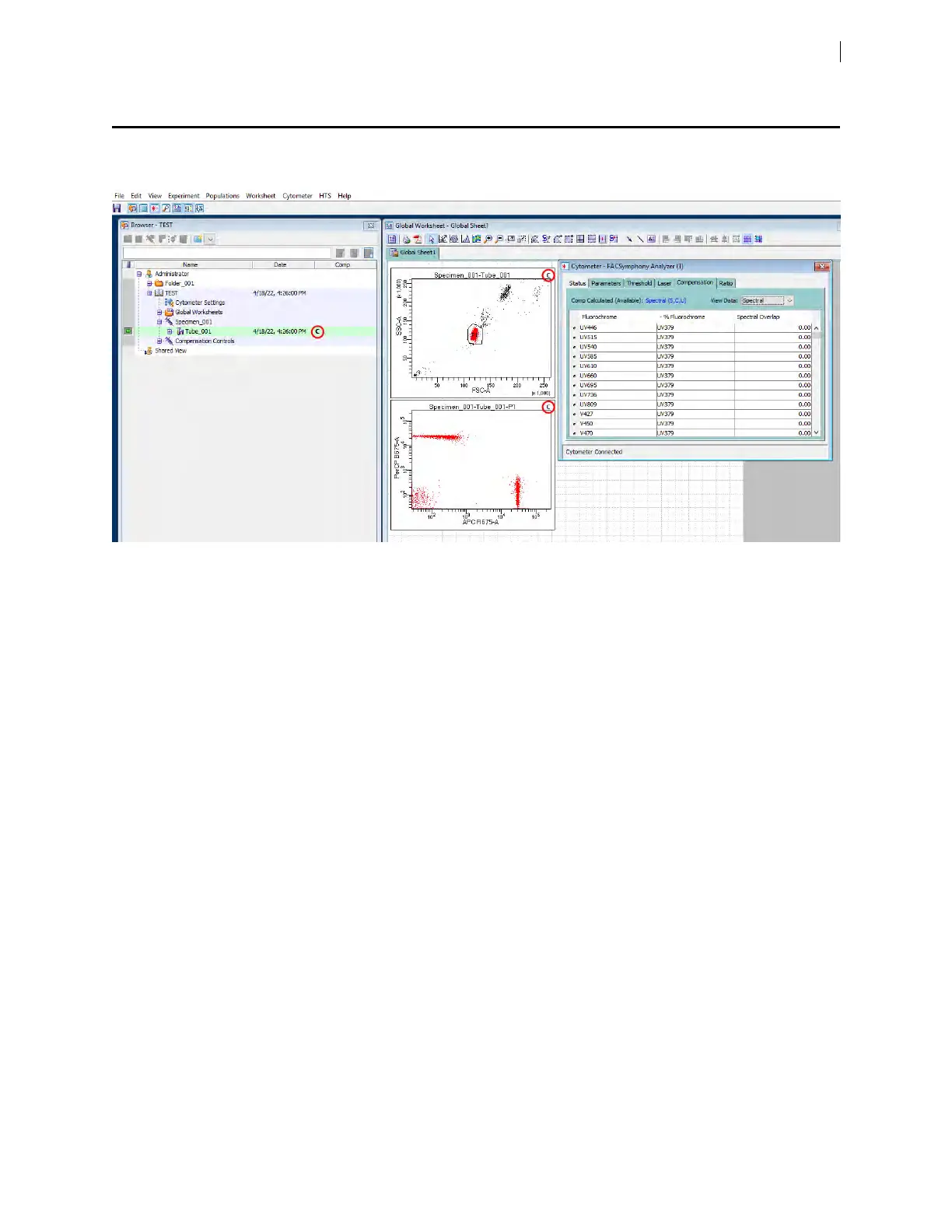
When you perform spectral unmixing in BDFACSDiva™ software, you can also view compensated (non-spectral)
data in the software.
The data view is selected in the Cytometer window on the Compensation tab, using the View Data dropdown
list. The Comp column for the tube in the Browser window and the top-right corner of the tube plots on the
worksheet display a letter (U= Uncompensated, C=Compensated, or S=Spectrally Unmixed)to indicate the
data view. If spectral unmixing is calculated for labeled detectors, any of the three data views can be selected.
For traditional compensation workflows, the only data views that are available are uncompensated and
compensated. The Comp Calculated (Available)field indicates whether the calculation performed was Spectral
Compensatedand the letters in parentheses indicate the available data views.
Chapter 5 Spectral functions 55











 To Next Page