Creating application settings
Introduction
This topic describes how to create application settings.
About application settings
Application settings are associated with a cytometer configuration and include the parameters for the
application, area scaling values, PMT voltages, and threshold values, but not compensation. Each time a
performance check is run for a configuration, the application settings associated with that configuration are
updated to the latest run.
Using application settings provides a consistent and reproducible way to reuse cytometer settings for
commonly used applications.
You can include area scaling adjustment in your application settings. See Adjusting area scaling (page 97) for
more information.
Before you begin
Perform the cytometer setup procedure and run a performance check for the configuration that will be used for
the application.
Procedure
To create application settings:
1. In the open experiment, right-click Cytometer Settings in the Browser, then select Application Settings >
CreateWorksheet.
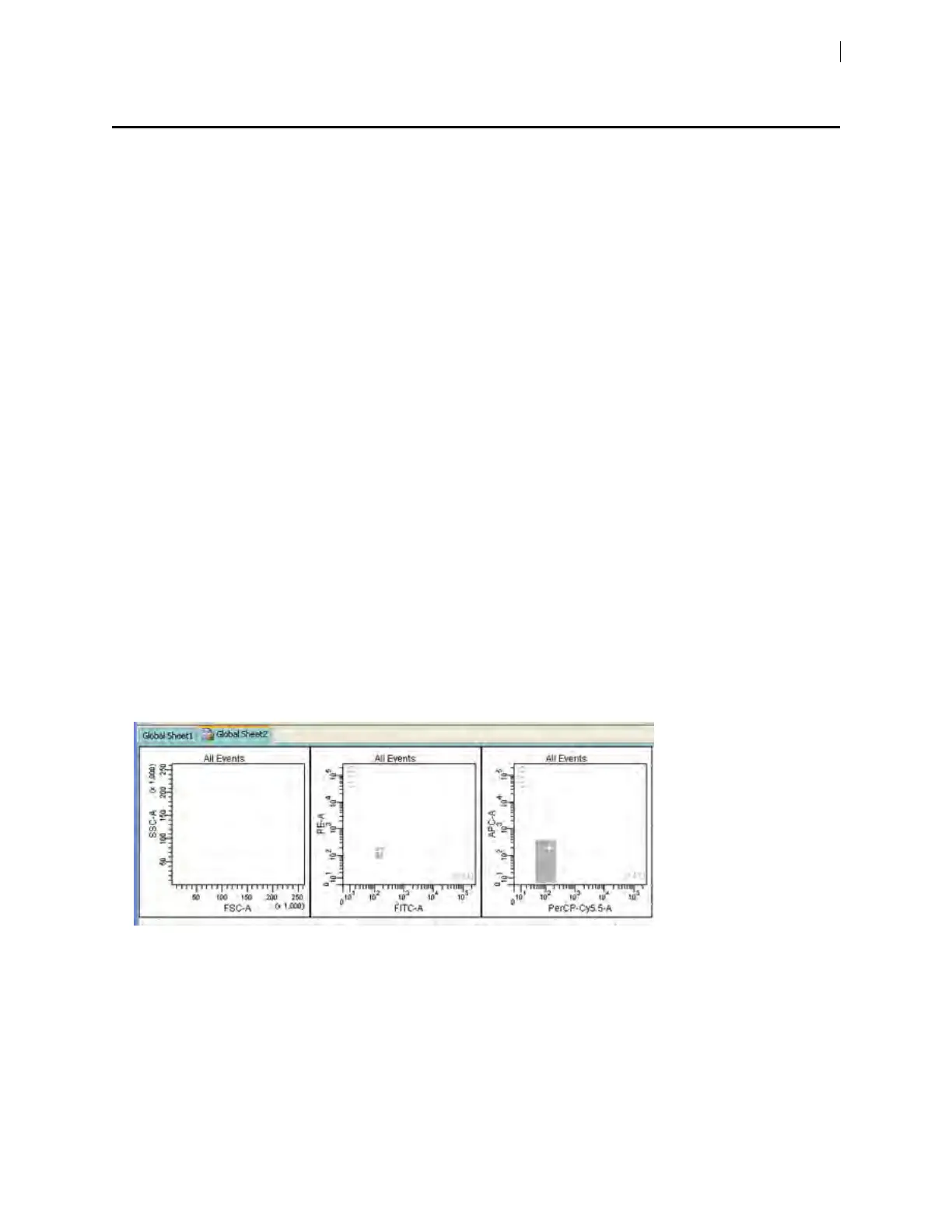
A second global worksheet is added with the plots created according to the selections in the Parameters tab.
Use the gray boxes and crosshairs to guide your optimization.
2. Create a new specimen and tube.
3. Load the unstained control tube onto the cytometer.
Chapter 6 Optimizing cytometer settings 77











 To Next Page