What this guide covers
This guide describes the procedures necessary to operate and maintain the BDFACSymphony™A5SE Special
Order Research Product (SORP) flow cytometer.
Because many cytometer functions are controlled by BDFACSDiva™ software, this guide also contains
information about software features required for basic cytometer setup and operation.
This guide assumes you have a working knowledge of basic Microsoft® Windows® operation. If you are not
familiar with the Windows operating system, see the documentation provided with your computer.
Conventions
Introduction
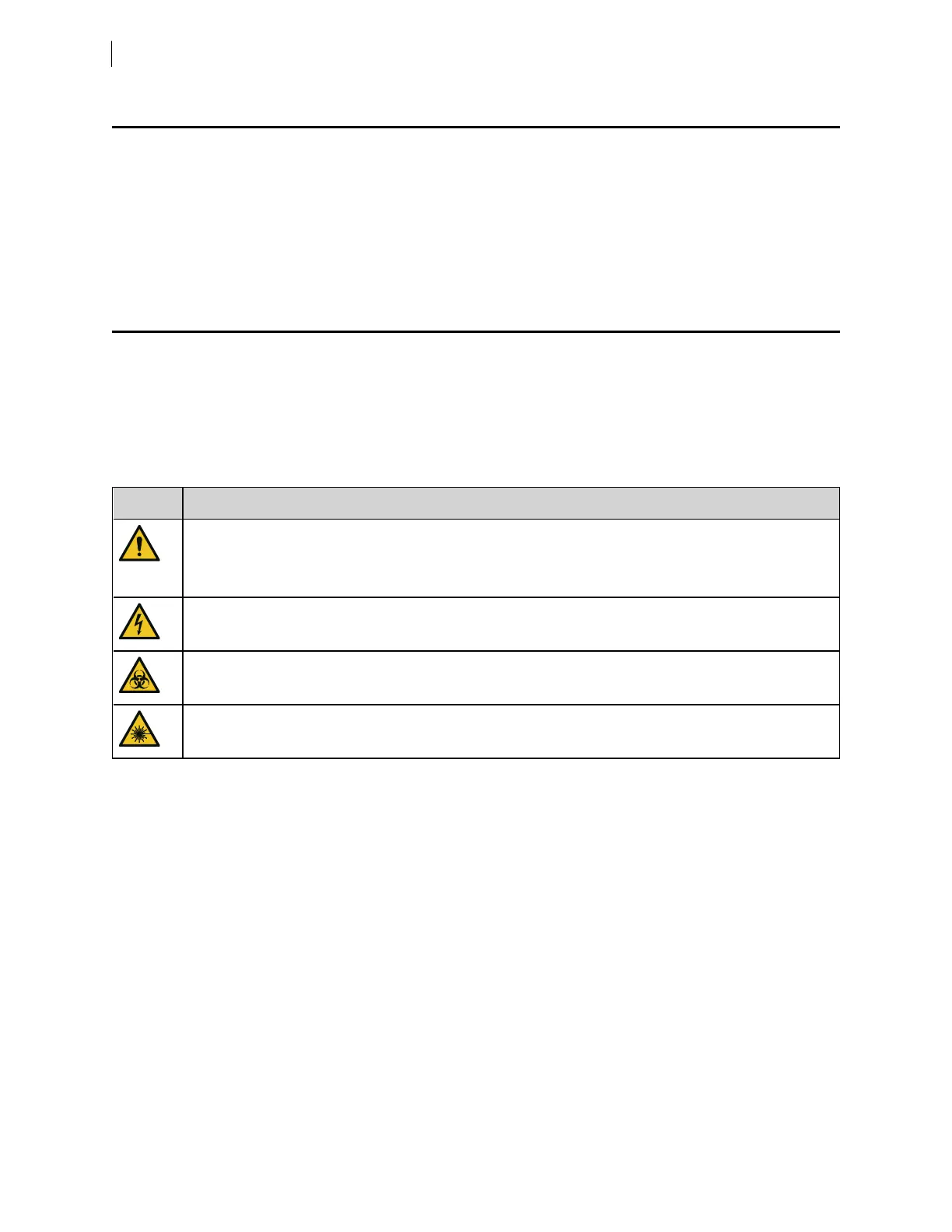
The following table lists the safety symbols used in this guide to alert you to potential hazards.
Safety symbols
Symbol
1
Description
Caution alert.
Identifies a hazard or unsafe practice that could result in data loss, material damage, minor injury, severe
injury, or death.
Electrical hazard
Biological hazard
Laser hazard
8 BD FACSymphony™ A5 SE User's Guide











 To Next Page