Repeating a spectral experiment
To repeat an experiment, you need to create a new experiment using an experiment template and set its
properties so they are the same as the experiment you want to repeat. For instructions about how to create an
experiment template, refer to the BDFACSDiva™ Software Reference Manual.
1. In the Browser, select a location to create the new experiment. If desired, create a new folder (from the
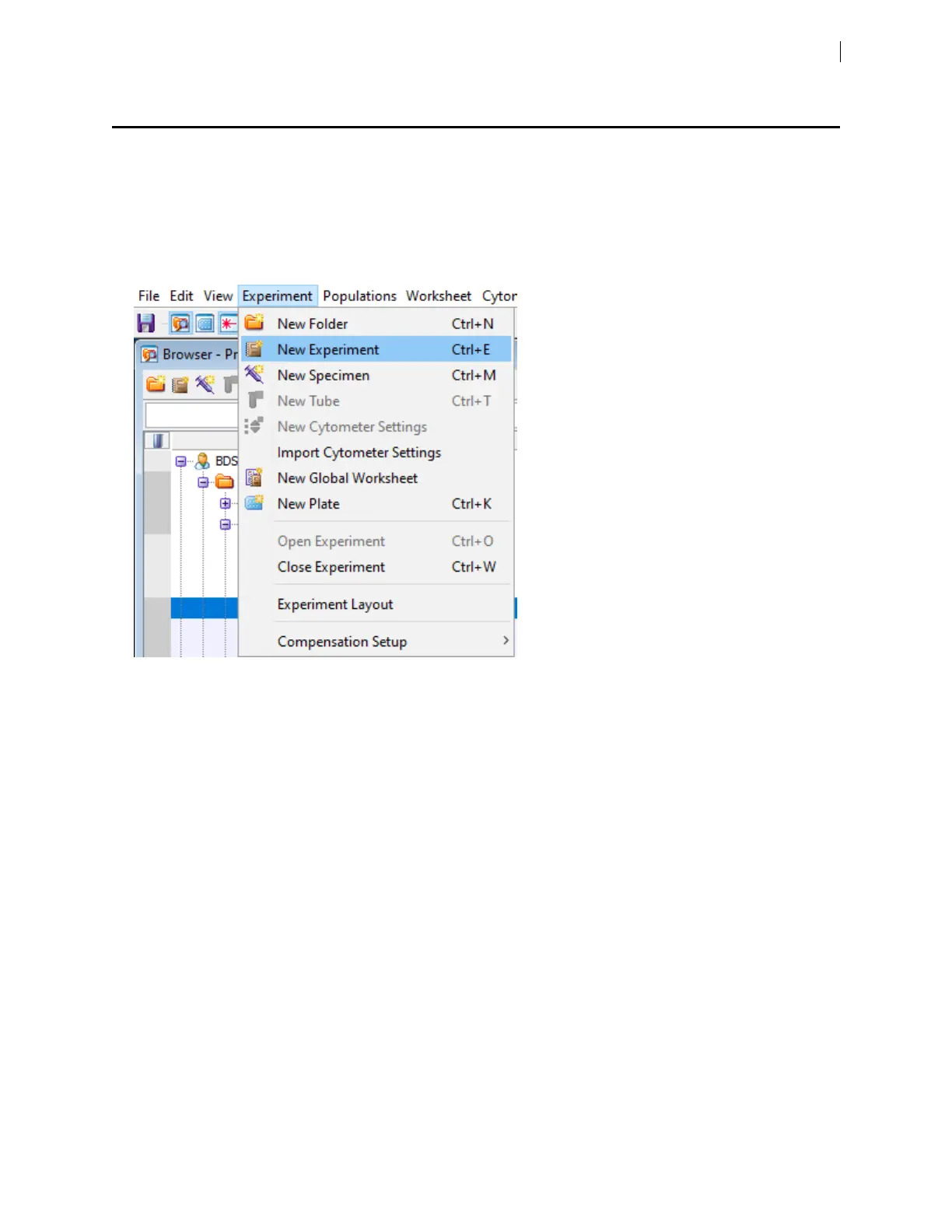
menu bar, select Experiment >New Folder) and rename it.
2. From the menu bar, select Experiment >New Experiment.
Chapter 5 Spectral functions 65











 To Next Page