must be left in the deselected state – see Creating a Spectral Unmixing matrix (page 59) – and all
parameters in the selected tubes must be labeled.
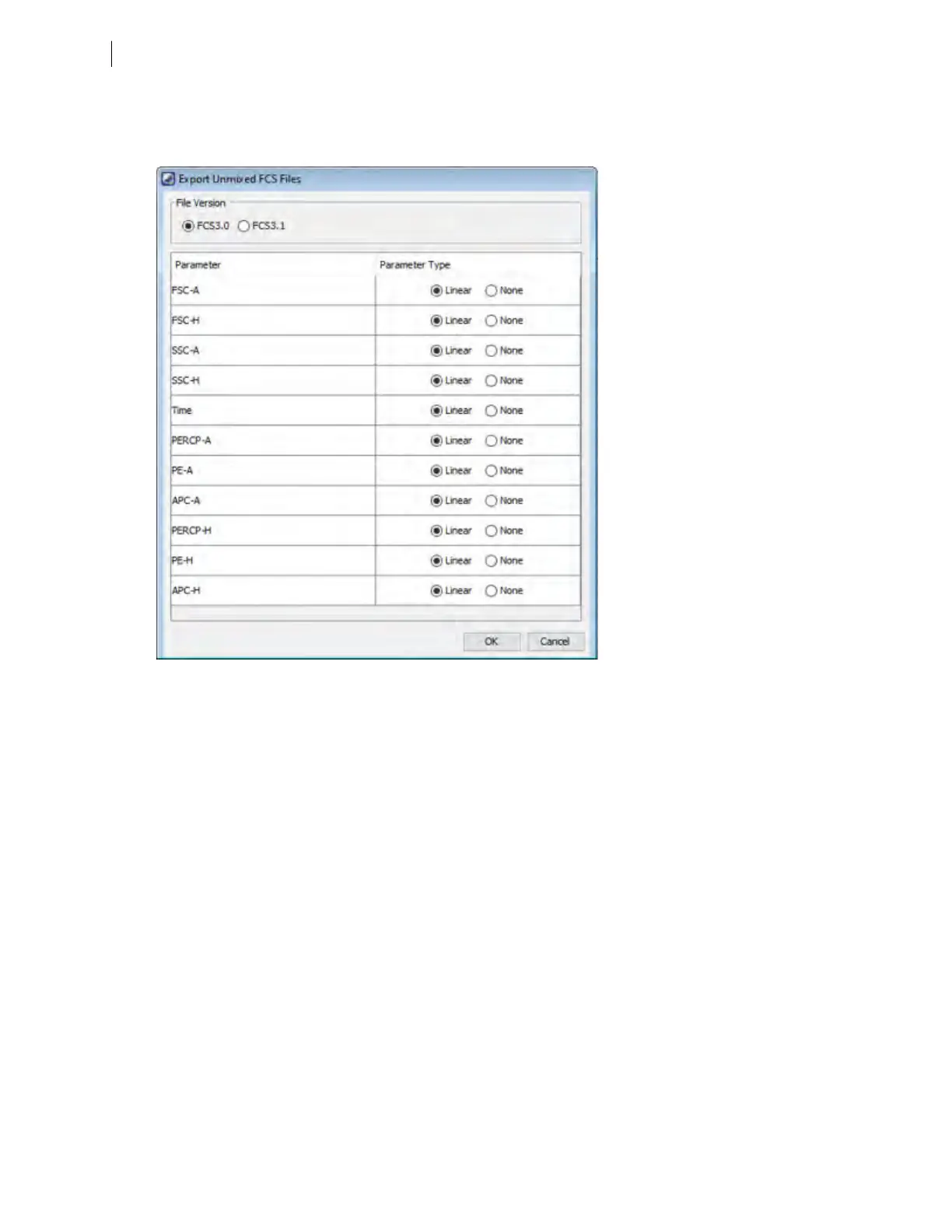
The software displays an Export Unmixed FCSFiles dialog, similar to the following:
b. Select the FCSfile version.
c. To exclude a parameter from the FCSdata, set its parameter type to None.
d. Click OK to close the dialog and complete the FCSexport operation.
5. To export an experiment from the browser with all data included, click the Browser button in the Workspace
toolbar to open the browser. Right-click the experiment in the browser and select Export >Experiment.
6. If you want to repeat this experiment later, create an experiment template. For instructions about how to
do this, refer to the BDFACSDiva™ Software Reference Manual.
7. Delete experiments in the Browser panel as required.
64 BD FACSymphony™ A5 SE User's Guide











 To Next Page