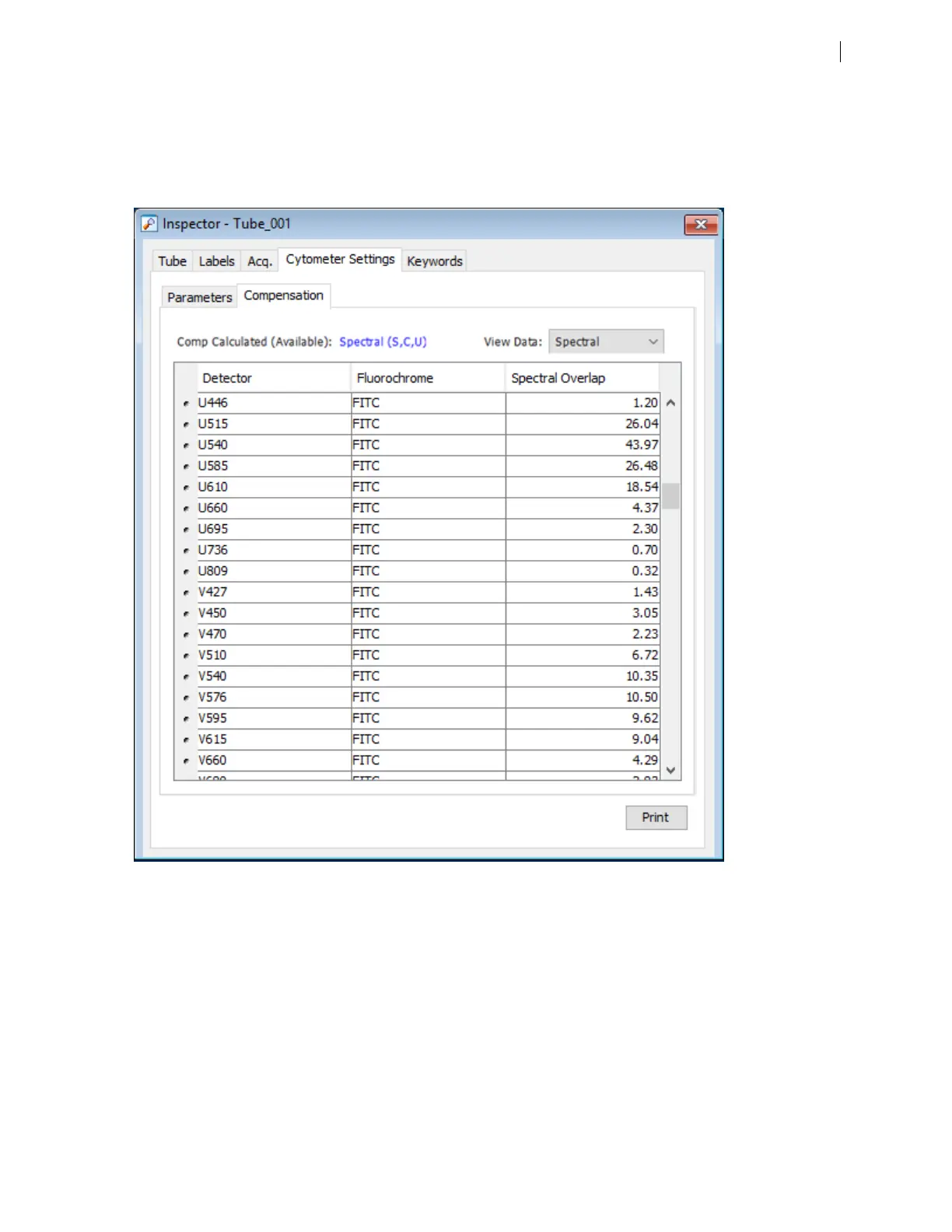
When the software calculates spectral unmixing, it also calculates compensation values (as if you had
selected Experiment > Compensation Setup > Calculate Compensation). Compensation setup does not
take autofluorescence into account. By default, when you select spectral unmixing, the Spectral settings are
selected in the dropdown menu on the Compensation panel of the Inspector window as shown in the
following example:
You can elect to switch between spectral unmixed and traditional compensation values, by toggling
between Spectral and Compensated in the dropdown menu, to compare the plot data in each case.
4. To export spectral BDFACSDiva™ FCSfiles:
a. Select the file or files to export, right-click and select Export >Unmixed FCSFiles.
Note: When exporting data to an FCS file, the exported data will reflect the setting applied in the
dropdown control on the Compensation panel. Thus, if Compensated is selected in the dropdown menu,
traditional compensation data will be exported, even if spectral unmixing was selected during
compensation setup. To export spectral unmixed data, make sure that Spectral is selected in the
Compensation panel. Recall that when creating compensation controls, the checkbox Include Generic
Chapter 5 Spectral functions 63











 To Next Page