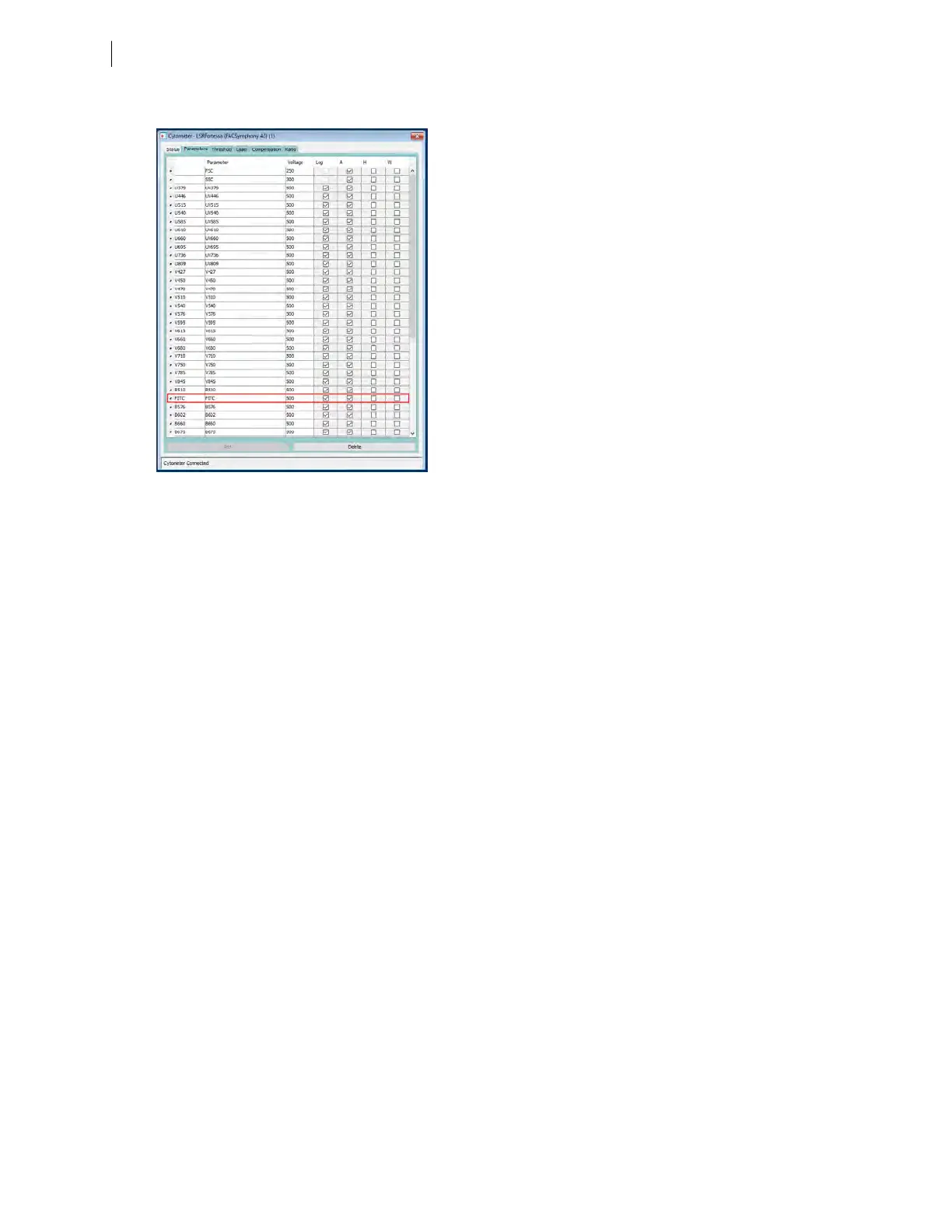
c. For this example, select FITC from the menu.
3. Delete any unnecessary parameters.
Note: Unnecessary parameters may only be deleted when running in compensation mode.
a. Click the selection button (to the left of the parameter name) to select the parameter.
b. Click Delete.
The parameter is deleted.
76 BD FACSymphony™ A5 SE User's Guide











 To Next Page