Chapter 7: Troubleshooting 115
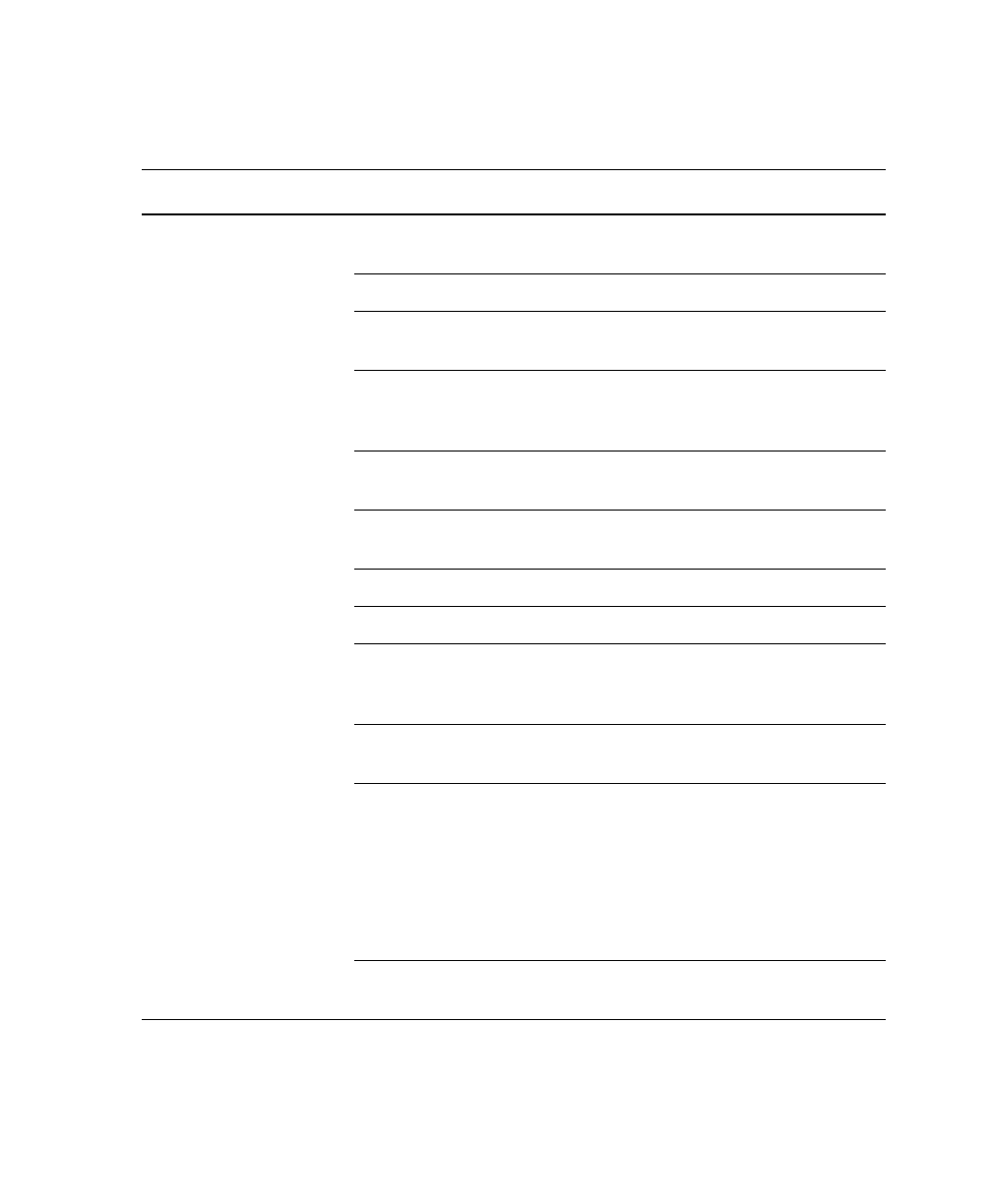
No events in acquisition
display and green RUN
button
Threshold not set to correct
parameter (usually FSC)
Set the threshold to the correct
parameter for your application.
Threshold level too high Lower the threshold level.
PMT voltage for threshold
parameter set too low
Set the PMT voltage higher for the
threshold parameter.
Gating issue Refer to the
BD FACSDiva
Software Reference Manual
for
information on setting gates.
Air in sheath filter Purge the filter. See Removing Air
Bubbles on page 47.
No sample in tube Add sample to tube or install new
sample tube.
Sample not mixed properly Mix sample to suspend cells.
Waste tank full Empty the waste tank.
PMT voltages set too low or
too high for display
parameter
Reset PMT voltages.
Too few events displayed Increase the number of events to
display.
Sample injection tube clogged Remove the sample tube to allow
backflushing; then run a tube of
warm DI water for 20 minutes.
If the event rate is still erratic,
clean the sample injection tube.
See Daily Cleaning and Shutdown
on page 100.
Bal seal worn Replace the Bal seal. See Changing
the Bal Seal on page 110.
Instrument Troubleshooting (continued)
Observation Possible Causes Recommended Solutions
LSR2.book Page 115 Tuesday, April 25, 2006 3:34 PM


 To Next Page