Chapter 7: Troubleshooting 121
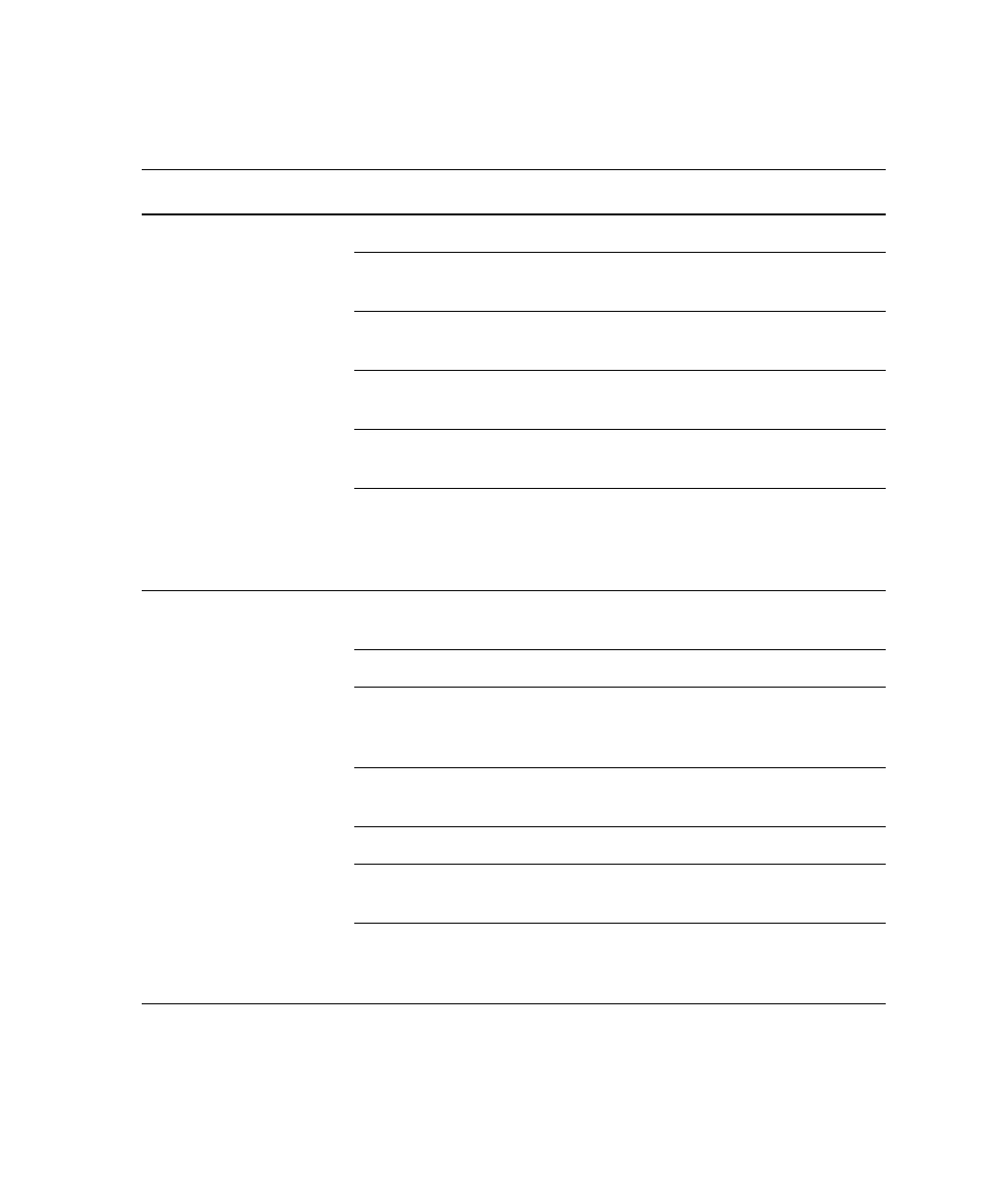
Excessive amount of
debris in display
Threshold level too low Increase the threshold level.
Sheath filter dirty Replace the filter. See Changing
the Sheath Filter on page 108.
Flow cell dirty Flush the system. See System Flush
on page 103.
Dead cells or debris in sample Examine the sample under a
microscope.
Sample contaminated Re-stain the sample, ensure tube is
clean.
Stock sheath fluid
contaminated
Rinse the sheath container with DI
water; then fill with sheath fluid
from another (or new lot) bulk
container.
High CV Air bubble in sheath filter or
flow cell
Purge the filter. See Removing Air
Bubbles on page 47.
Sample flow rate set too high Set the sample flow rate lower.
Air leak at sheath container Ensure that the sheath container
lid is tight and all connectors are
secure.
Flow cell dirty Flush the system. See System Flush
on page 103.
Poor sample preparation Repeat sample preparation.
Sample not diluted in same
fluid as sheath fluid
Dilute the sample in the same fluid
as you are using for sheath.
Old or contaminated quality
control (QC) particles
Make new QC samples and
perform the quality control
procedure again.
Instrument Troubleshooting (continued)
Observation Possible Causes Recommended Solutions
LSR2.book Page 121 Tuesday, April 25, 2006 3:34 PM


 To Next Page