80 BD LSR II User’s Guide
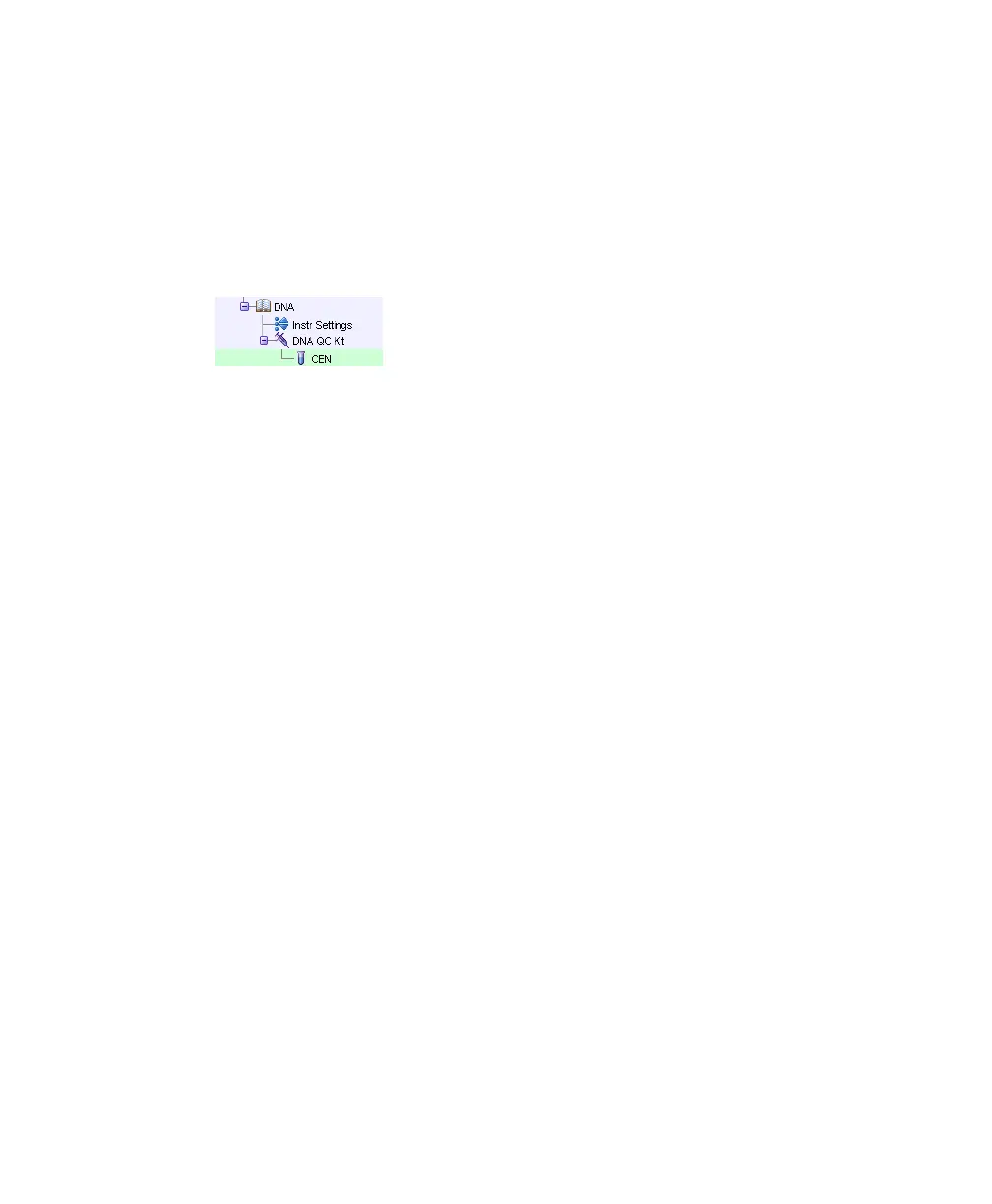
6 Create a new specimen in the DNA experiment and rename it DNA QC
Kit.
7 Open the specimen to access its tube. Rename the tube CEN, and move the
current tube pointer to CEN.
Your experiment should look similar to the figure below.
8 Create a normal worksheet for the CEN tube with the following plots:
• FSC-A vs SSC-A dot plot
• DAPI-A vs DAPI-W dot plot
• DAPI-A histogram
9 Create a statistics view and display the mean and CV for DAPI-A and
DAPI-W.
• Choose Populations > Create Statistics View.
• Right-click on the Statistics view and select Edit Statistics View.
• On the Population tab, deselect #Events and %Parent.
• On the Statistics tab, select the mean and CV for both DAPI-A and
DAPI-W, and set Decimal Places to 1 for the CVs (Figure 4-2 on
page 81).
LSR2.book Page 80 Tuesday, April 25, 2006 3:34 PM



 To Next Page