932 655 638 2014-02-14| Beissbarth GmbH
32 | MT 788 | Commissioningen
4.7 Calibration of MT 788
!
Calibration must be performed after initial commis-
sioning.
1. Flange calibration.
2. MT 788 calibration.
3. Perform reference measurement.
i Calibration is described in Section 12.4
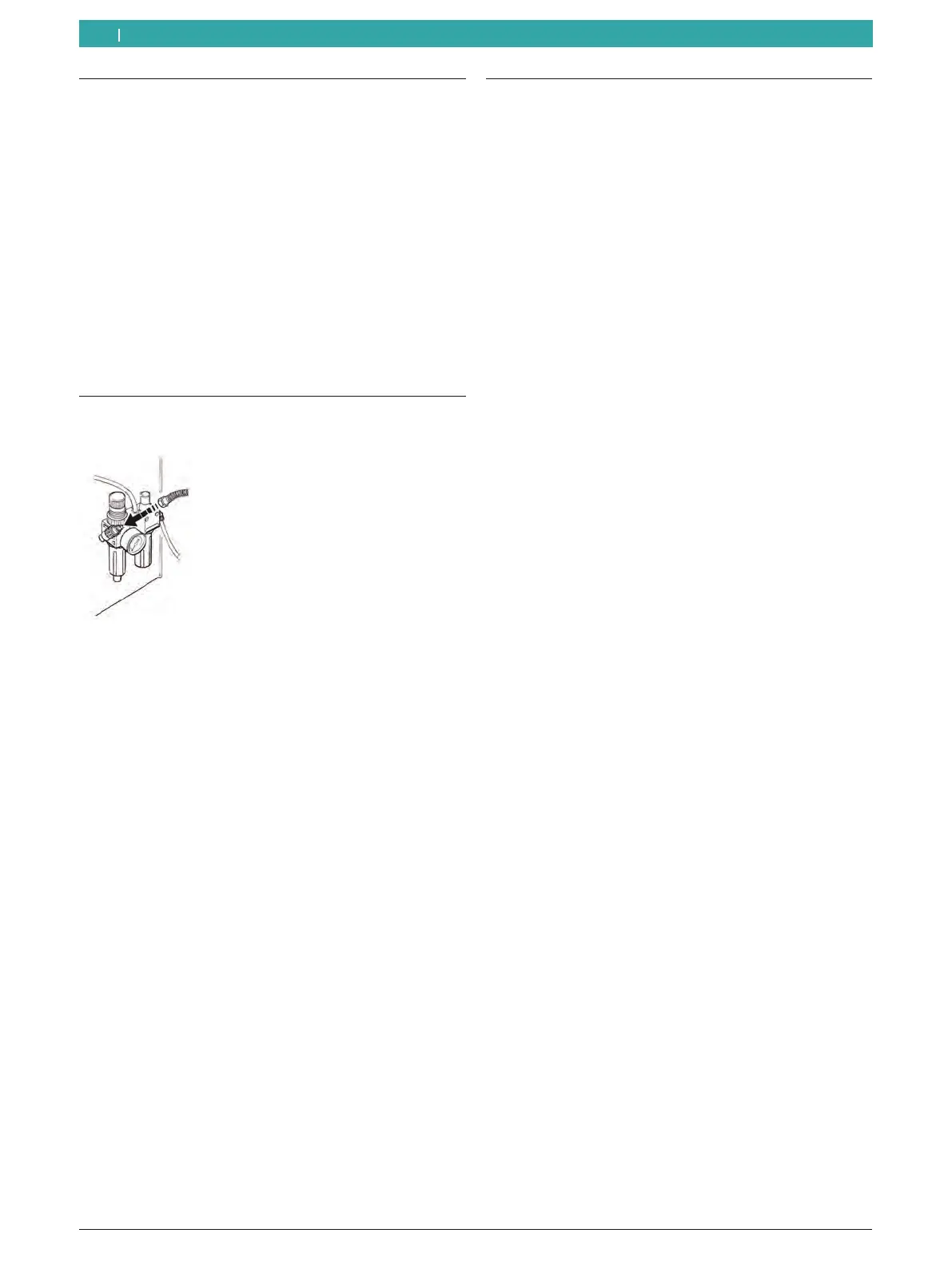
4.6 Compressed air connection
1. Connect the MT 788 to the compressed air supply.
651003-05 _Rf
2. Set a pressure of between 8 bar and 10 bar.
First pull the pressure reducer (red knurled
screw) upwards and then turn to set the pressure
to between 8 and 10 bar.
Check the pressure on the pressure gauge.
! The pressure must never exceed 10 bar!
4.5 Checking the direction of rotation
1. Check that the MT 788 is correctly connected to the
mains power supply.
2. Switch on the MT 788 with the On/Off switch.
3. Close the wheel guard or press the <START> button).
The shaft rotates.
4. Check the direction of rotation of the shaft.
i The correct direction of rotation is indicated by a
yellow arrow on the MT 788. This arrow is situated
to the right of the flange.
i If the direction of rotation is incorrect, the MT 788
comes to an immediate stop and displays the error
message (see section 11).



 To Next Page
 Loading...

