Using the System
T3300 Diagnostic Ultrasound System | 41 | B00601-010 4/10/17
5.1 Turning On/Off the System
Press and hold the Power button to turn on the system. The system enters the main screen after
system startup.
Press and hold the Power button until the Power off menu appears on the screen, then touch OK to
turn off the system.
NOTES
• If the system is turned off abnormally, powering on the system the next time will take longer than
usual for a system hardware check.
• If the system does not respond to any operations, press and hold the Power button to forcefully
turn off the system.
• As the number of files saved in the system storage increases, the time it takes to power on the
system will take longer than before. Consider backing up files and freeing up disk space
regularly or when you are informed to do so (See "Managing Disk Space" on page 53).
WARNING
If an error message occurs after system startup, follow the on-screen instructions to fix the
problem. If the problem persists, contact technical support (See "Contact Information" on
page 2)
5.2 Launching the Main Screen
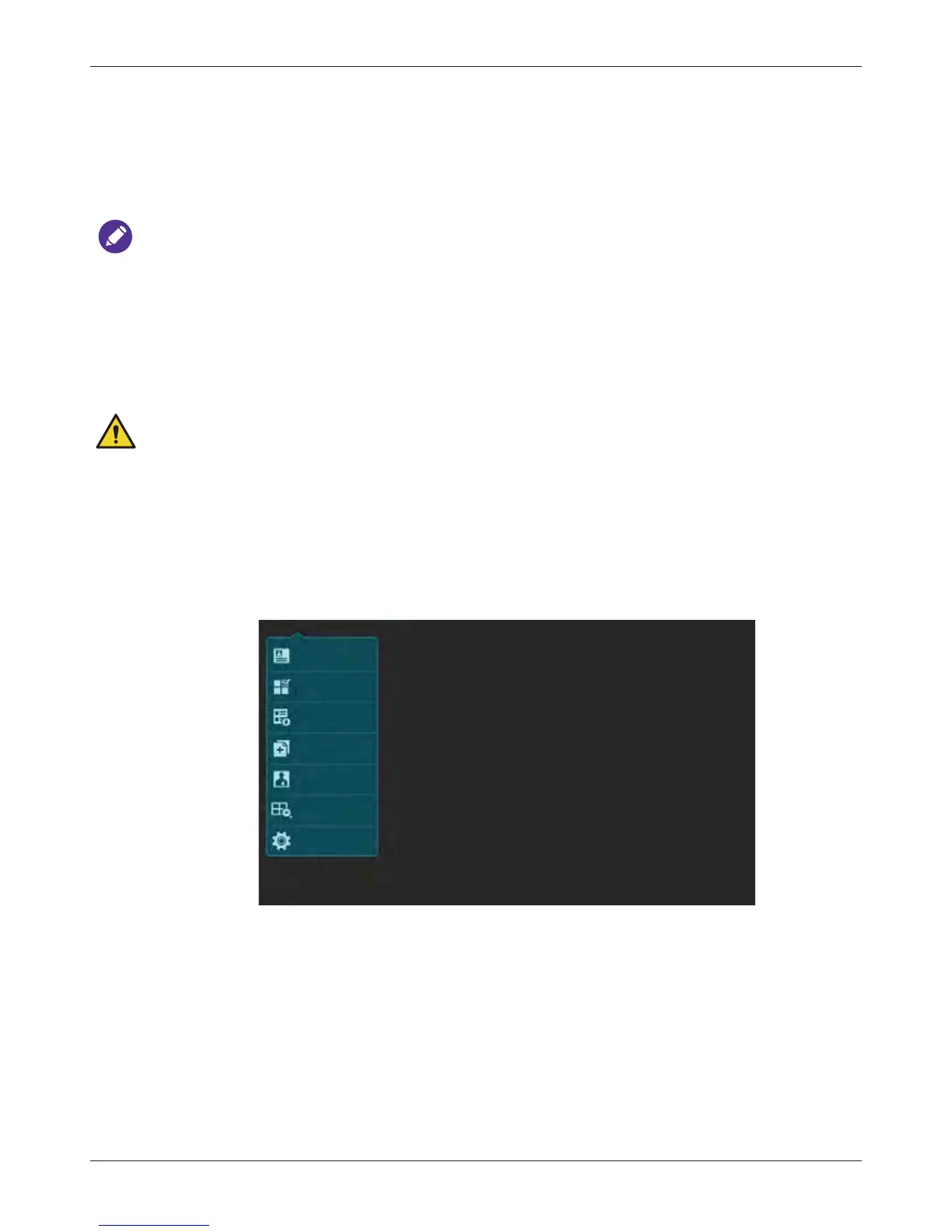
After turning on the system, one of the following main screens appears.
• If no transducer is connected, the system enters the system menu screen.
No probe is connected
Patient
Worklist
Exam History
Report
Preset
Review
Settings



 To Next Page