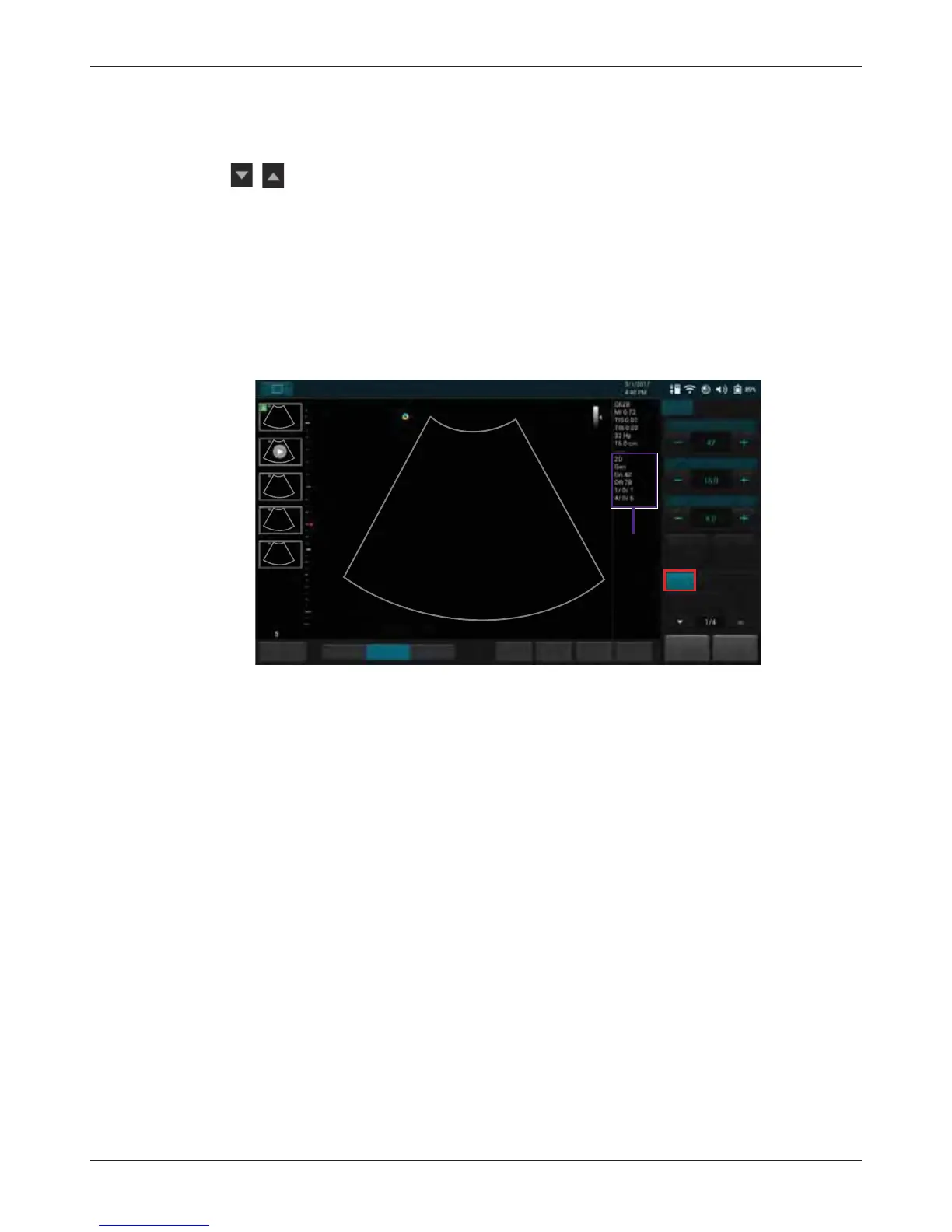
Using Image Controls
T3300 Diagnostic Ultrasound System | 79 | B00601-010 4/10/17
On the real-time imaging window:
• Touch the scan mode (image control) buttons to select the scan mode (See "Imaging Screen
(Real-time)" on page 46).
• Touch / or use gestures to switch the control panel pages to go through the available
functions (See "Switching the Control Panel Pages" on page 52).
7.1 B-Mode Image Controls
7.1.1 Overview
The system delivers 2-dimensional digital imaging (B-mode) using 256-level gray map. This scan
mode delivers excellent image uniformity, tissue contrast resolution, and steering flexibility in
frequencies from 2 MHz to 15 MHz.
7.1.2 Adjusting Gain
Adjust amplification of the returning echoes, which adjusts the amount of echo information displayed
in an image. The overall brightness of the image can be elevated, but the “noise” may also be added
to the image with excessive increase in gain.
Touch Gain +/- or flick horizontally on the scan area to adjust the gain value.
7.1.3 Adjusting Frequency
Change the scan frequency to obtain higher resolution as frequency increases, or deeper
penetration as frequency decreases.
To increase the frequency, touch Resolution. To decrease the frequency, touch Penetration.
7.1.4 Adjusting Time Gain Compensation (TGC)
Adjust the gain which compensates for the attenuation (a reduction in sound amplitude) of the echo
signals in proportion to their depth (based on travel time).
Touch TGC to display the TGC sliders on the screen. To increase/decrease the gain at the desired
section (depth) of the image, drag the corresponding slider to the right/left.
Save Freeze
HomeTGCTuning
ResolutionGeneralPenetration
End Exam
Abdomen
Gain
Depth
Focus
THI
Full Screen
B Color PW
M
Power
B
2D mode
(B-mode)
image
information
Fn Key



 To Next Page