Using Image Controls
T3300 Diagnostic Ultrasound System | 82 | B00601-010 4/10/17
7.2 Color/Power Mode Image Controls
7.2.1 Overview
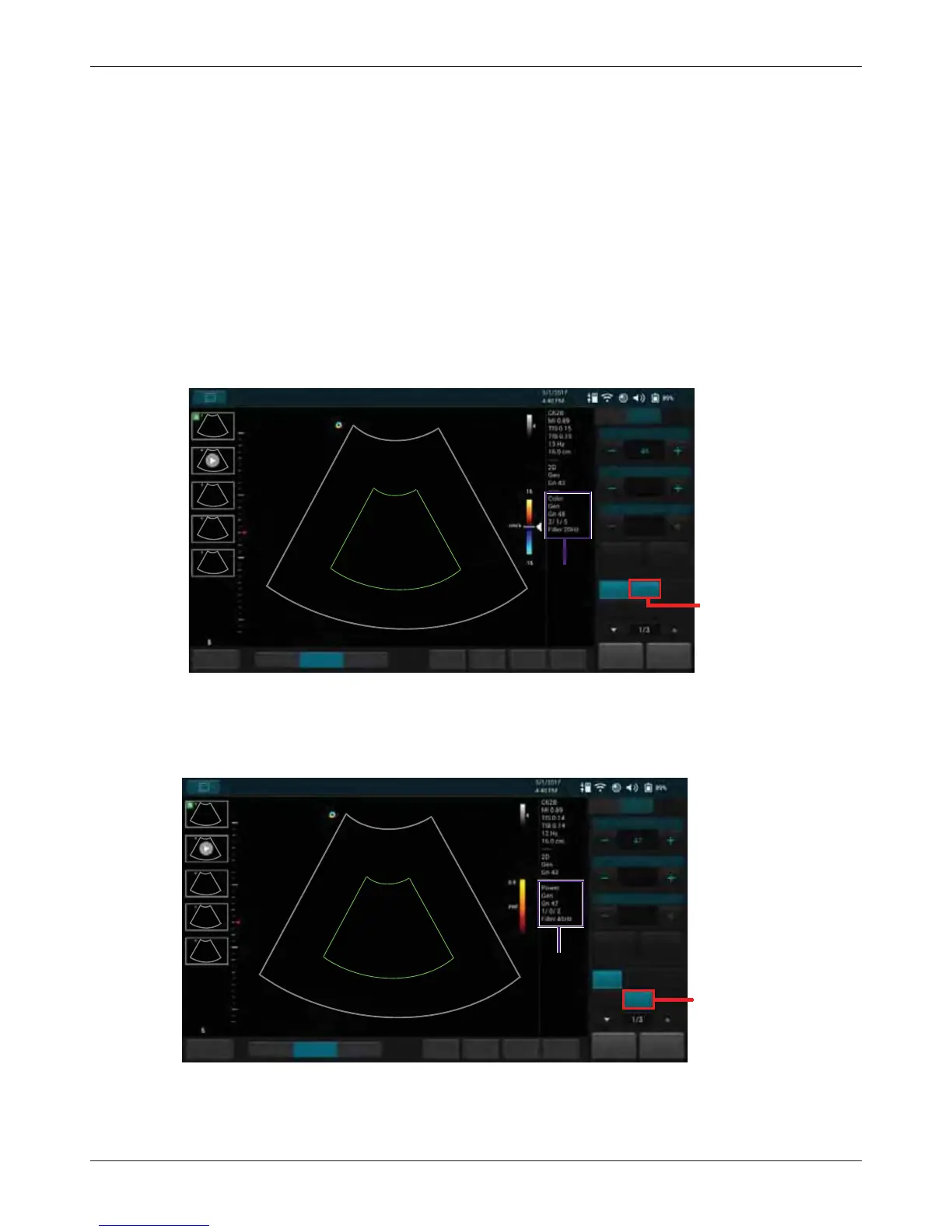
Color mode is used to detect the presence, direction, and relative velocity of blood flow by assigning
color-coded information to these parameters. The color is depicted in a region of interest (ROI) that
is overlaid on the 2D image. Non-inverted flow towards the transducer is assigned shades of red,
and flow away from the transducer displays in shades of blue.
All forms of ultrasound-based imaging of red blood cells are derived from the received echo of the
transmitted signal. The primary characteristics of this echo signal are its frequency and its amplitude
(or power). The frequency shift is determined by the movement of the red blood cells relative to the
transducer – flow towards the transducer produces a higher-frequency signal and flow away from
the transducer produces a lower-frequency signal. Amplitude depends on the amount of moving
blood within the volume sampled by the ultrasound beam. Large frequency shift generated by rapid
flow is displayed in lighter colors, and smaller frequency shift in darker colors.
In Power (Doppler Power Image) mode, low flow rate in small vessels are clearly observed. Colors
are carried out only to demonstrate the blood flow, but contain no velocity information, thus, offer no
directional information.
Both Color and Power modes can work with other scan modes to form duplex and triplex modes.



 To Next Page