Performing an Exam
T3300 Diagnostic Ultrasound System | 59 | B00601-010 4/10/17
6.1 Starting a New Exam
The system allows skipping entering patient information if you need to start the ultrasound exam
immediately. You can enter the Patient screen to complete the patient information during or after the
exam. However, once you touch Save to save images/cine loops, the system will add a last name/ID
to the patient automatically, and the last name/ID cannot be modified.
To avoid confusion and to generate reports, define the patient within the system before scanning.
6.2 Adding a New Patient
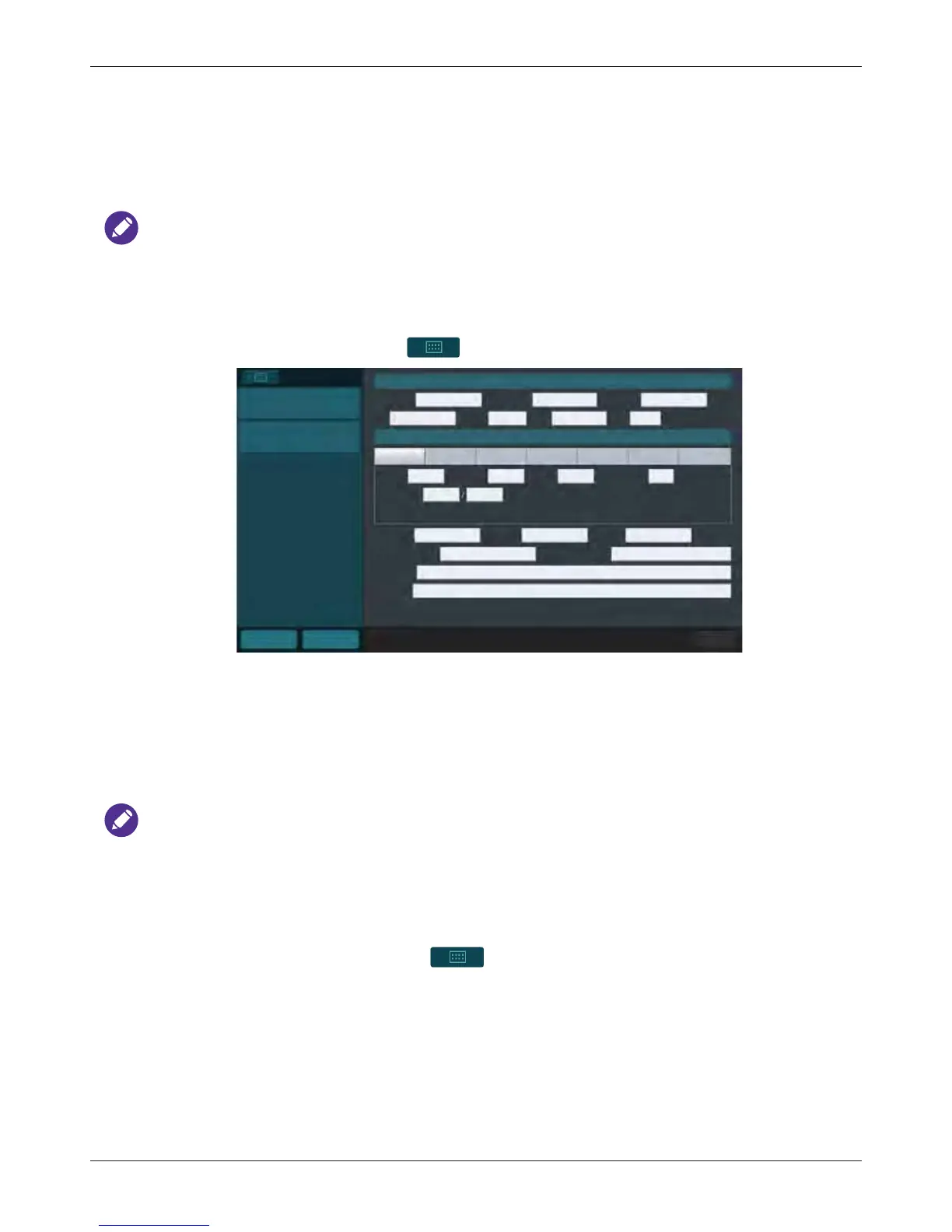
1. On the imaging screen, touch > Patient.
2. Touch New Patient. Enter the patient information as much detailed as possible:
– Touch in a text entry field, and use the virtual keyboard to input contents.
–Touch Next on the keyboard to go to the next field.
–Touch Done on the keyboard. The patient information is saved automatically.
To create a valid patient profile, at least the patient’s Last Name and ID number should be filled in.
3. To start scanning the patient, touch Start Exam.
6.2.1 Updating Patient Information
1. During real-time scanning, touch > Patient. Existing information of the current patient
displays on the Patient screen.
2. Enter the new information in the desired fields.
3. The patient information is saved automatically. Proceed with real-time scanning of this patient by
touching Start Exam.
Patient
New Patient
Start Exam
Patient Information
Last Name
Middle Name
First Name
ID
Gender
DOB
Age
Abdomen Cardiology GYN OB Small Part Urology Vascular
Height Weight BSA
Exam Information
Heart Rate
bpm
kg
mmHgBlood Press
cm
m
2
Accession Institution Operator
Referring Physician Interpreting Physician
Description
Comment
Home Previous
End Exam



 To Next Page