Using the System
T3300 Diagnostic Ultrasound System | 52 | B00601-010 4/10/17
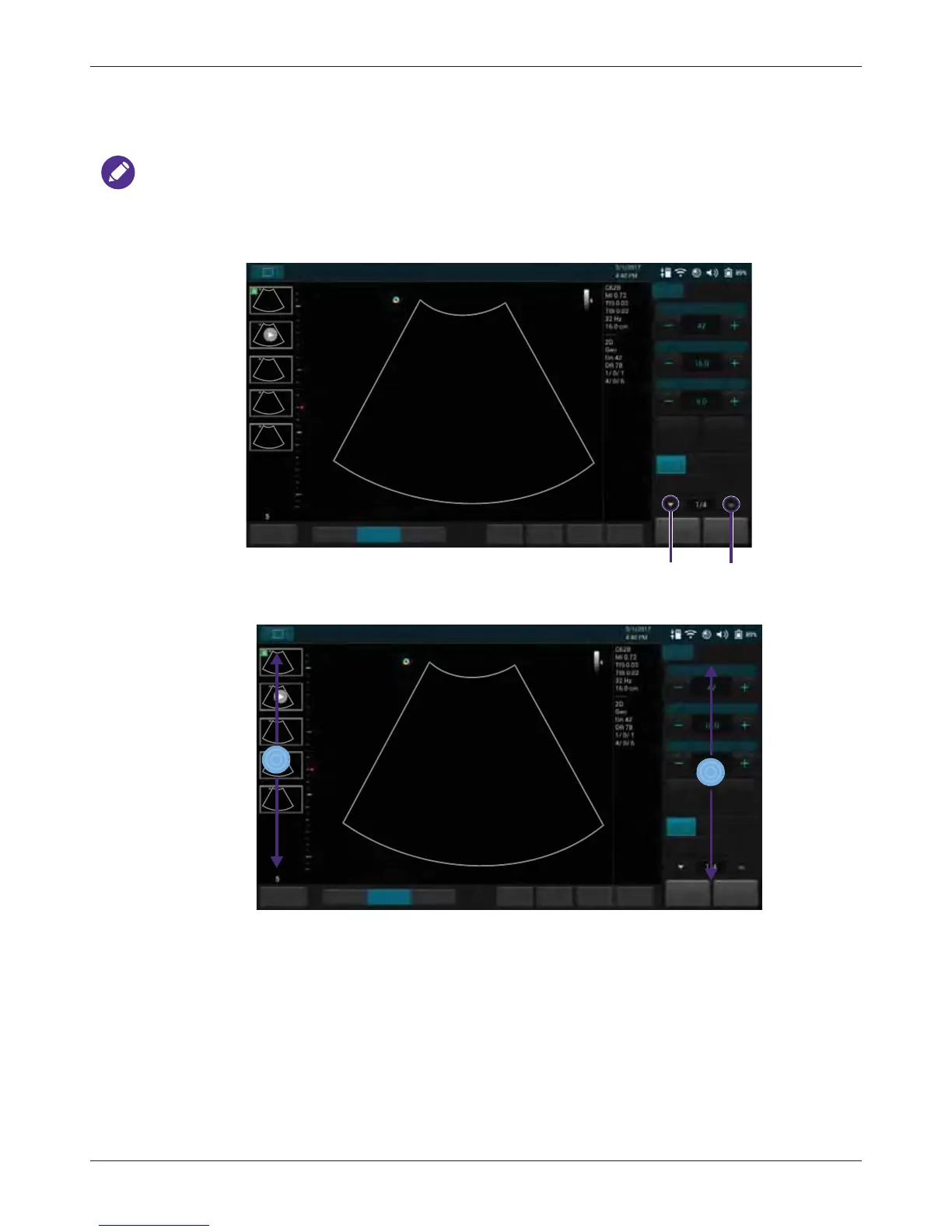
5.7 Switching the Control Panel Pages
Use the virtual buttons or gestures to switch the control panel pages.
The functions available on the control panel vary, depending on the scan mode and the transducer
connected.
• Use button:
• Use gestures:
5.8 Managing the System Power
The system receives its power from the power adapter whenever it is connected to the system and
starts charging the battery, unless the battery is fully charged already. Battery remains charging
even when the system is turned off, as long as the adapter is connected to the system and to AC
power. The system can also operate on battery power. The battery status icon (See page 53) along
with the percentage of battery power remaining are shown on the system toolbar (See page 50).
Always monitor the power level of the battery when you operate the system on battery power.



 To Next Page