Performing an Exam
T3300 Diagnostic Ultrasound System | 65 | B00601-010 4/10/17
6.8 Freezing an Image
During a real-time scan, touch Freeze to freeze live ultrasound images recorded by frame and
stored temporarily in the cine buffer. Depending on the mode selected, a certain number of frames
are recorded.
• To play back saved images in a continuous cine loop, touch Play.
• To adjust the playback speed, touch > Loop Speed +/-.
• To view the stored images frame by frame or to find a specific frame, touch / or drag
the frame indicator horizontally.
NOTES
• To restart a new real-time scan, touch Freeze again.
• Restarting real-time scanning erases the frame data. Make sure any needed images are saved
or printed before acquiring new scan data.
• To change the screen to enter after you freeze the scan, on the system imaging screen, touch
> Settings > Workflow > (Status after Freeze) > select an option.
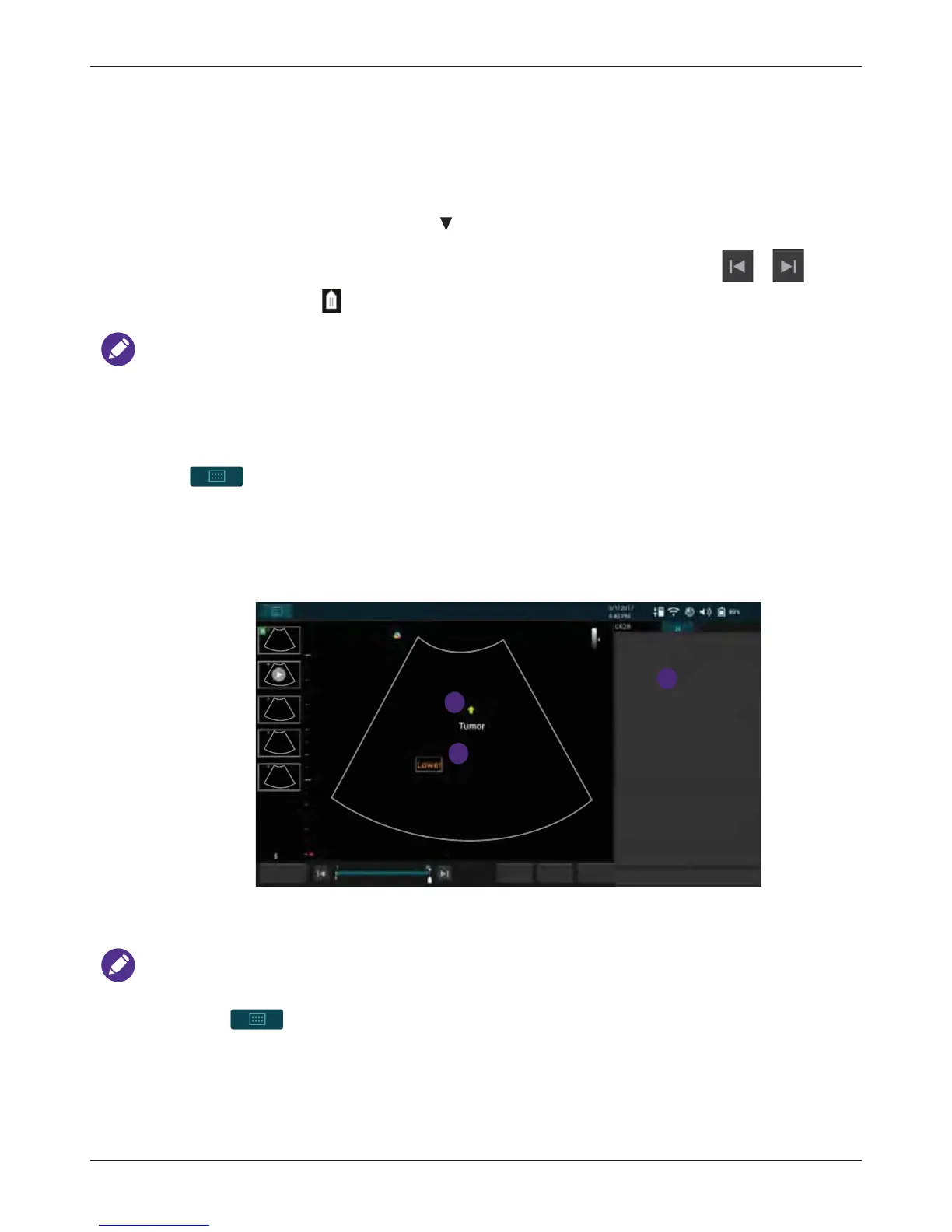
6.9 Adding Annotations
On the real-time or frozen imaging screen, touch Annot to add annotations to the ultrasound images
in order to explain the anatomy.
After you are done adding annotations, you can still move the annotated texts or arrows anytime by
touching and dragging them to your desired location.



 To Next Page