Using the System
T3300 Diagnostic Ultrasound System | 51 | B00601-010 4/10/17
5.6.5 Virtual Keyboard
Whenever you need to enter text in a text field, simply touch the field, and a virtual keyboard appears
on the lower part of the screen. Touch a letter to enter text; when finishing inputs, touch anywhere on
the imaging area.
To switch the keyboard input language, touch on the virtual keyboard and select your target
language.
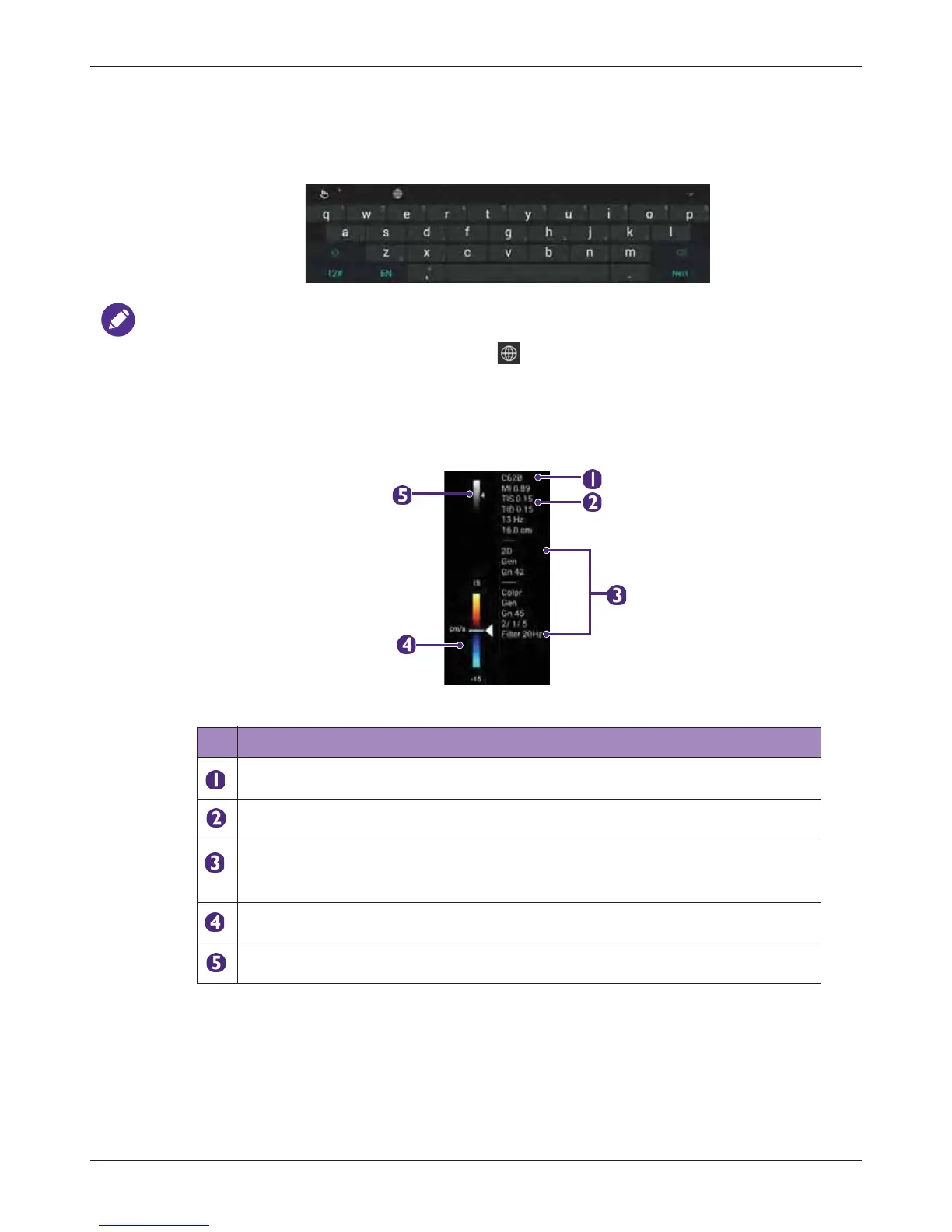
5.6.6 Scan Properties Display
The imaging window includes a text display information about the current scan.
Table 9 Scan Properties Display
No. Function
Transducer type
Thermal index/Mechanical index
Depending on the transducer connected and the scan mode selected,
corresponding scan parameters are displayed. (See "Using Image Controls" on
page 78)
Color/Power wedge
Grayscale wedge



 To Next Page