Using the System
T3300 Diagnostic Ultrasound System | 43 | B00601-010 4/10/17
5.4 Controlling the System
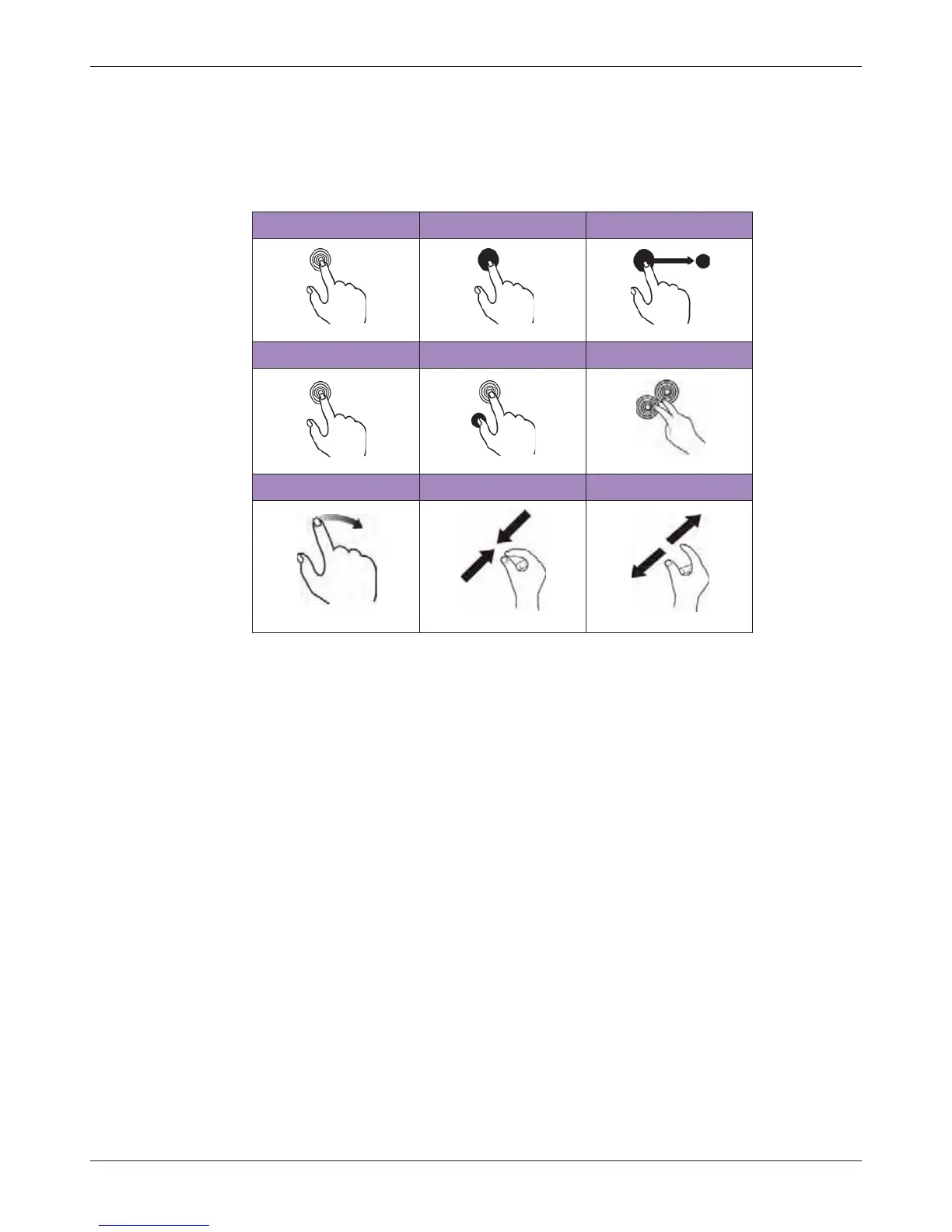
The system requires operations with multi-touch controls by finger movements called gestures.
Alternatively, you can add pointing or input devices by connecting them to the USB ports on the
system.
Table 1 Gestures
Touch Touch and Hold Drag
Double-Tap Press and Tap Two-Finger Tap
Flick Pinch Spread



 To Next Page