Performing an Exam
T3300 Diagnostic Ultrasound System | 73 | B00601-010 4/10/17
To further examine one or a set of images/loops, touch the thumbnail of the desired image or image
loop to display the Review screen.
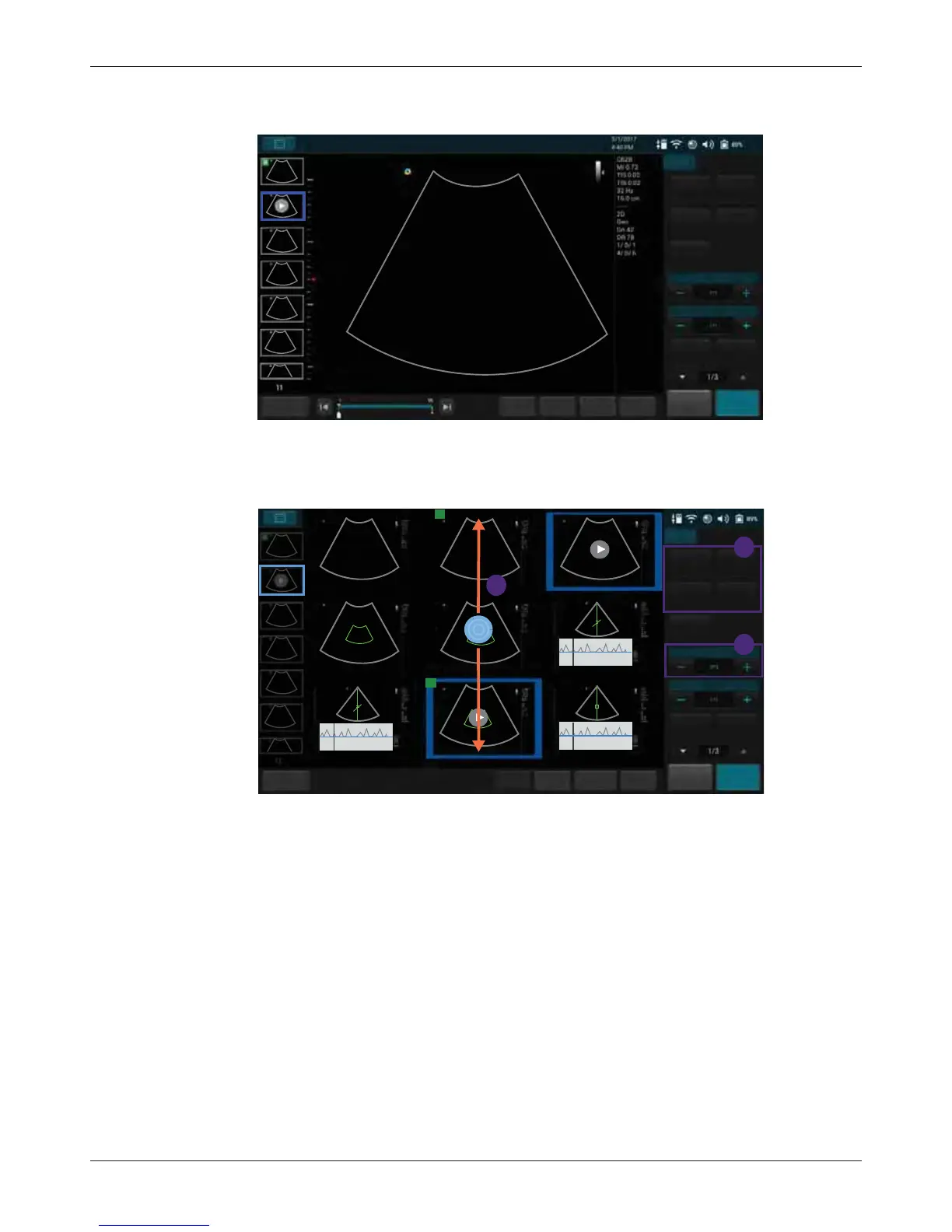
6.12.1 Performing Multiple Selections
You can perform actions to more than one image/loop at a time.
1. Touch Multi-Select +/-.
2. Flick vertically on the thumbnail window and touch to select multiple images/loops as expected.
– To quickly select all images, touch Select All.
– To cancel all selections, touch Deselect All.
3. Touch an action button. For example, touch Delete to delete all selected images/loops.
End Exam
Set start
Set end
Fn Key
Home
Freeze
Save
B
Add to
Report
Abdomen
Report
Multi-Select
Multi-Compare
Exam History
Print
Play
Export Exam Delete
Abdomen
3/1/2017
4.40 PM
Abdomen
3/1/2017
4.40 PM
Abdomen
3/1/2017
4.40 PM
Abdomen
3/1/2017
4.40 PM
Abdomen
3/1/2017
4.40 PM
Cardiac
3/1/2017
4.40 PM
Cardiac
3/1/2017
4.40 PM
Abdomen
3/1/2017
4.40 PM
Cardiac
3/1/2017
4.40 PM
R
R
1
2
3
End Exam
Select AllFn Key Home
Freeze
Save
Deselect All
B
Add to
Report
Report
Multi-Select
Multi-Compare
Exam History
Print
Play
Export Exam
Delete



 To Next Page