Performing an Exam
T3300 Diagnostic Ultrasound System | 67 | B00601-010 4/10/17
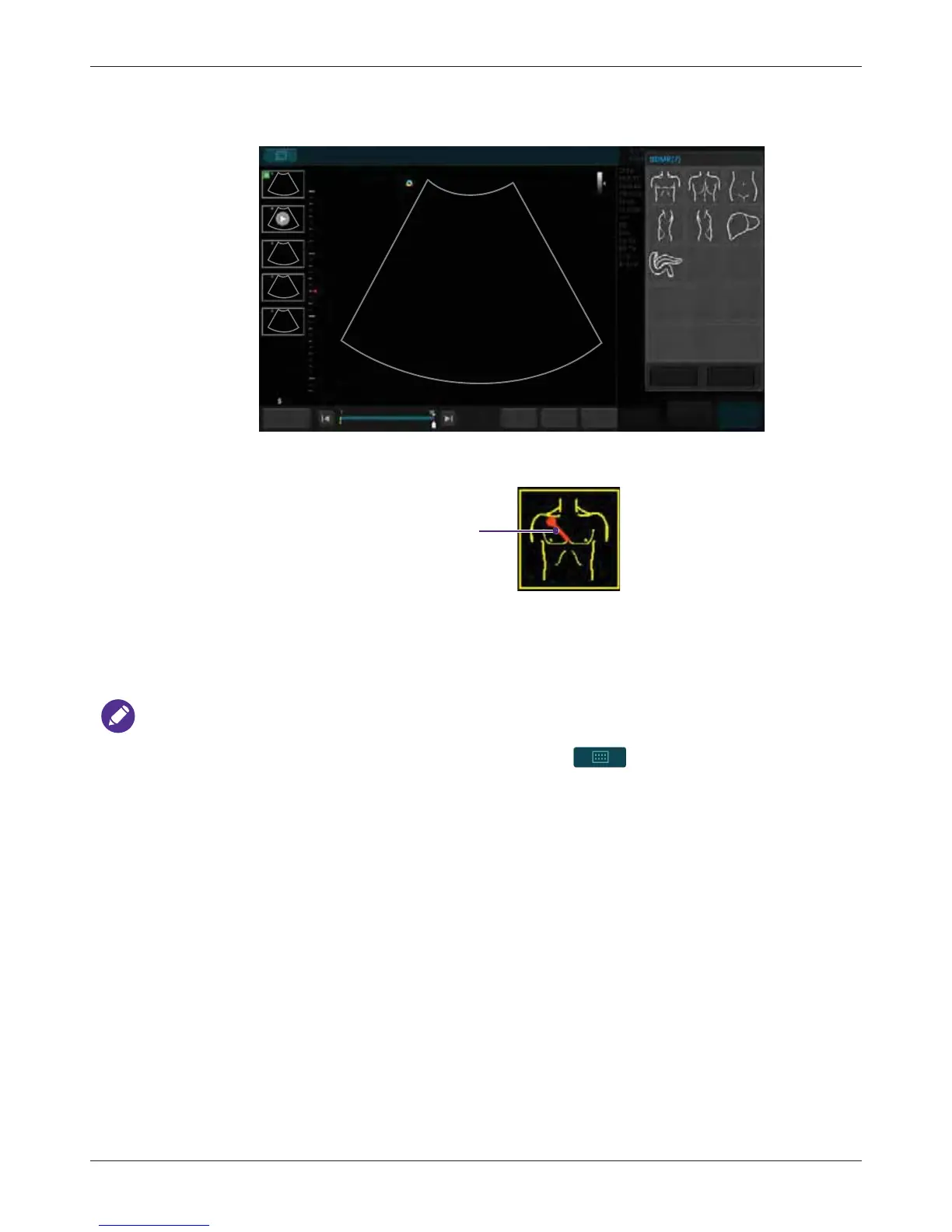
6.9.4 Body Mark
1. Touch BDMK to display the body mark menu.
2. A pictogram of the default body mark with a transducer indicator displays on the image. If you
wish to change the body mark, select one from the BDMK menu that appears, then touch Close.
3. Touch anywhere on the image, and drag the transducer indicator to the desired location on the
body mark.
4. Touch anywhere on the image and move to rotate the transducer indicator.
5. Touch and hold the pictogram, and drag it to the desired location on the image.
NOTES
• You can change the default body mark by touching > Settings > BDMK >(Default
BDMK for Application) > Edit > select an option.
• To delete annotations, including texts and arrows, touch Erase Annot to erase the last
annotation added. Repeat this action, if needed, to continue erasing annotations.
• To directly erase all annotations, touch and hold Erase Annot.
• To delete the body mark added, touch BDMK > Erase.
Abdomen
End Exam
Set start Set end
Fn Key
Close
Erase
Home
FreezeSave



 To Next Page