Performing an Exam
T3300 Diagnostic Ultrasound System | 62 | B00601-010 4/10/17
6.5 Setting the Transducer Orientation
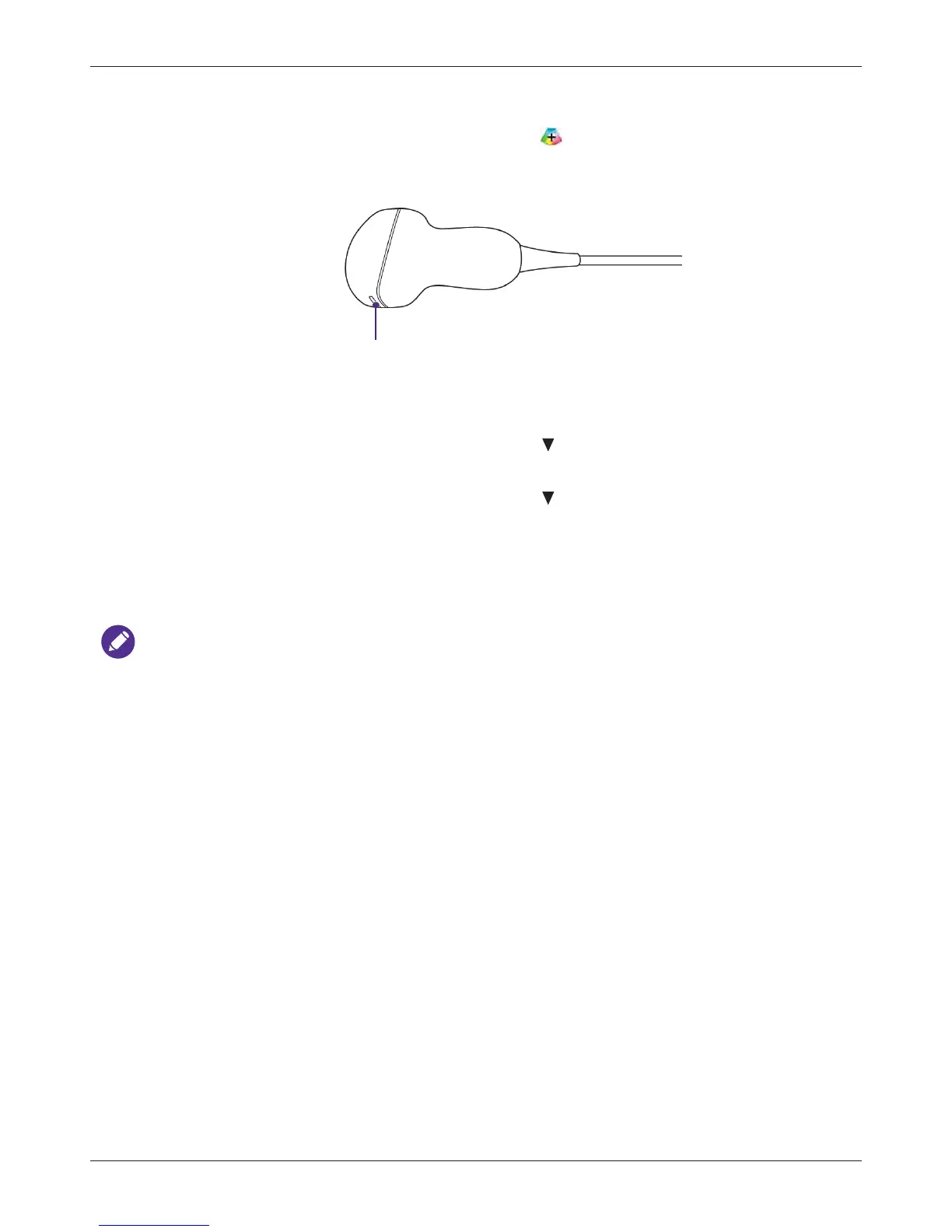
Upon entering all scan modes, the orientation marker displays at the default location (usually at
the top left side of the image), and suggests you the direction of holding the transducer. The
orientation marker on the screen corresponds to the position of the orientation marking on the side
of the transducer.
You can change the left/right orientation of the image (real-time or frozen) in various imaging (single
or dual) without rotating the transducer head itself.
• To reverse left and right
On the imaging screen (real-time or frozen), touch > L/R.
• To reverse up and down
On the imaging screen (real-time or frozen), touch > U/D.
6.6 Selecting/Switching a Scan Mode
On the real-time imaging screen, directly touch the scan mode buttons on the control panel to select/
switch the scan mode in use.
To view a list of available scan modes, see "Imaging" on page 24.
6.7 Adjusting the Displayed Image
On the real-time imaging screen, touch the corresponding scan mode (image control) button to
select a scan mode. Use the image control settings to further optimize the image. (See "Using Image
Controls" on page 78)
You can also perform the following operations to adjust the contents of the imaging window.



 To Next Page