Using the System
T3300 Diagnostic Ultrasound System | 48 | B00601-010 4/10/17
*The system does not allow acquiring images/loops with no patient name and ID. A patient name/ID
will be added automatically if you proceed with saving.
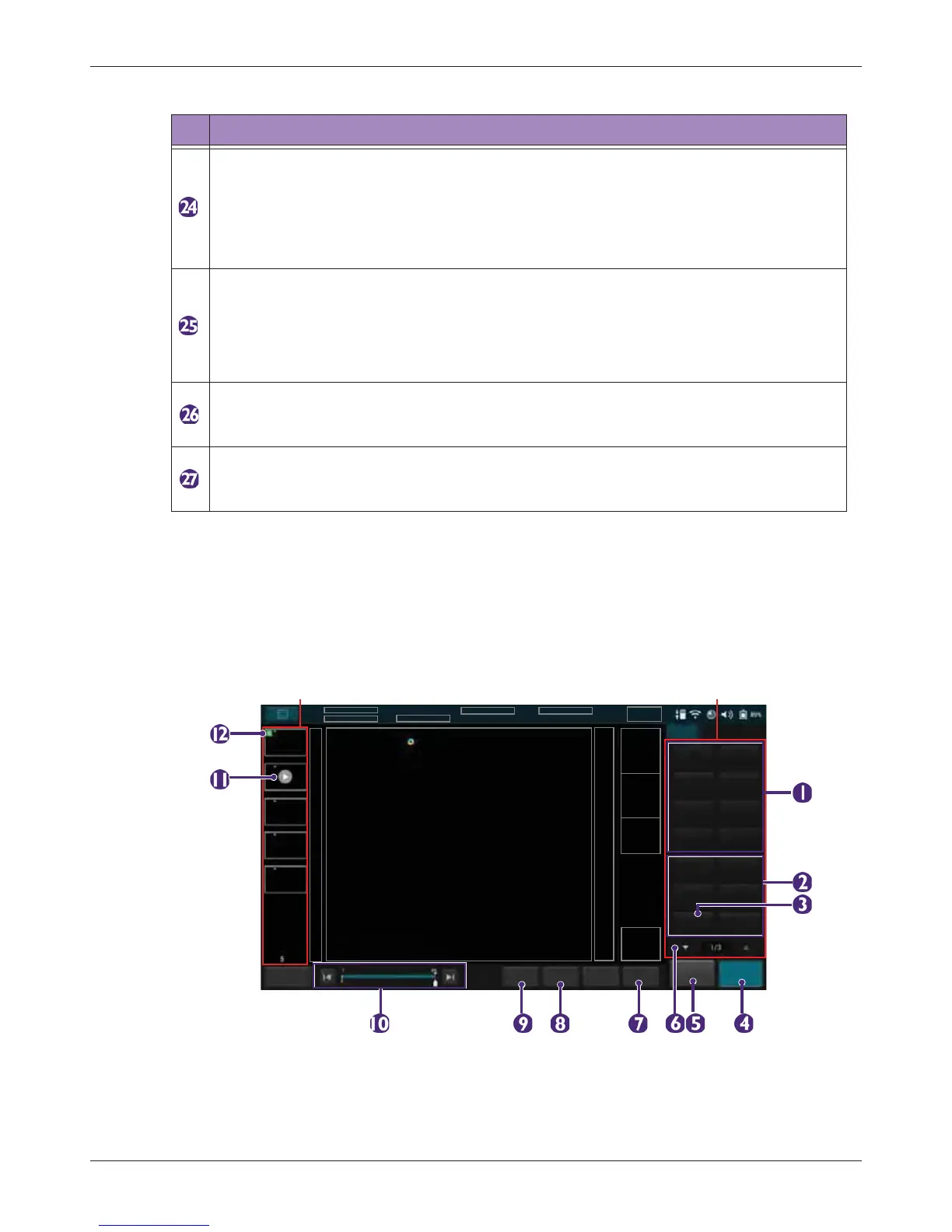
5.6.3 Imaging Screen (Frozen)
During an exam, touch Freeze to review all the ultrasound images stored in the cine buffer frame by
frame, or play back these frames in a continuous loop. You can also measure, calculate and add
annotations to the frozen images or loops.
Ultrasound imaging area
Display the 2D imaging window in all scan modes. By default, the top area is close to the
region located near the transducer surface (near field). When scanning in M-Mode/PW
Doppler/Triplex modes, the Time Series window displays under the 2D imaging window.
The time increases from left to right and re-starts from the left again. The imaging area
displays as common usage.
• Resolution (High Resolution): Touch this button to view a clearer yet superficial
image.
• General (General Resolution): Touch this button to view a general resolution image.
• Penetration (Deep Penetration): Touch this button to view a deeper yet less clear
image.
End Exam button
Close the current exam for the current patient, and start a new exam for the next patient.
All the value settings adjusted during this exam will be stored automatically.
Thumbnail area
Thumbnails of the scanned images/loops that are saved. Flick vertically to scroll through
the list.
Table 6 Real-time Imaging
No. Function



 To Next Page