Using the System
T3300 Diagnostic Ultrasound System | 49 | B00601-010 4/10/17
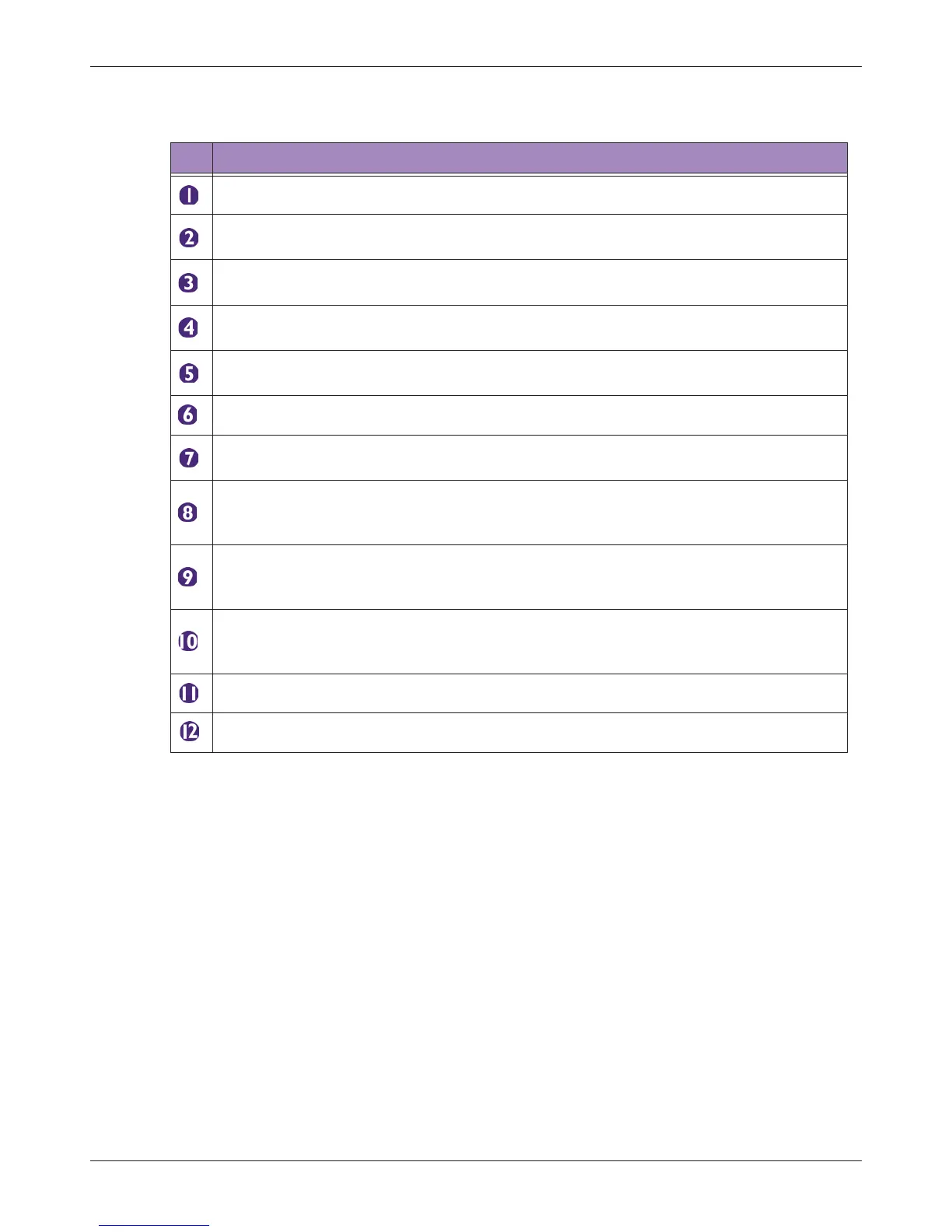
Table 7 Frozen Imaging
No. Function
Perform measurements and calculations on the current image.
Add annotations, including arrows, texts and body marks, to the current image using the
Virtual Keyboard.
Play button
Review the image loop just scanned. Touch repeatedly to start/pause the playback.
Freeze button (Enabled)
Touch this button again to return to the realtime scan.
Save button
Save a frozen image from an image loop to the system hard drive.
Open the next/previous page of the image control settings. (See page 52)
Home button
Return to the real-time imaging screen.
Set End button
During playback of the image loop, touch this button to set the end point of the image
loop.
Set Start button
During playback of the image loop, touch this button to set the start point of the image
loop.
The progress bar
Used to track the frames (in a continuous image loop) just scanned and the number of
the current frame.
Image loop.
This image is added to a report.



 To Next Page