Performing an Exam
T3300 Diagnostic Ultrasound System | 60 | B00601-010 4/10/17
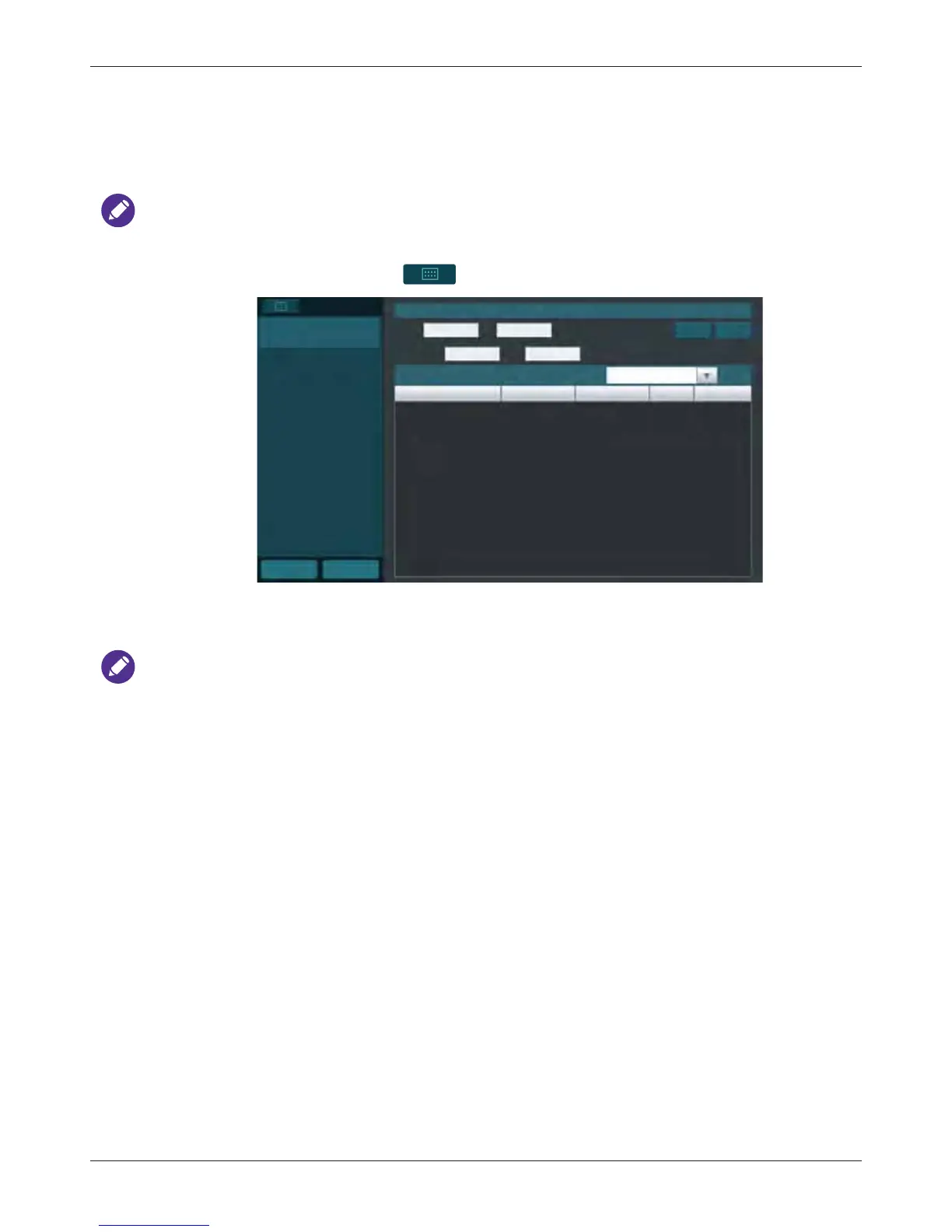
6.3 Loading a Worklist
The system conforms with the Digital Imaging and Communications in Medicine (DICOM) standard,
which is the industrial standard for the communication and management of patient data between
devices in the hospital. You can load patient information in a worklist via the DICOM server.
For more information on configuring DICOM settings, see "DICOM Configuration" on page 55.
1. On the imaging screen, touch > Worklist.
2. Select the number of patients to scan on the worklist from the drop-down menu.
3. Select a patient, then touch Start Exam to start scanning.
To scan patients following a specific rule, enter the query criteria in any of the Name / ID /
Accession# fields, and touch Query to start the query. Patients matching the query criteria will be
listed on the screen.
6.4 Selecting a Preset
The system provides predefined presets for all supported transducers. Choosing an exam loads
optimized presets for image control settings, based on the anatomy to be scanned, the transducer
used, and the scan mode. The presets also specify the measurements appropriate for the exams.
20
Start Exam
Home
Previous
WorkList
Query Worklist
Name ID
Accession# Date
Query Clear
Worklist:
0
records
Name ID Accession# Gender DOB
Query



 To Next Page