Using the System
T3300 Diagnostic Ultrasound System | 50 | B00601-010 4/10/17
5.6.4 Quick Setup
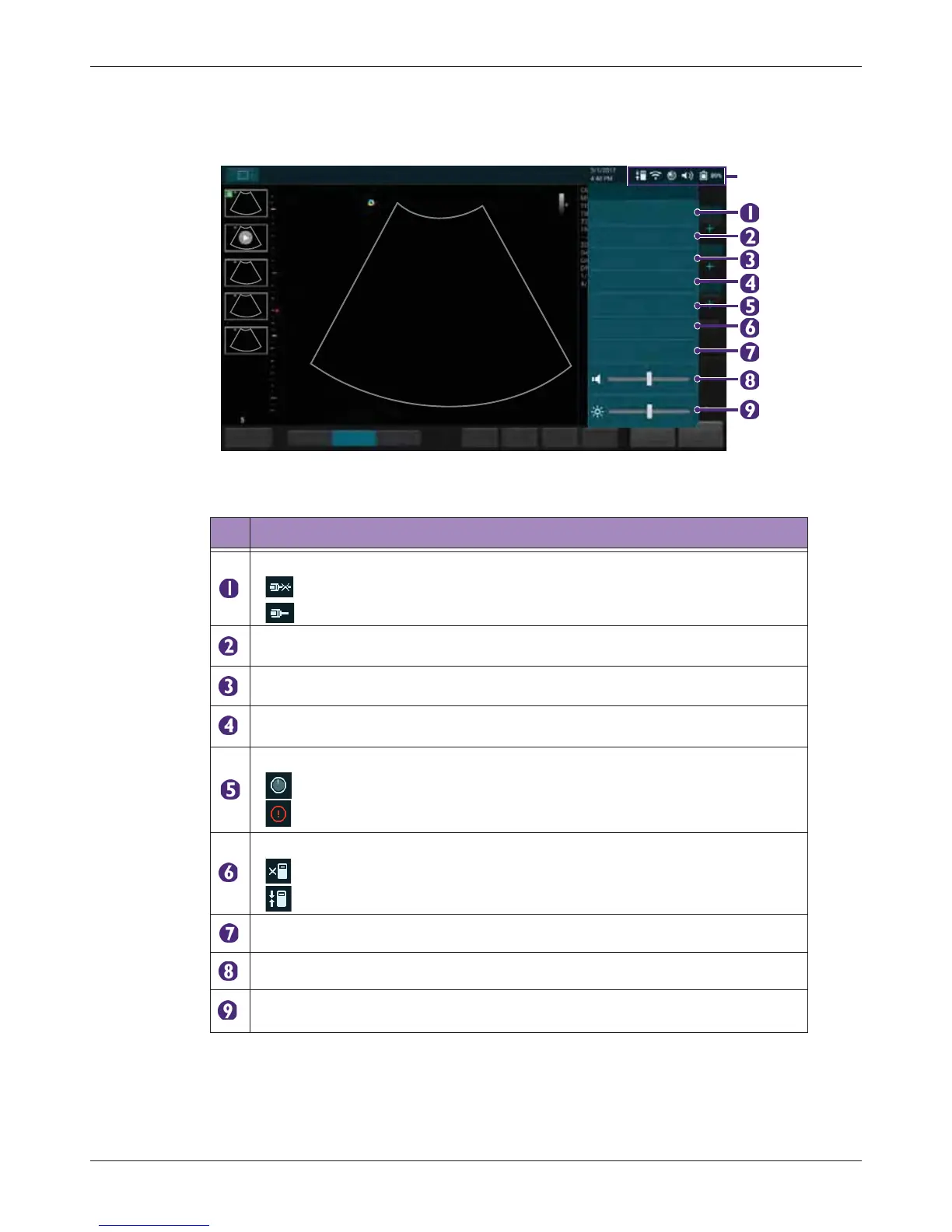
Touch anywhere on the system toolbar to open the Quick Setup menu. Touch an item to adjust its
setting.
Table 8 Quick Setup
No. Function
Manage the LAN connection. (See page 54)
• : LAN Disconnected
• : LAN Connected
Enable/disable the WiFi function. (See page 54)
Enable/disable the Bluetooth function. (See page 55)
Cast the system screen to an external display. (See page 57)
Display the percentage of the system storage used. (See page 53)
• : Storage usage empty
• : Storage usage full
Check and manage outgoing queues to the DICOM server. (See page 55)
• : DICOM Disconnected
• : DICOM Connected
Set current date and time. (See page 42)
Adjust the volume.
Adjust the brightness.



 To Next Page