Using Image Controls
T3300 Diagnostic Ultrasound System | 85 | B00601-010 4/10/17
7.4 Spectral Doppler Mode Image Controls
7.4.1 Overview
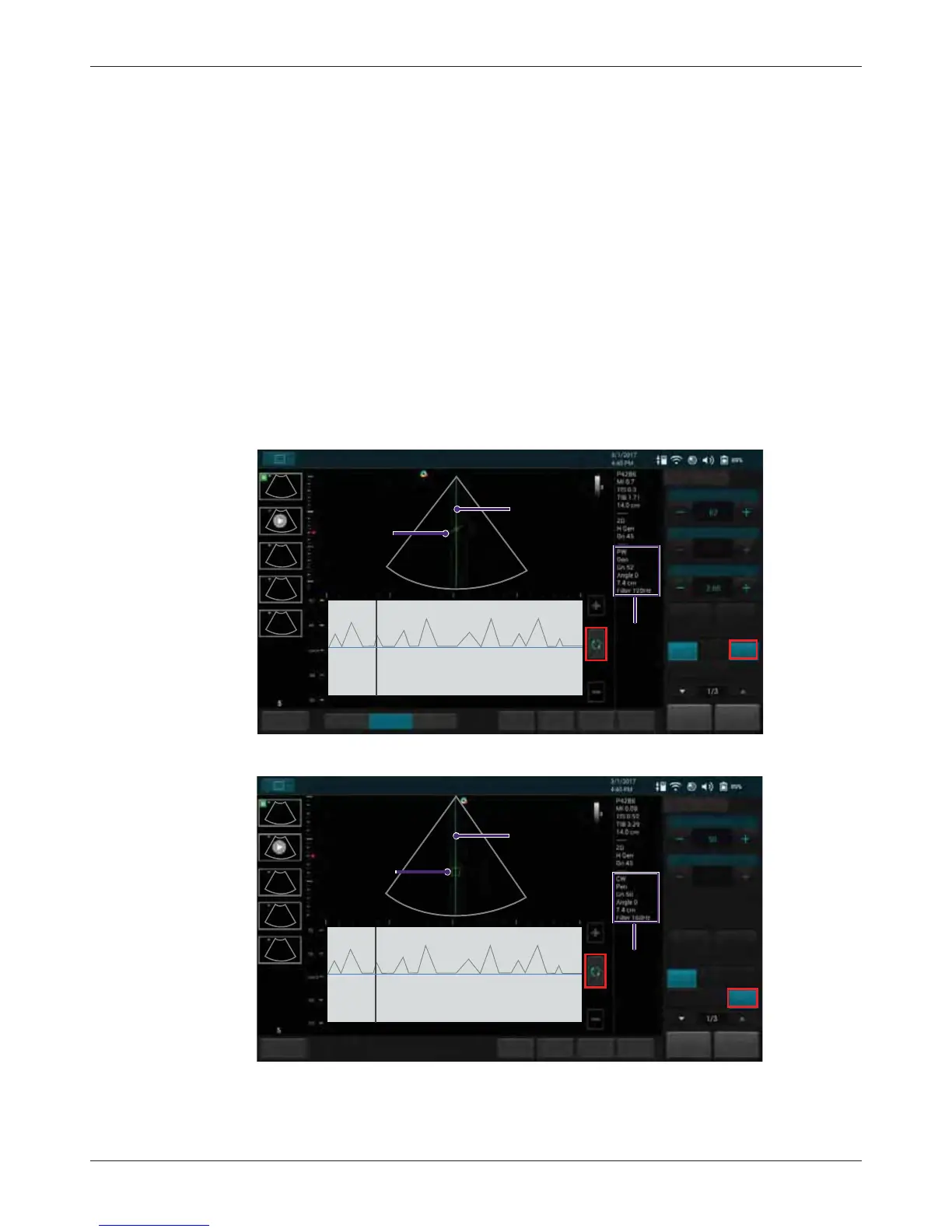
Pulsed-Wave Doppler (PW) and Continuous Wave Doppler (CW) are collectively called Spectral
Doppler mode. A Spectral Doppler scan produces a series of pulses used to study the motion of
blood flow selectively in the region of interest. PW/CW modes display scan data of the anatomy in
the 2D Imaging window for monitoring the exact location of the sample volume, and display the PW/
CW data acquired in the Time Series window. The X axis of the graph represents time, and the Y
axis represents Doppler frequency shift. The shift in frequency between successive ultrasound
pulses, caused mainly by moving red blood cells, can be converted into velocity and flow if an
appropriate angle between the insonating beam and blood flow is known.
PW mode examines blood flow data selectively in a small region along a desired ultrasound cursor
(the Spectral Doppler cursor), called the sample volume or range gate. A short line across the
sample volume is called the Flow Direction cursor. This cursor line should be aligned to the blood
flow direction when measuring the flow velocity.
Drag the Spectral Doppler cursor horizontally and the sample volume vertically to the target position
to determine the presence of blood motion.
CW mode examines the flow data along the Spectral Doppler cursor rather than a small region.
Save
Freeze
HomeTGC
ResolutionGeneralPenetration
Gain
Steering
Angle
B Color PW
MPower
PW
Cardiac
B
PW mode
image
information
Invert
End Exam
Update
Spectral Doppler
Tuning
-60,0,60
SV Size
cursor
Flow direction
cursor
Fn Key
Save
Freeze
Home
TGC
Gain
Steering
Angle
B Color PW
MPower
CW
Cardiac
B
CW mode
image
information
Invert
End Exam
Update
Spectral Doppler
Tuning
-60,0,60
cursor
CW
CW cursor
Fn Key



 To Next Page